
Conveyor Belt (for Marking)
Manual loading is a Hobby. This is a Business.
Pick up a part. Put it under the laser. Press start. Wait. Pick it up. Put it in a box. Repeat 500 times. Your back hurts. Your thumb is tired. And the laser spends half its life waiting on you.
A conveyor belt flips that script. Parts ride in under the laser, get marked automatically, and ride out the other side. You just keep the hopper full and grab the finished box. The laser marks. You supervise.
Features & Highlights
of Conveyor Belt (for Laser Marking)
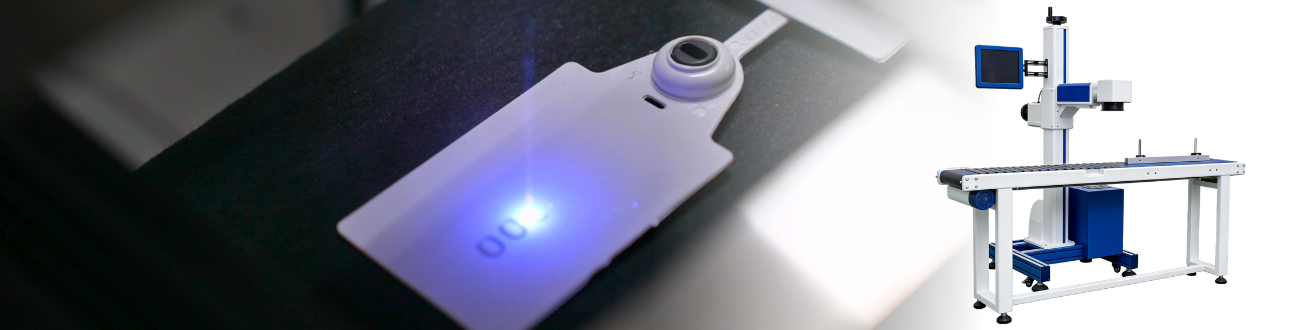
- Continuous Feed & Marking No stopping to load. No waiting. Parts move, laser fires, repeat.
- Adjustable Speed to Match Slow it down for deep engraving. Speed it up for simple date codes. You’re in control.
- All Intergrated Trigger the belt from your marking job. Part moves, laser fires, belt advances. All coordinated.
- Industrial Grade Belt Real tracking. Real tension adjustment. Runs all day without wandering off track.
Indexing Mode
In indexing mode, the belt moves one part, stops, waits for the laser, then moves the next. Perfect for serialized parts or batch marking.
Photo Eye Ready for Fully Automatic Operation
Add an optional sensor, and the belt becomes smart. Part breaks the beam, belt stops, laser fires, belt resumes. No computer needed for basic trigger logic.
Industry & Application
Designed for your Niche
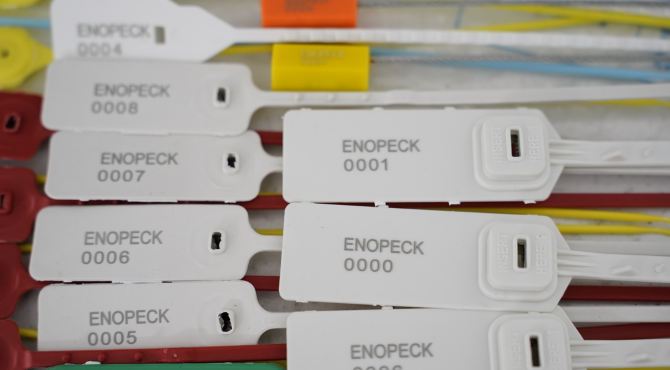
Stop Feeding your Laser One Piece at a Time
A laser marks a part in two seconds. But loading, aligning, and unloading takes eight seconds. Suddenly you’re at ten seconds per part, or 360 parts per hour. Meanwhile the laser itself is only firing 20% of the time. That’s a material handling problem.
A conveyor belt doesn’t make your laser faster. It makes your process faster. Load a tray of parts on one end. Let the belt feed them in. Your laser runs at 100% duty cycle.
Your throughput triples. And you stop being the bottleneck.
Technical Specifications
of Conveyor Belt (for Laser Marking)
Full Integration Package
Belt, sensor, PLC interface, and software plugin. Turns your standalone marker into a true automated workcell.
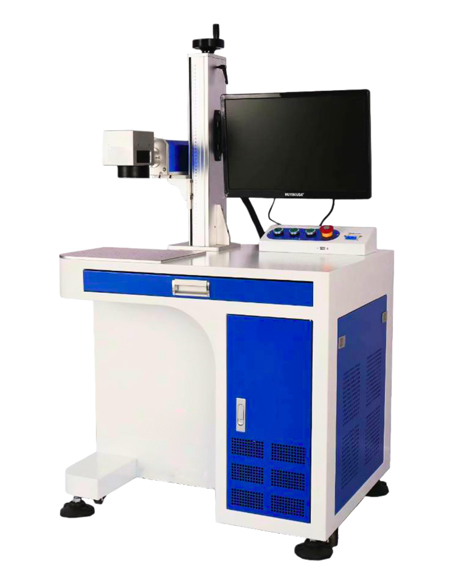
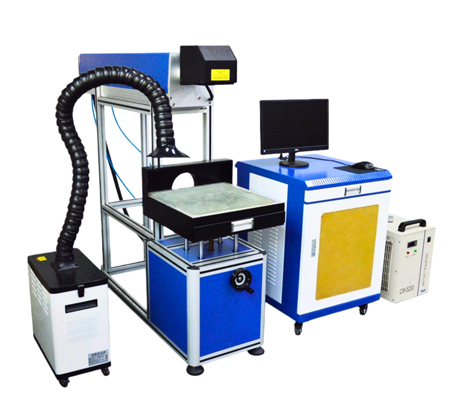
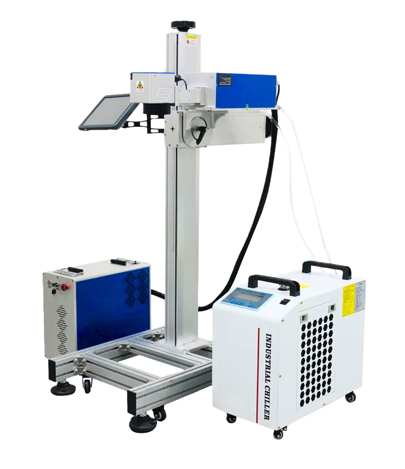
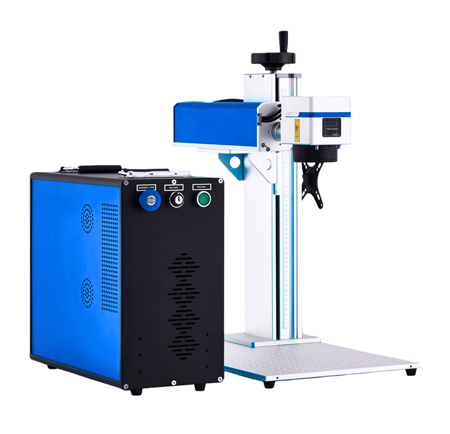
Suitable Machine
of Conveyor Belt (for Laser Marking)