Laser Solutions for Woodworking
Produce More. Waste Less. Impress Every Time.

Your expertise in wood is a given. Our expertise is in providing you with the laser technology to apply that expertise more effectively.
We supply industrial grade laser machines that handle the material you work with every day.
From plywood and maple to oak and bamboo, with unmatched precision and efficiency.
Achieve sharp, sealed-edge cuts without sanding, etch intricate graphics with photographic detail, and add value through permanent branding.
Wood is your medium, but our innovation is your edge.
Move beyond the friction, force, and tool wear of mechanical cutting.
Laser processing is a non-contact technology that uses a concentrated beam of light to cut, engrave, and mark wood with unparalleled precision.
The result is not just a different method, but a superior outcome: cleaner edges, finer details, and no physical stress on your material.
Move beyond the limitations of blades and bits. Our laser systems use a high-powered beam of light to cut, engrave, and mark your wood projects with unmatched precision and consistency.
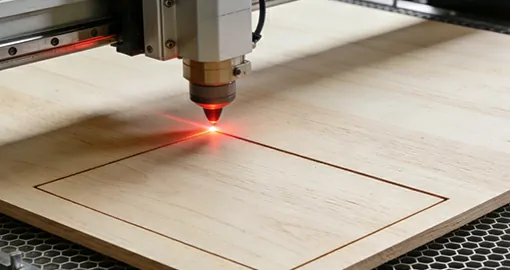
Laser Cutting: Flawless Edges, Intricate Details
Forget post-sanding and inconsistent results. The laser instantly vaporizes material along your digital design’s path, transforming sheets of hardwood, plywood, or basswood into finished parts.
Produce intricate furniture components, custom cabinet inlays, and delicate craft pieces with a perfect finish, right off the machine.
Whether it’s a single prototype or a production run of 500, the laser delivers the same flawless quality every time.
Why This Matters for Your Work:
Extreme Intricacy, Zero Tool Wear: Cut intricate designs and sharp corners that are impossible with a router, with no dulling bits to replace.
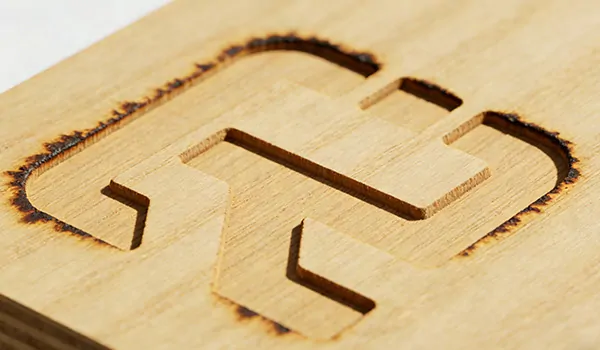
Sealed, Finished Edges: The laser’s heat seals the cut as it works, especially on plywood and MDF, delivering a smooth, finished edge that often needs no sanding.
Key Advantages of Laser Cutting for Wood:
No Contact, No Damage: Eliminate splintering, chipping, and tool marks on delicate woods and veneers.
Cut Any Wood, Not Just Some: Instantly switch between materials like hardwood, bamboo, plywood, and MDF with a software click—no physical tool changes.
Speed from File to Finish: Accelerate both one-off prototypes and high-volume production runs with rapid processing speeds.
Add branding, artwork, and serial numbers directly to your wood products without inks, dyes, or tooling. The laser creates permanent, high-contrast marks by altering the wood’s surface.
From subtle, surface-level marks for logos to deep, tactile engravings for a premium feel, adjust the laser’s settings to achieve the exact result you need.
The process is contactless, ensuring no damage to your material, and the marks are burned in for life.
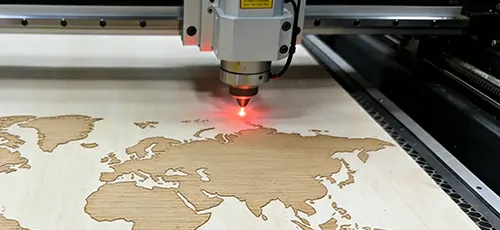
Why This Matters for Your Business:
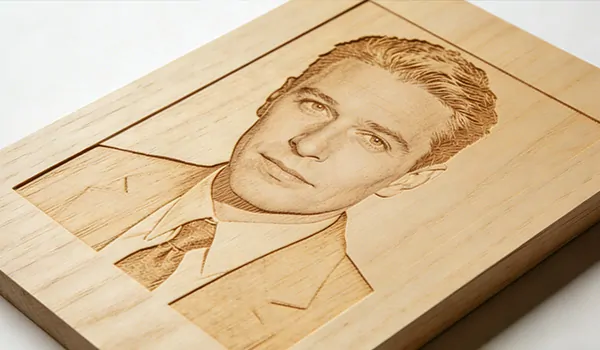
Photographic Detail & Total Consistency: Reproduce photographs and complex graphics with incredible detail and perfect, part-to-part repeatability.
High-Contrast Visual Effects: Achieve dark, burned marks on light woods like maple or a lighter, “frosted” effect on dark woods like walnut.
Key Advantages of Laser Engraving for Wood:
Truly Non-Contact Processing: Engrave without clamps or bits, guaranteeing no crushed veneers or marred surfaces on finished pieces.
Marks That Are Built to Last: The design is burned in, not painted on, making it resistant to fading, scratching, and wear.
Agility for Any Job Size: Switch from a one-off custom piece to a thousand-part batch in seconds by simply loading a new file, no tooling delays.
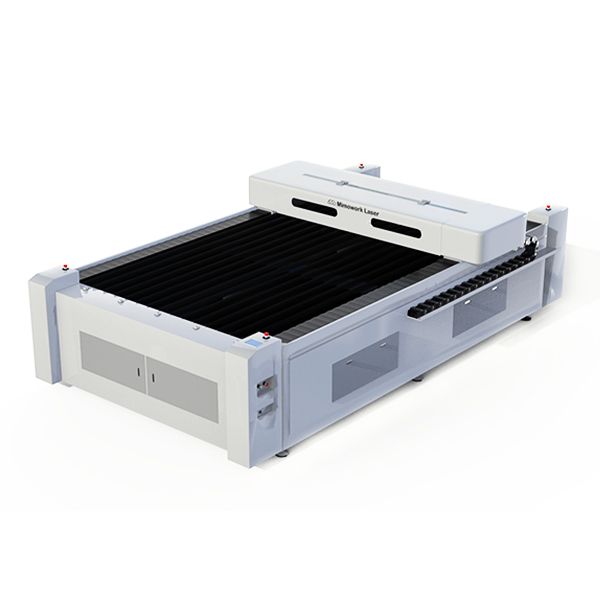
Built for Demanding Wood Shops:
The F130-L is engineered for volume and versatility. Process full 4×8 foot sheets of plywood, MDF, or acrylic with ease, turning large material stock into finished parts in a single cycle. This is the machine for cabinet components, architectural elements, and large-scale signage.
Tackle Thicker Materials with Ease: With high-power options up to 600W, you get faster cutting speeds and the ability to cleanly slice through thick hardwoods and dense plywoods, drastically reducing your production time per sheet.
Suitable for:
Shops processing full 4×8 ft sheets of plywood, MDF, or acrylic.
Businesses requiring high-speed cutting of thick hardwoods and dense materials.
Manufacturers of large-scale items like cabinet components, architectural millwork, and signage.
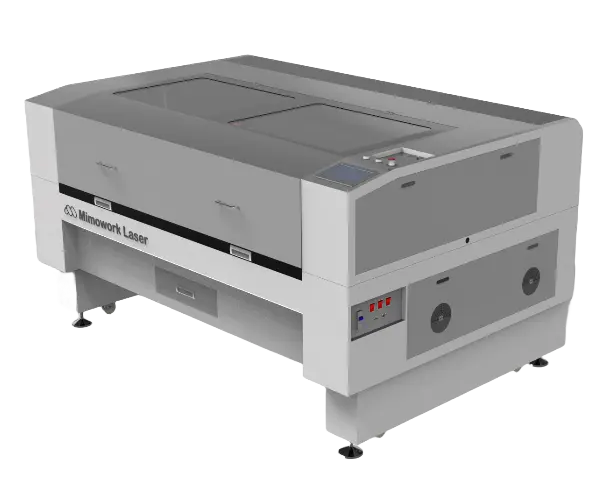
Master the Art of Fine Detailing:
The F100 is optimized for businesses where precision engraving is paramount. From personalized gifts and intricate inlays to branding on finished products, it delivers flawless, high-resolution results that command attention and higher price points.
Seamless Workflow with LightBurn:
Hit the ground running with native integration for LightBurn software. Its intuitive interface and powerful tools make design setup and machine control straightforward, reducing the learning curve and getting jobs to production faster.
Suitable for:
Small to mid-sized workshops focused on high-detail engraving and smaller cut parts.
Businesses creating personalized goods, intricate crafts, custom signage, and product branding.
Users who prioritize exceptional detail resolution and ease-of-use with LightBurn software.
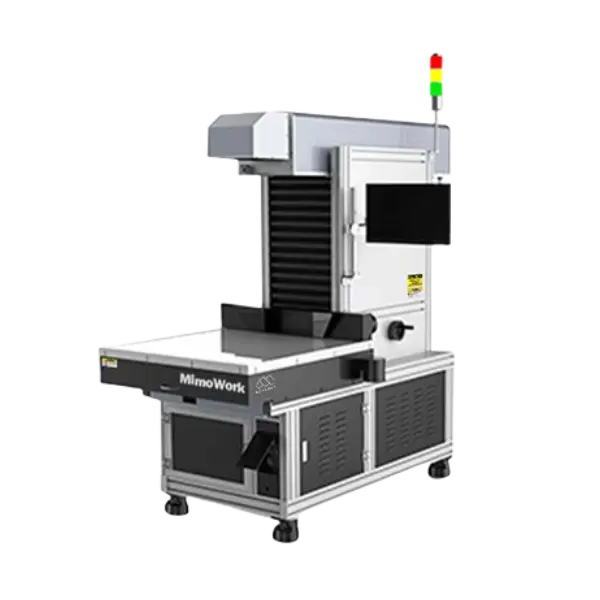
For Unmatched Speed on Flat Surfaces:
The G-40 uses a high-speed galvo system, making it the ultimate solution for branding, serial numbering, and decorating pre-assembled products. It marks in a fraction of the time of a traditional gantry laser, ideal for high-volume finishing.
Industrial-Grade Speed: Achieve marking speeds up to 15,000mm/s. Perfect for rapidly adding logos, barcodes, or serial numbers to finished goods like guitar headstocks, furniture components, and gift items without creating a production bottleneck.
Suitable for:
High-volume production lines needing rapid part marking, serialization, or branding.
Adding logos, barcodes, or designs to pre-assembled, flat-surfaced products like guitar headstocks or furniture pieces.
Operations looking to automate the marking process with solutions integration.
A laser system transforms your woodworking capabilities, allowing you to tackle both custom, high-value projects and efficient production work. From adding personalized details to creating complex components from scratch, the possibilities are vast.


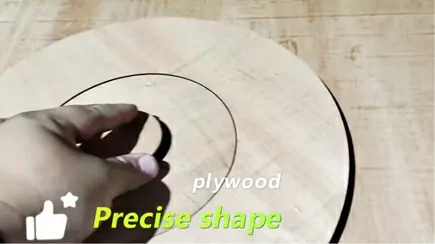
How to Cut Thick Plywood |CO2 Laser Machine
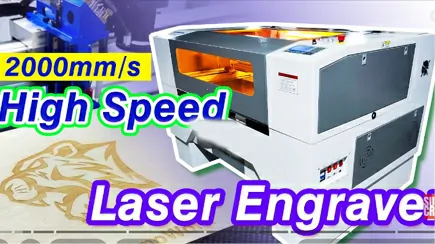
2023 Best Laser Engraver (up to 2000mm/s) | Ultra-speed
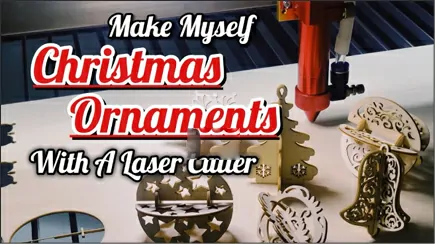
Wood Christmas Decoration | Small Laser Wood Cutter
Laser technology isn’t just a different way to cut, it’s a smarter way to run your shop. Here are the core advantages that directly impact your efficiency, quality, and profitability.
Unmatched Precision & Detail:
Achieve intricate shapes, razor-sharp corners, and engrave fine text or graphics that are impossible with mechanical tools. Perfect for complex joinery and brand-enhancing details.
Production-Ready Efficiency:
Go from digital file to finished part in minutes. There are no physical blades to change, and the non-contact process means no clamping or fixturing for many jobs, slashing your setup time.
Flawless, Finished Edges:
The laser seals the wood as it cuts, leaving a smooth, sanded-quality edge that is often ready to use straight from the machine, eliminating a costly post-processing step.
Maximized Material Yield:
The extremely narrow laser kerf (the width of the cut) and software nesting capabilities minimize waste, allowing you to get more parts from every sheet of material and directly improve your bottom line.
Zero Tool Wear:
Unlike router bits that dull and need frequent replacement, the laser beam never wears out. This eliminates a recurring cost and ensures consistent cut quality from the first part to the thousandth.
Our machines are built for performance, and these optional upgrades solve specific production challenges:
Laser-cutting wood is a streamlined process, but mastering it requires understanding the key steps for a flawless result. Here is a professional workflow to ensure quality and efficiency in your shop.
Burning and charring are common challenges, but they are easily managed with the right techniques. Here are our top professional tips for achieving clean, burn-free results.
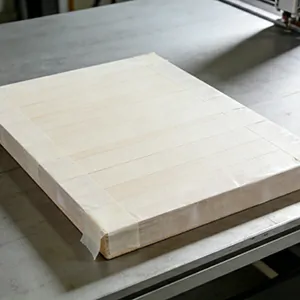
Use High-Tack Masking Tape:
Apply a layer of transfer tape (like application tape for vinyl) to the wood surface before engraving or cutting. The laser will burn the tape instead of the wood surface, which you peel away afterward to reveal a pristine finish.
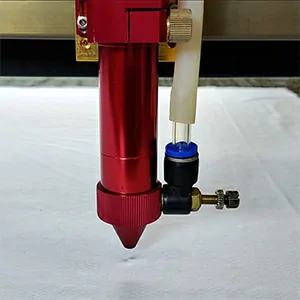
Optimize Your Air Assist:
Ensure your air assist compressor is set to a strong, consistent pressure. A focused stream of air blows away combustible gases and cools the cut edge, which is critical for reducing flare-ups and charring, especially on resins woods like pine.
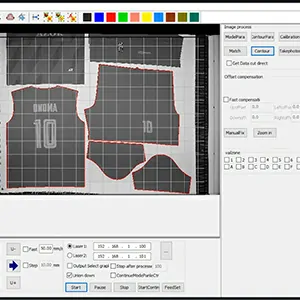
Find the “Sweet Spot” with Speed and Power:
Often, using a higher speed with sufficient power produces a cleaner cut than a slow, high-power setting that overheats the wood. Test settings on a scrap piece to find the perfect balance for your material.
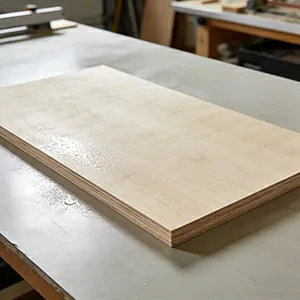
Consider Soaking for Delicate Jobs:
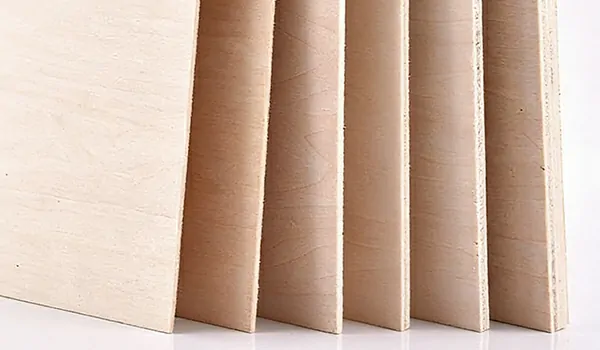
For very thin woods like baltic birch plywood or basswood, lightly soaking the material beforehand can inhibit burning. Ensure the wood is damp, not wet, and dry it thoroughly after cutting to prevent warping.
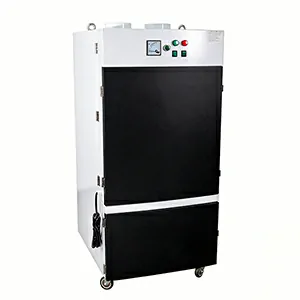
Upgrade Your Exhaust:
A strong ventilation system that effectively removes smoke and particulates from the cutting area will prevent soot from settling back onto the workpiece, keeping it cleaner.
Both CNC routers and laser cutters are powerful digital fabrication tools, but they excel at different tasks. The best choice for your business isn’t about which machine is “better,” but which is the right tool for the jobs you do most.
A CNC router is a mechanical tool that uses a spinning bit to carve away material. Think of it as a highly automated, ultra-precise milling machine.
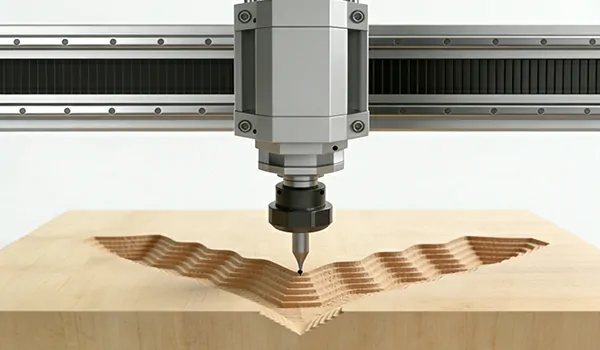
True 3D Capability:
Its ability to move the Z-axis independently allows for deep carving, V-grooving, and creating complex three-dimensional contours and reliefs that are impossible for a laser.
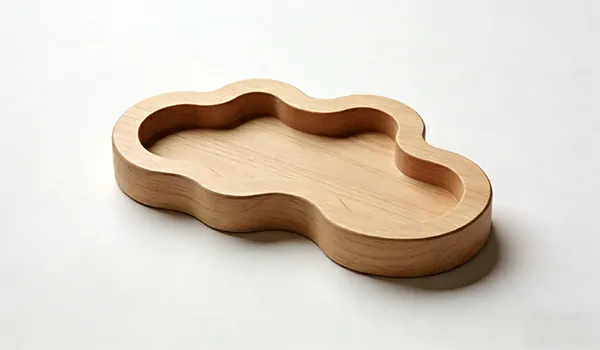
Superior for Rounded Edges:
Excelles at producing smooth, rounded profiles and handling large, gradual curves with a flawless finish straight from the tool.
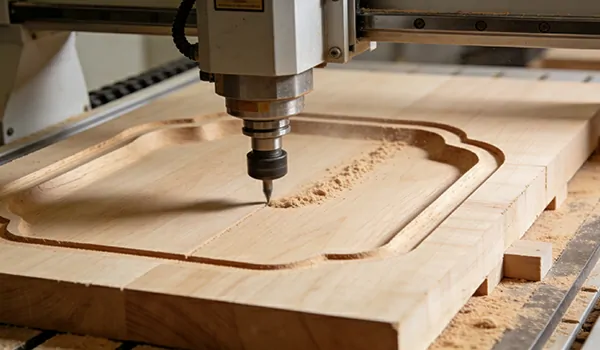
Ideal for Large-Scale Profiling:
Perfect for cutting out large parts from thick, dense hardwoods where the brute-force mechanical action is more effective than thermal energy.
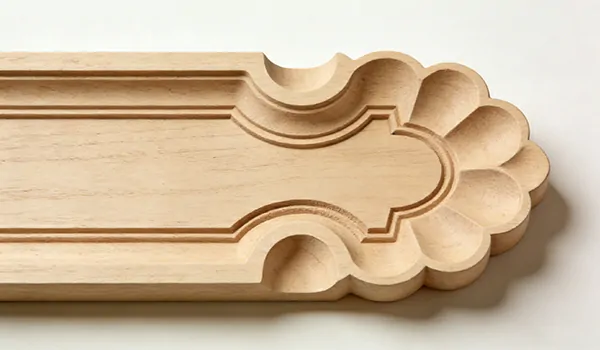
No Thermal Marking:
The mechanical process leaves the natural wood color untouched, with no chance of burning or discoloration.
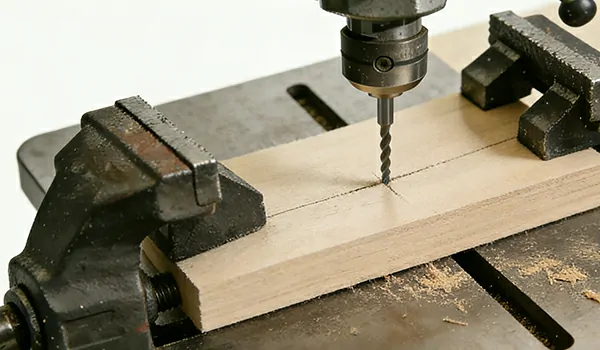
Physical Stress:
The cutting force requires strong clamping, which can be a challenge for thin, delicate, or warped materials.
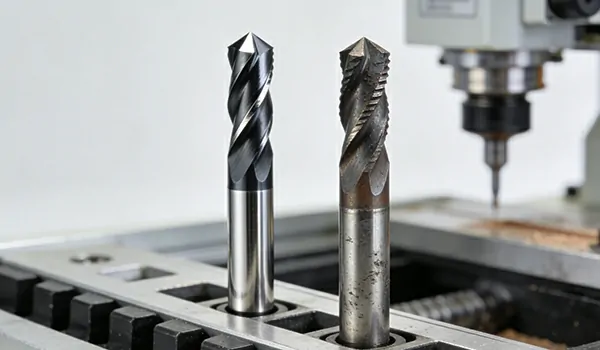
Tooling Costs & Wear:
Router bits dull over time and must be replaced, adding to operational costs and requiring recalibration for consistent results.
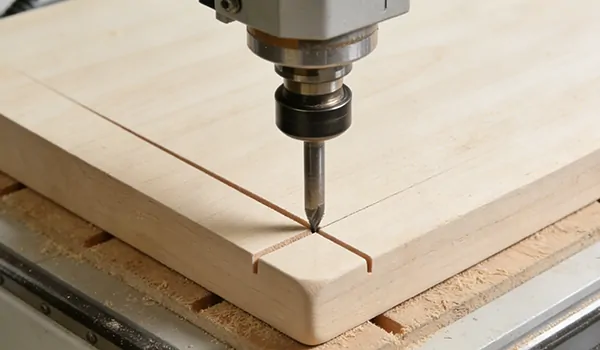
Kerf and Detail Limitation:
The cut width (kerf) is determined by the bit’s diameter, limiting the fineness of internal corners and intricate details compared to a laser.
A laser cutter is a thermal tool that uses a focused beam of light to vaporize material. It is the ultimate instrument for detail and efficiency in flat work.
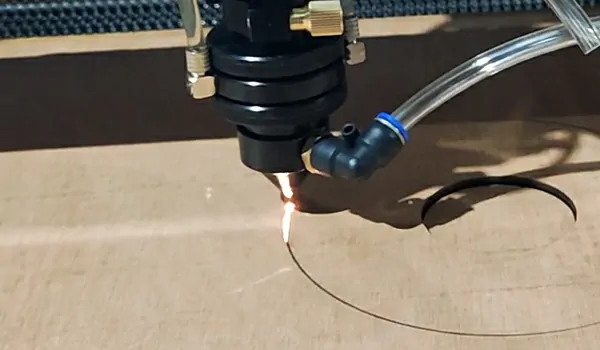
Unbeatable 2D Precision:
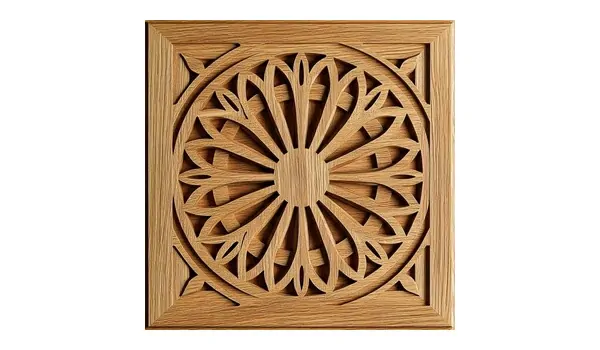
The laser’s pinpoint beam can achieve incredibly fine details, sharp corners, and complex patterns that would break a router bit. It’s ideal for intricate inlays, delicate fretwork, and fine text.
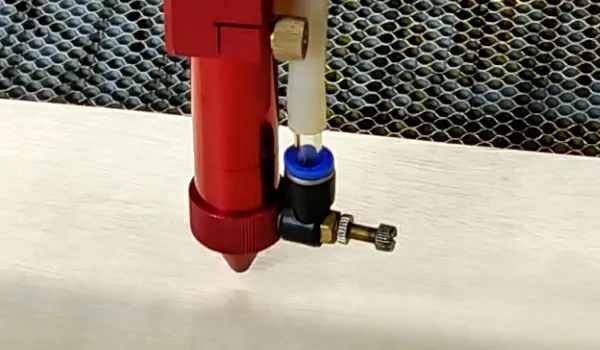
Non-Contact Processing:
With no physical force exerted, there is no need for heavy clamping. This allows you to process delicate veneers, thin woods, and even finished pieces without risk of damage.
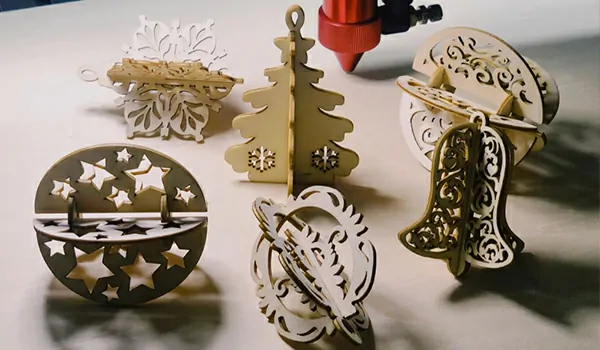
Sealed, Finished Edges:
The heat from the laser seals the wood grain as it cuts, resulting in a smooth, finished edge that often requires no additional sanding.
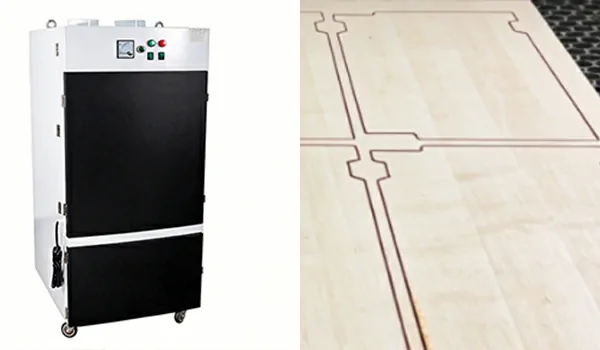
High Efficiency & Minimal Waste:
With no tool changes and a very narrow kerf, lasers offer rapid prototyping and production with maximum material utilization from your sheets.
Limited 3D Capability:
Lasers are primarily for cutting, engraving, and marking on a 2D plane. They cannot perform true 3D carving or create rounded edges.
Thermal Byproducts:
The process can produce charring or dark edges (though this can be managed with techniques and settings). It also requires robust ventilation/fume extraction.
Material Thickness Limitations:
While powerful lasers cut thick materials, there is a practical limit where a CNC router’s mechanical action becomes more time-efficient.
your work revolves around 3D carving, sign-making, furniture components with rounded profiles, and heavy-duty machining of thick stock.
your focus is on intricate 2D cutting, high-detail engraving, producing flat components with complex joints (like puzzle boxes), and adding value through personalization and branding.
Many successful woodshops find that a CNC router and a laser cutter are not competitors, but complementary tools that together unlock a much wider range of products and services.
Yes, absolutely. CO2 laser cutters are exceptionally effective at cutting wood, producing clean, sealed edges with precision that mechanical tools can’t match. They work brilliantly with plywood, MDF, hardwoods like maple and oak, and softwoods like basswood and cedar.
The maximum thickness depends on the laser’s power and the wood’s density. As a general rule:
A 60W-100W laser can comfortably cut woods like plywood and basswood up to 1/4″ – 1/2″.
A 150W-400W laser is ideal for production work, cutting up to 3/4″.
High-power 600W lasers can process some woods up to 1 inch, but cutting speed and edge quality become significant factors.
For the cleanest cuts and best efficiency, we recommend sizing your laser power to match the majority of your material thickness.
While both create a mark by darkening the wood, the technology and results are vastly different:
Laser Engraving is a digital, non-contact process. A computer-guided laser vaporizes the wood surface with microscopic precision, allowing for perfectly consistent, intricate designs, logos, and even photographs at high speeds.
Wood Burning (Pyrography) is a manual, artistic process using a hand-held hot tool. The results are variable and depend entirely on the artist’s skill, making it unsuitable for precise, repeatable production.
Most of our lasers are seamlessly compatible with LightBurn, which is the industry-preferred software for laser cutting and engraving. It offers an intuitive interface, powerful design and layout tools, and direct machine control. You can also import designs from other popular programs like Adobe Illustrator or CorelDRAW.
The process is straightforward:
Design: Create or import your graphic (a vector for lines, a raster image for shading).
Set Up: Place your wood on the bed. Our Autofocus feature can automatically set the perfect focal height.
Configure: In the software, select the right power, speed, and frequency for your wood type and desired effect.
Engrave: Start the job. The laser will automatically etch your design with perfect consistency.
While technically possible, fiber lasers are not the right choice for cutting wood. They use a different wavelength that is poorly absorbed by organic materials, resulting in inefficient cutting, excessive charring, and a high risk of fire. CO2 lasers are the industry standard for wood processing because their wavelength is perfectly absorbed, leading to clean, efficient cuts and high-quality engravings.
Staying competitive means anticipating market demands. The most successful woodshops are using laser technology not just as a tool, but as a strategic advantage to capture new customers and enter new markets. Here are the trends driving the industry forward.
Mass production is no longer the only path to profit. Consumers and businesses are demanding unique, customized, and personalized products. Laser systems are the engine for this shift, allowing you to:
Profit from One-Offs:
Efficiently produce single, customized items, from a personalized cutting board to a prototype architectural model, without the setup time of a CNC router, making short runs highly profitable.
Implement Agile Manufacturing:
Switch from producing 500 standard signs to 50 custom guitar bodies to 1 intricate jewelry box in minutes, just by loading a new digital file. Your production line becomes as flexible as your creativity.
The market now expects the artistry of handcrafted detail with the speed and consistency of mass production. Our lasers deliver both simultaneously.
Micro-Detailing for a Premium Feel:
Achieve intricate inlays, engrave photographs with stunning clarity, and cut impossibly small parts that justify a higher price point and set your brand apart.
Speed Without Sacrifice:
Technologies like bidirectional engraving double your output on detailed jobs, ensuring that higher quality doesn’t mean slower production.
Labor is a premium. Forward-thinking shops are integrating lasers into streamlined, semi-automated workflows to do more with their team.
Lights-Out Manufacturing:
With options like conveyor belt systems and CCD cameras for automatic part alignment, your laser can run batches of identical parts unattended, maximizing machine uptime and overnight production.
Seamless Digital Handoff:
From design software like LightBurn directly to the machine, the process is digital from start to finish. This eliminates translation errors and reduces the skilled labor required for machine operation.
Reducing post-processing is a direct line to higher profitability. Modern laser techniques are being used to create finished effects that require minimal additional work
The “Finished Edge”:
The laser’s heat seals the wood as it cuts, leaving a smooth, ready-to-use edge on many projects, drastically reducing or eliminating sanding.
Contrast Engraving:
By precisely controlling power and speed, operators can achieve a range of aesthetic effects—from a deep, dark burn on maple to a light, frosted contrast on walnut—creating visual depth without any stains or paints.
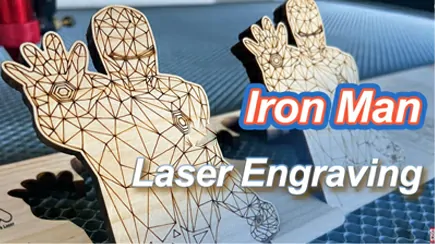
Engraved Wood Ideas | Best Way to Start a Laser Engraving Business
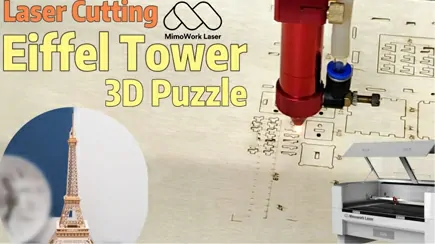
3D Basswood Puzzle Eiffel Tower Model| Laser Cutting American Basswood
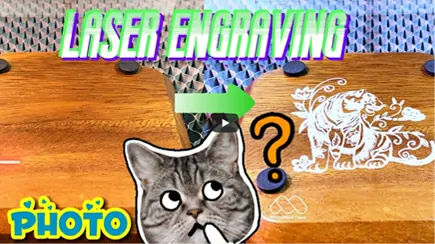
How-To: Laser Engraving Photos on Wood Fast u0026 Custom Design
