Blog
In a field that evolves daily, staying ahead means staying informed.
Explore in-depth articles designed to help you solve complex challenges,
maximize your machine’s ROI.
Stay ahead in a competitive market.


In a field that evolves daily, staying ahead means staying informed.
Explore in-depth articles designed to help you solve complex challenges,
maximize your machine’s ROI.
Stay ahead in a competitive market.
News | Jun-15-2026
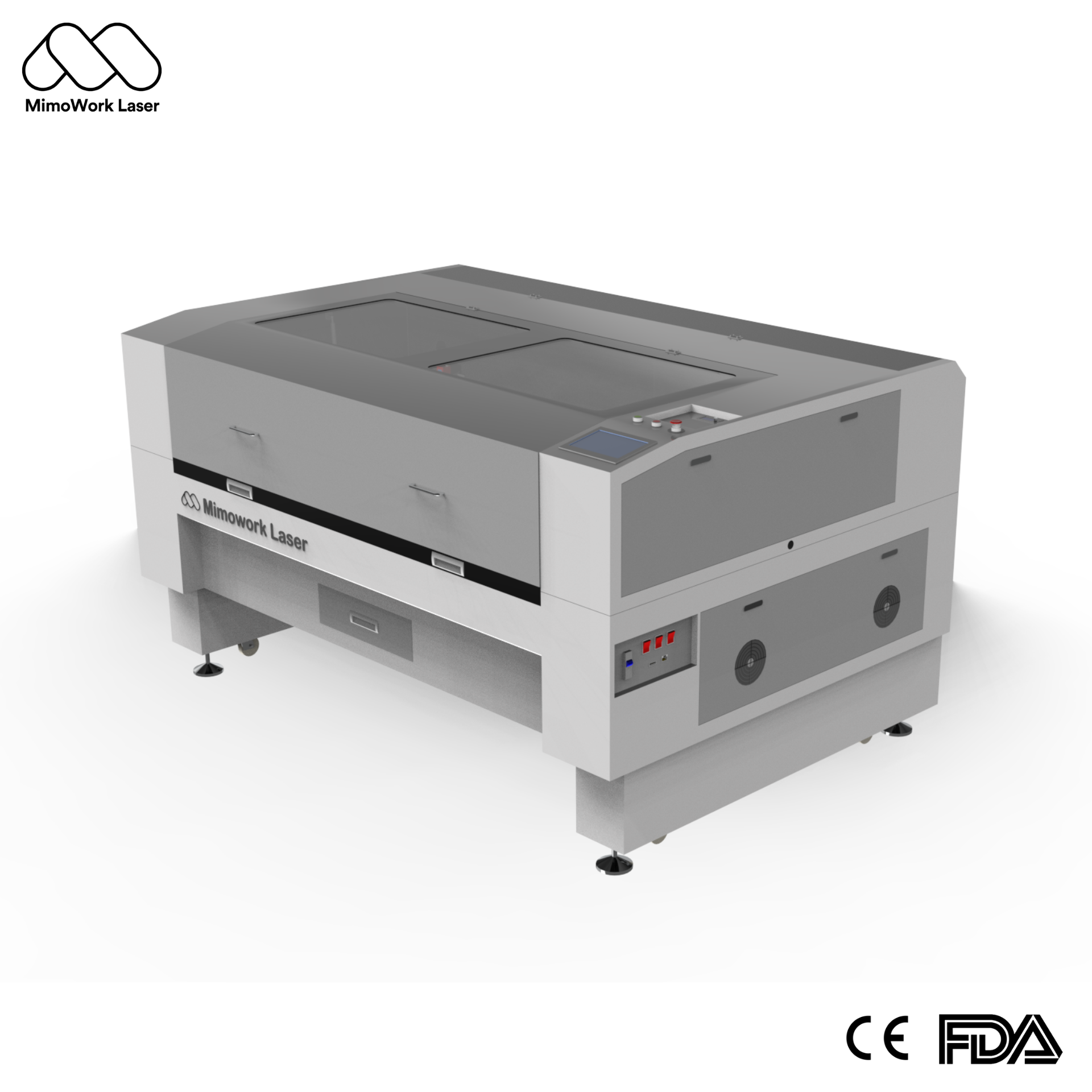
Shopping for a laser engraver doesn’t have to be such a headache. With countless models on the market, confusing technical parameters and exaggerated advertising slogans, many shoppers feel lost right from the start. A lot of people end up disappointed: some buy units that lack enough power for daily tasks, while others spend extra on fancy functions they will never put to use.
The whole selection process can be much simpler. Begin with this critical question:
What materials do you plan to cut and engrave most often?
If your projects mainly involve wood, acrylic, leather, fabric, paper, glass and other non-metal materials, a CO2 laser engraver will be your best bet. It works exceptionally well across all these materials and brings the best return on your investment.
If you focus primarily on metals like steel and aluminum, a fiber laser is the ideal choice.
Once you figure out this key point, you just need to check if other specifications fit your real work demands. This guide walks you through every step of choosing a laser engraver, helping you find a suitable model and spend your money wisely.
CO2 laser machines deliver power ranging from 40W to 300W. To pick the right one, just think about what you work with day in and day out.
A 40W to 80W laser is more than enough if your work involves engraving small items or slicing thin materials, including custom jewelry, wood stamps and leather crafts.
Those who split their work between engraving and cutting, and often handle 10–20 mm thick wood or acrylic panels, will find 80W to 150W the most functional option.
If you run high-volume production or need to cut extremely thick materials, go with industrial-grade lasers rated 150W to 300W. They are engineered to operate continuously 24 hours a day.
It’s smart to select a work surface that’s a bit bigger than your typical workpieces. This way, the device won’t feel restrictive once you start accepting larger orders later on.
For hobby creators and compact workshops: Desktop lasers with a workspace of 400*600 mm to 600*900 mm fit neatly on ordinary workbenches.
For small companies processing regular sheet materials: Mid-sized flatbed units (1300×900mm to 1600×1000mm) accommodate almost all standard sheet dimensions. These all-round machines are also our most popular picks.
For garment factories and large-scale production lines: Choose wide-format machines measuring 1600×1000mm and above. You can also add an automatic feeder, which lets you process full fabric rolls directly with no need for pre-cutting.
We suggest choosing equipment that works well with mainstream design programs including LightBurn, CorelDRAW and AutoCAD. You won’t be forced to pay for costly memberships, nor do you have to adapt to unfamiliar design routines.
Quality new machines are also equipped with user-friendly control panels. Even first-time users can get comfortable with basic functions within one to two hours.
Either buy a machine with these systems included, or budget to add them on – the savings on maintenance and defective parts easily pay for themselves:
When you run a business with CO2 lasers, reliable after-sales service matters far more than a low price tag. These machines are core production gear, and every single day they stop working will hit your bottom line.
Take time to pick a reputable brand. Make sure they have local service teams, spare parts you can get quickly, and a warranty of one to two years for all key parts.
You’d better steer clear of those super cheap unbranded units. If they break down and you cannot find parts or anyone to fix them, that pricey machine will end up sitting idle with no use at all.
For all Mimowork CO2 laser engravers, we provide a full one-year warranty covering the entire device. On top of that, our technical team offers ongoing support for life. Our service teams operate across major areas globally, so you will never have to deal with problems alone.
We’ve sold tens of thousands of laser machines over 10 years, and these are our most reliable, highest-value picks for every use case – you can buy these with zero guesswork:
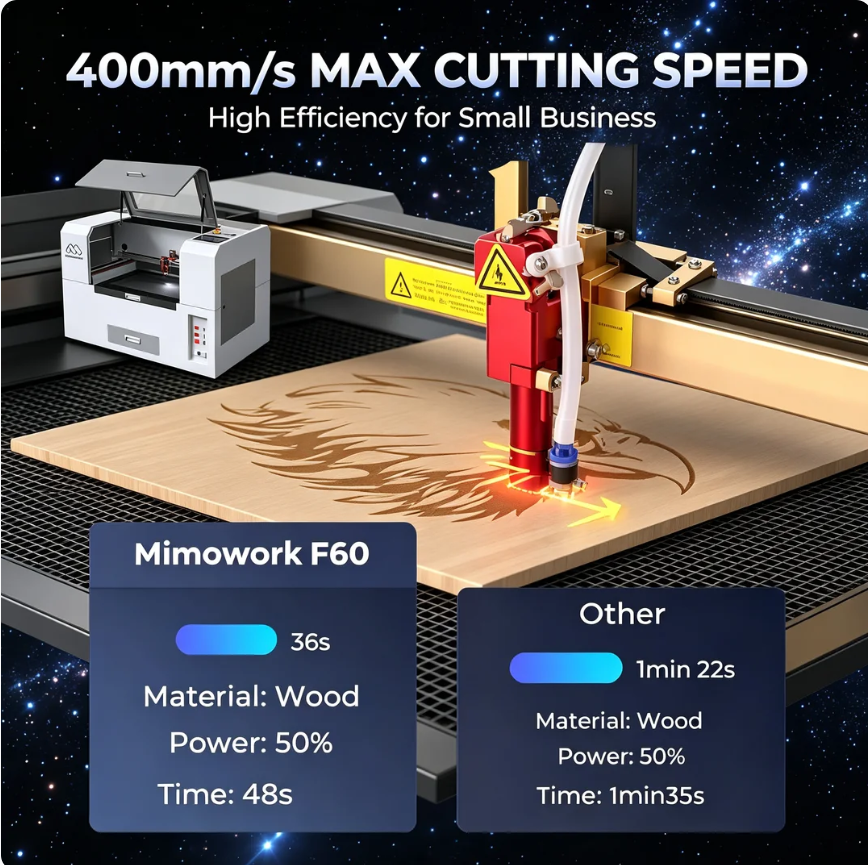
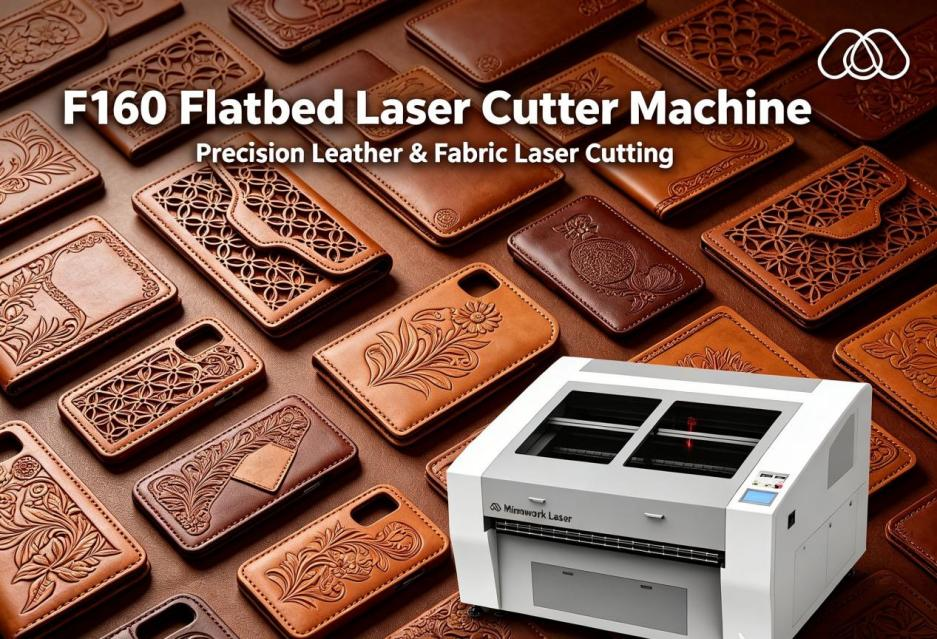
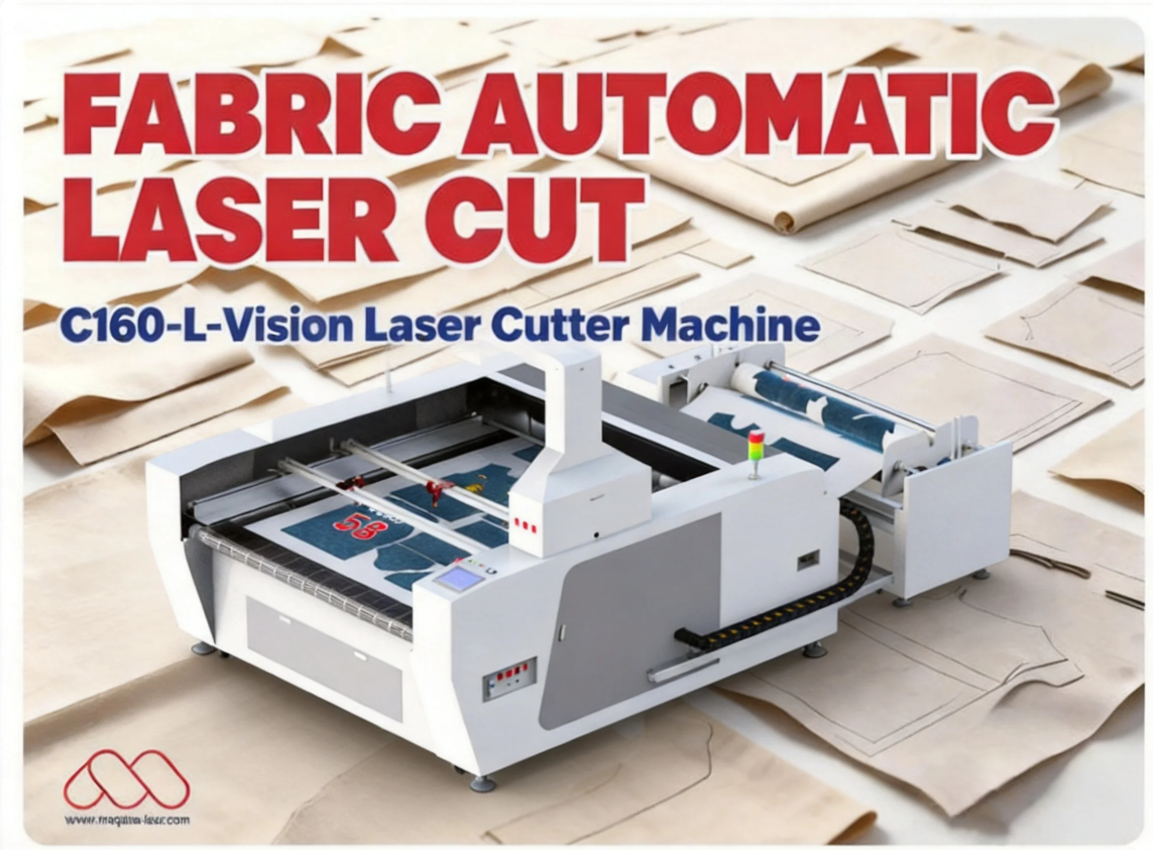
You can view the full specs of our entire CO2 laser engraver lineup on our Laser Cutting Solutions page, or reach out to our team for a free, personalized recommendation and custom quote – tell us what you’re making, and we’ll match you to the perfect machine.
1.Picking low-power devices with misleading specs to cut costs Plenty of budget models claim to deliver 80W power, yet actual power is only 50W. Such units struggle to cut thick materials or create steady engraving results. You’ll likely need to replace the machine far earlier than expected, which leads to bigger financial losses over time.
2.Choosing a workspace that is too limited New business operators usually begin with small-scale jobs. As their business expands, larger orders will keep coming in. If you opt for a work area a bit bigger than your current needs, you won’t have to invest in a whole new machine within one or two years.
3.Cutting corners on essential auxiliary systems Trying to save a small sum by skipping the water chiller or air assist is never a smart move. Just a few months down the road, you may face broken laser tubes or damaged lenses. The replacement expenses will add up to a huge figure.
4.Focusing solely on the initial price, ignoring ongoing part costs Some brands sell their machines at a low upfront price, but their replacement tubes, lenses and other components cost two to three times more than average. After three to five years of regular use, the extra spending will easily outweigh the money you saved at the start. Be sure to check the price of consumable parts before you make your purchase.
Nearly all non-metal materials: wood, acrylic, leather, fabric, paper, rubber, glass, ceramic, stone, and with special settings, coated metals and anodized aluminum too. The versatility is unmatched for general small business use.
The lifespan of a CO2 glass laser tube is not fixed; it primarily depends on your daily hours of usage and operational power settings. With proper maintenance and a reliable water chiller system, a high-quality glass tube can reliably last for several thousand hours. When a replacement is eventually needed, the cost will vary depending on your machine’s model and specific wattage, but it remains a highly manageable and standard periodic maintenance consideration for long-term production value.
Absolutely. All our machines come with full step-by-step video tutorials, and 1-on-1 support from our team if you need help. Most people learn basic operation and can run their first simple project in 1-2 hours.
Choosing a CO2 laser engraver doesn’t have to be complicated. Figure out what material you’re working with first, match the power and working area to your production volume, and pick a brand with reliable after-sales support – you won’t go wrong.
If you’re still not sure which model is right for you, head over to our Laser Cutting Solutions page to browse our full lineup, or reach out to our team directly. Tell us what you’re making, and we’ll give you a free, no-obligation recommendation to make sure you get the perfect machine for your business, no wasted money required.
News | May-27-2026
News | Apr-24-2026