Blog
In a field that evolves daily, staying ahead means staying informed.
Explore in-depth articles designed to help you solve complex challenges,
maximize your machine’s ROI.
Stay ahead in a competitive market.


In a field that evolves daily, staying ahead means staying informed.
Explore in-depth articles designed to help you solve complex challenges,
maximize your machine’s ROI.
Stay ahead in a competitive market.
News | Jun-9-2026
Many manufacturing facilities, signage shops, and maker studios frequently struggle with production bottlenecks such as rough material edges, material deformation, slow processing speeds, or high cutting tool replacement costs. Balancing upfront capital expenditure with long-term operational efficiency comes down to choosing the right tool for the job.
The two dominant options in today’s market — the Laser Cutter Engraver and the Traditional CNC Router — differ fundamentally in their processing physics and core strengths. This guide provides an objective, technical breakdown of both technologies to help streamline your procurement decisions.
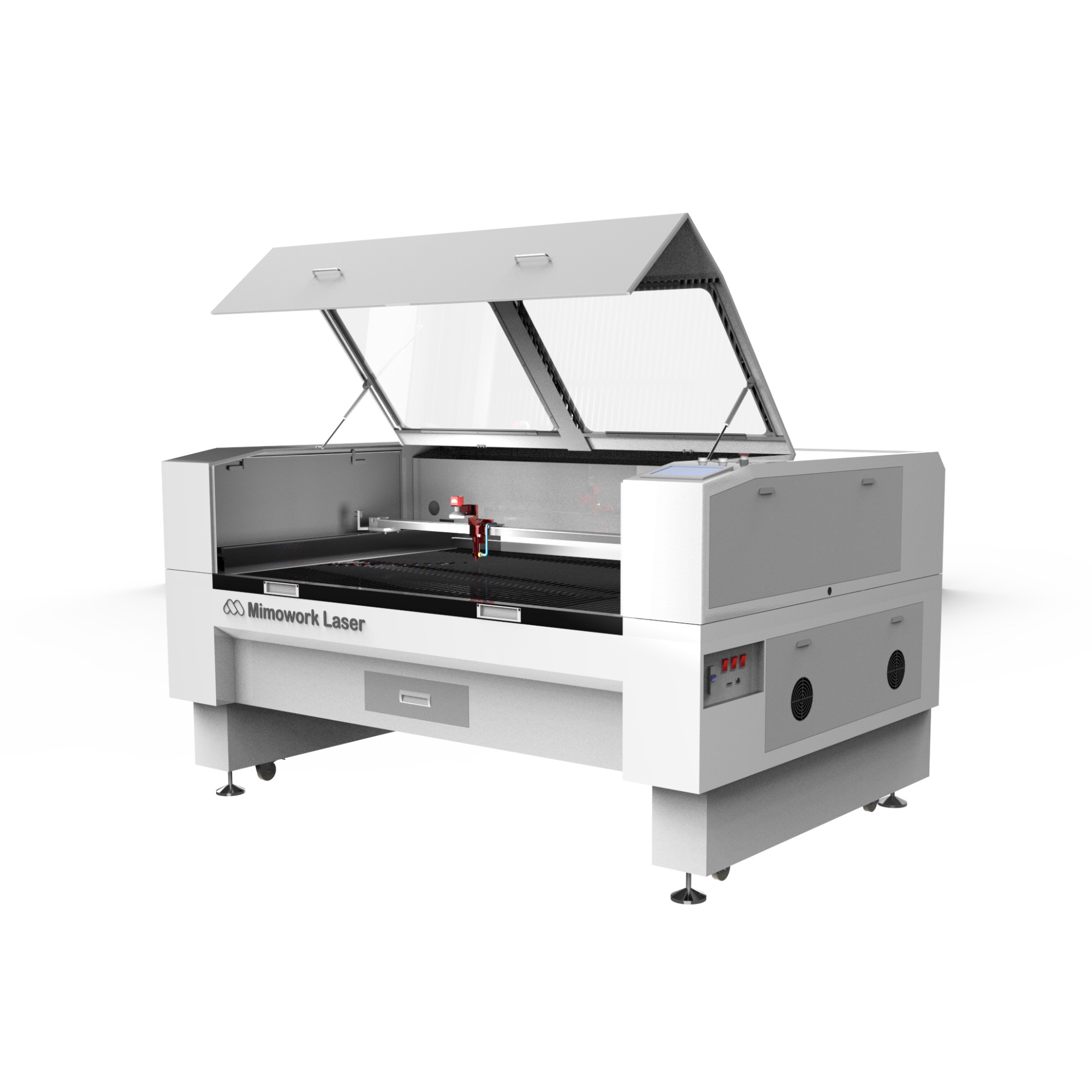
A laser cutter engraver uses a highly concentrated, high-energy-density laser beam as a contactless cutting tool. A CO₂ laser source generates the beam, which is directed through high-precision reflective mirrors and a focusing lens. Driven by a CNC motion system, the beam concentrates intense thermal energy onto the material’s surface. The substrate rapidly melts or vaporizes, while a synchronized air assist blows away the residue, leaving a precise kerf or clean surface etch.
CO₂ laser cutters are available with either a glass laser tube or a CO₂ RF metal laser tube, depending on your required precision, production intensity, and budget.
This machine does two things in one. Operators switch between modes just by changing laser power and speed in the software:
Super precise cuts: The beam is focused enough to make tiny details, sharp corners, and small text that a regular cutting bit can’t handle.
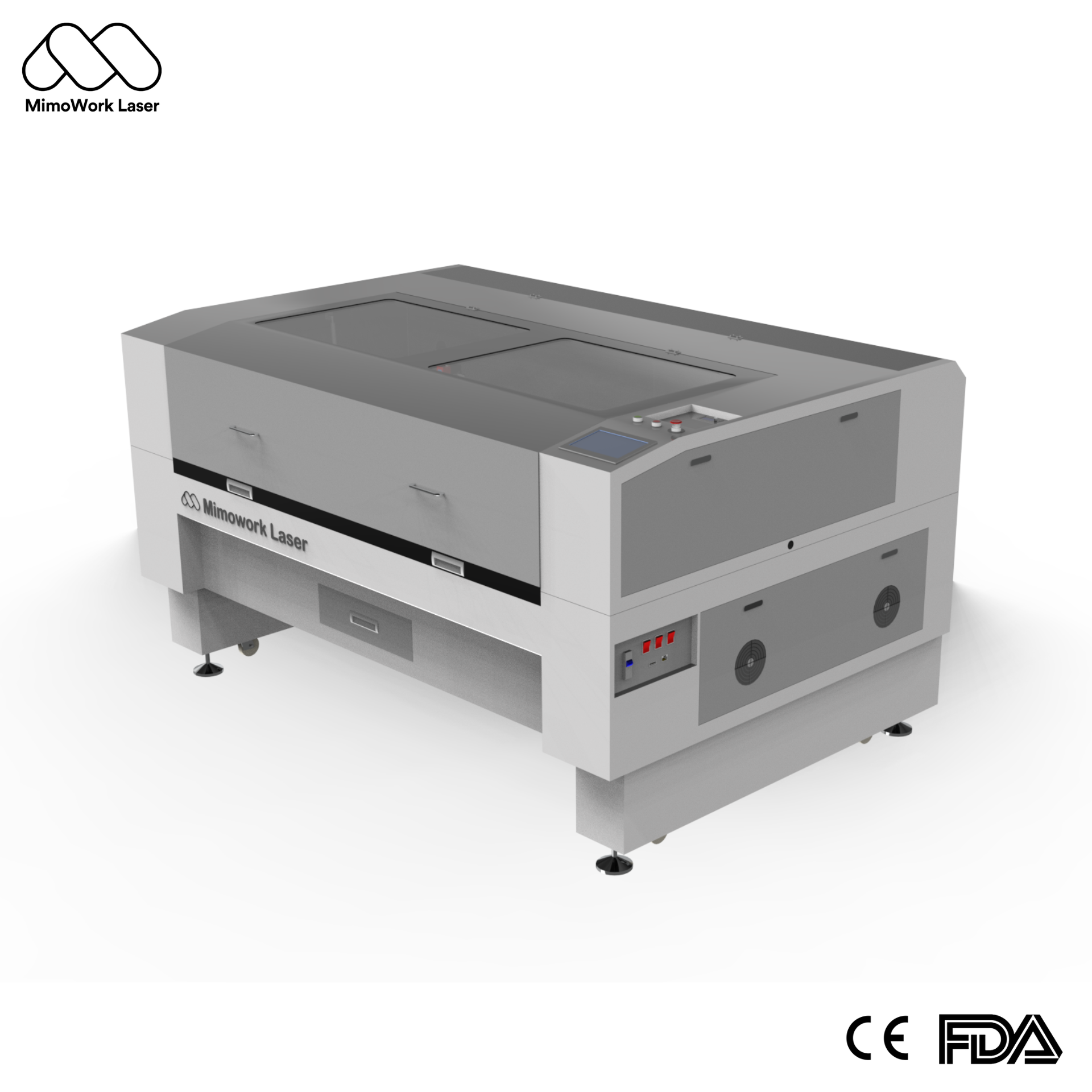
A traditional CNC router relies on a rotating, solid cutting tool to physically remove material from a workpiece. Guided by a CNC system, the spindle drives specialized bits — such as end mills, ball-nose cutters, or v-bits — across three axes. The tool shears and carves away the substrate to cut profiles, route channels, or pocket cavities.
• How it works: Cuts by milling, drilling, or routing material away. You’ll get chips or sawdust. That’s normal.
• Where it’s used: Higher torque and spindle power make it better at removing lots of material, especially on harder substrates. Think of metal molds, aluminum or copper parts, carved wood, or even stone.
| Feature | Laser Cutter Engraver (CO₂) | CNC Router (Traditional) |
| How they cut | Uses heat to melt or vaporize the material without touching it — no mechanical force at all. | Spins a cutting bit to carve the material physically, applying noticeable force. |
| Material types | Works best with non-metals like acrylic, textiles, leather, wood, plastics, and paper. | Handles hard materials like non-ferrous metals, dense composites, and thick timber. |
| Edge & surface finish | Fine, clean edges; acrylic comes out nearly polished straight from the machine. | Leaves visible tool marks; brittle non-metals may chip or produce rough edges. |
| Speed / throughput | Fast for 2D designs, intricate cutouts, and raster engraving. | Slower for deep profiles; multiple passes are often needed due to material resistance. |
| Learning curve | Easy: import your design, set speed and power, then run. Minimal setup needed. | Steeper: requires CAM programming, G-code toolpaths, spindle calibration, and secure clamping. |
Cannot cut bare metal: CO₂ laser cutters are designed for non-metal materials. They can mark metals such as anodized aluminum and coated metals, but cannot cut or deeply engrave raw metals. For bare metal marking, a metal marking solution must be applied to the surface first.
Ventilation requirements: Cutting leather, rubber, or certain plastics generates smoke and fumes — a dedicated fume extraction system is required for safe operation.
More setup needed: You’ll usually need clamps, vacuum tables, or some kind of fixture — otherwise the material can move during cutting.
Ongoing tooling costs: Different materials need different bits. They dull, wear, break — so you keep buying.
Not great with flexible materials: Thin films, fabrics, or softer plastics can easily catch or shift when the bit is spinning, and sometimes even tear.
Leather, custom wood puzzles, architectural models, paper crafts — that’s your world. Go with a laser. It’s flexible, easy to learn, and there’s no bit wear. Short-run custom orders stay profitable.
Aluminum enclosures. Thick metal signage plates. Structural composite parts. You need a CNC router. Nothing else matches its mechanical strength for this kind of work.
Commercial signs and displays? Cut acrylic on a CO₂ laser. You get a smooth, polished edge straight off the machine. No deburring. No sanding. No flame-polishing. CNC routing requires all those extra steps.
Works well on hardwood, MDF, or dense plastics. No tricky shapes, no delicate materials — a mid-range CNC router can handle it, and it’s cheaper to get started.
Entry-level
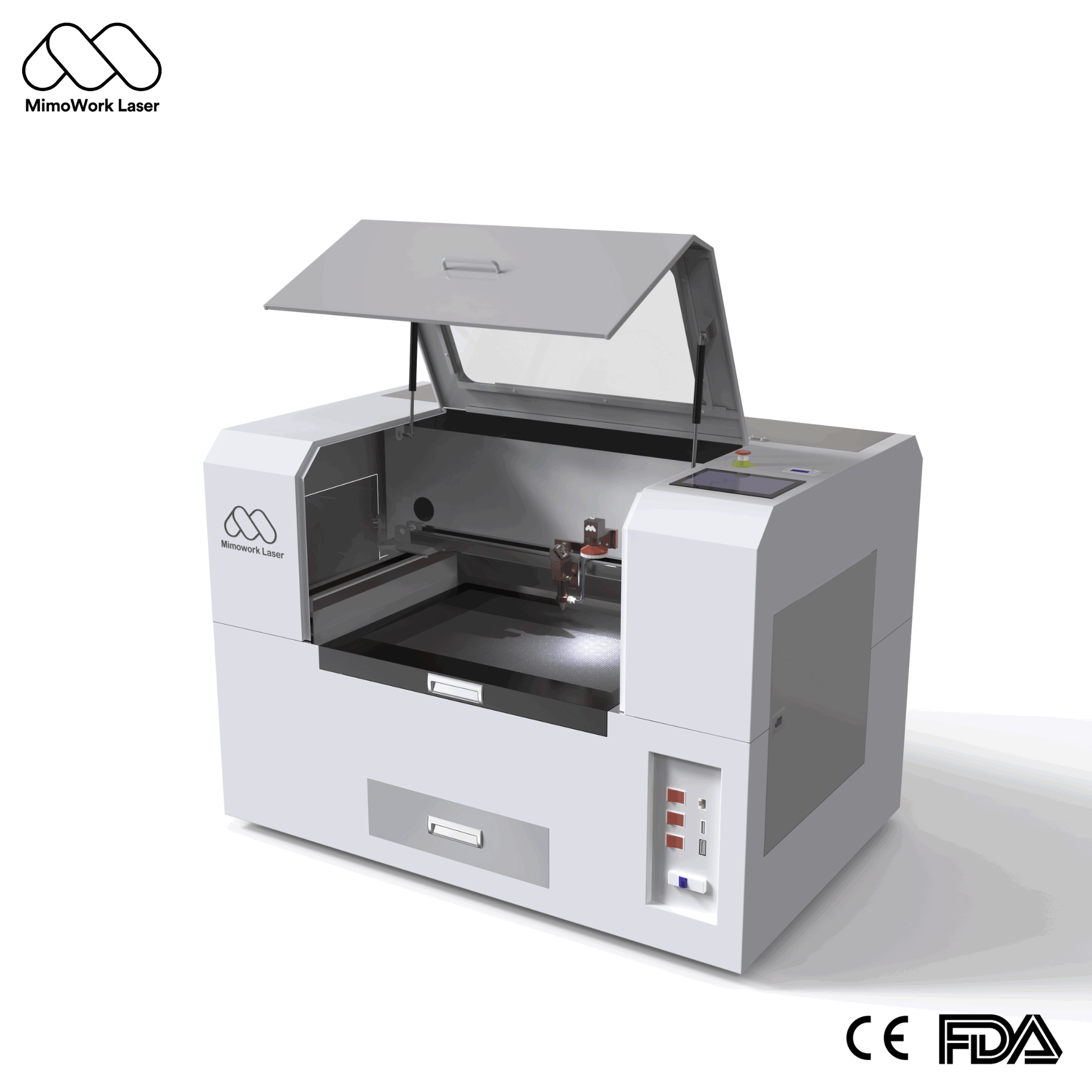
Desktop or compact units. Accessible pricing. Good for home hobbyists, small studios, or sampling work. (Example: a compact CO₂ laser cutter can start with a 600×400mm working area — a low-cost way to get into laser processing.)
Mid-range
This is what most small and mid-sized manufacturers end up buying. Bigger working areas, higher power options, and more stable mechanics.
Industrial
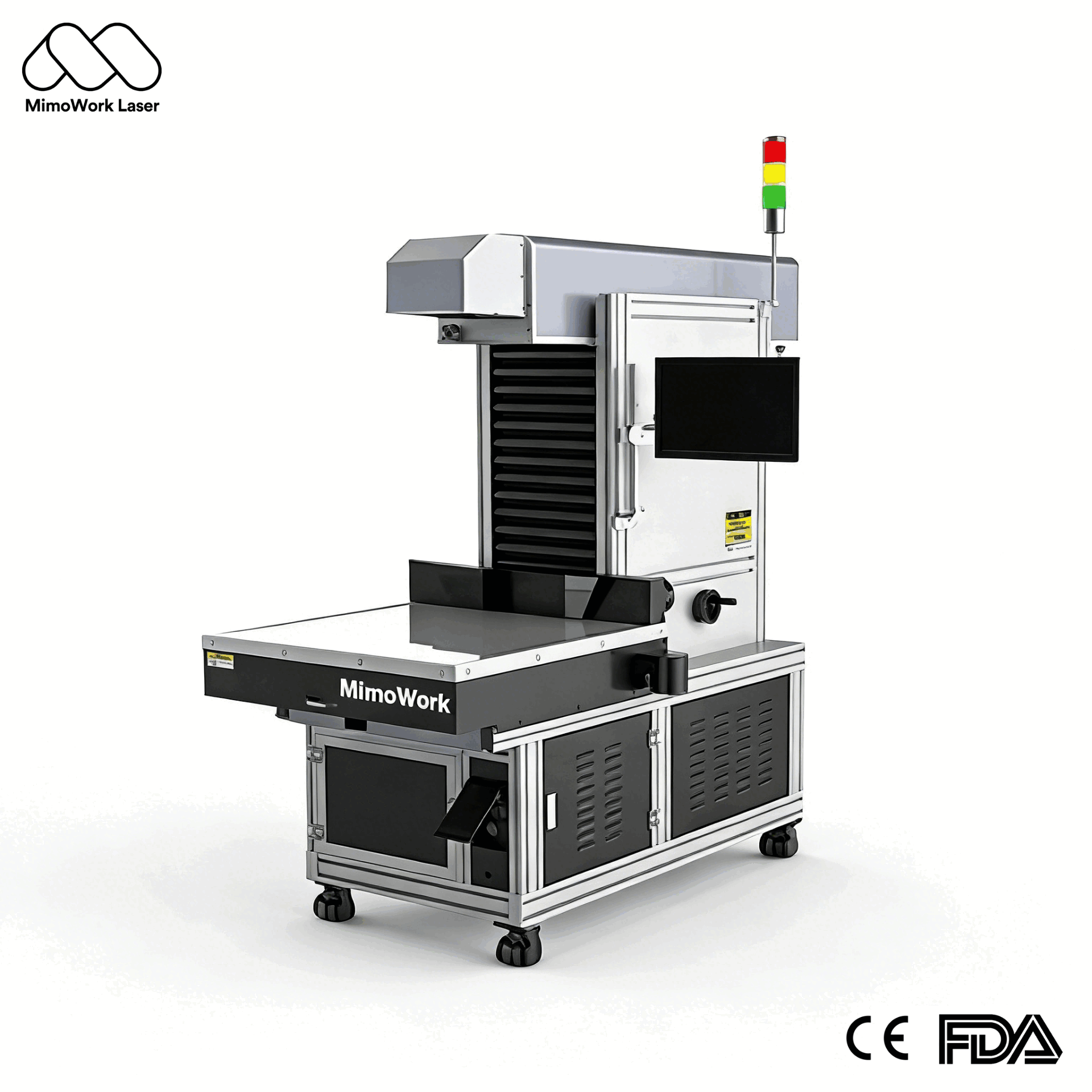
Large-format, high-power systems built for continuous production. You can add automation — conveyor feeding, multi-head arrays, and vision systems. Your final price depends on working area, laser power, tube type, and whether you go with step motors or servos.
CNC routers – They have higher mechanical maintenance requirements: linear rails require regular lubrication. Spindles wear under load. The drive system also needs periodic inspection — especially under continuous heavy-duty use.
Laser cutters – You’ll need to clean the mirrors and lenses now and then, check the water cooling, and replace the tube when it wears out. But mechanical wear? Very low.
A lightweight, poorly constructed CNC gantry will vibrate under load, degrading accuracy. Similarly, a budget laser system with poor beam optics produces wide, inconsistent cut lines. Always request actual material test cuts before placing an order.
Non-metal substrates release fine particulates and vaporized gases when you laser them. So when you buy a laser cutter, don’t skip the fume extraction system. Also, make sure the machine has a sealed enclosure and safety interlocks.
Look at what you actually produce most of the time. If 80% of your output is non-metal sheet materials, get a laser cutter. Buying a big CNC router just for the occasional metal job will slow down your main workflow — and that machine will sit idle most of the time.
Laser cutters come in many configurations. Compact desktop units work well for solid-sheet materials. Long-bed models are built for roll-fed textiles and continuous fabric cutting. So match the machine to your actual material format — not just the working area.
Laser cutter engravers are easier to pick up. The process is pretty straightforward — bring in your file, tweak the speed and power, and run it. It feels a lot like using a regular printer. CNC routers take some getting used to. You’ll need to figure out CAM, G-code, cutting settings, and how to secure the material properly. That usually takes some time before you’re comfortable with it.
CO₂ laser cutters are designed for non-metal materials and cannot cut raw metal. They can engrave anodized aluminum and coated metals and can mark bare metals when a metal marking solution is applied to the surface first. CNC routers can cut rigid, dense non-metals like hardwoods and thick engineering plastics, but are unsuitable for thin films, fabrics, or flexible materials, which tend to catch, tear, or fray under the mechanical force of a spinning bit.
For businesses primarily processing non-metal materials, a laser cutter engraver is more economical over the long term. Because there is no tool wear, there are no ongoing bit replacement costs. CNC routers require continuous investment in fresh tooling as bits dull, chip, or break during standard production.
Both issues are real, but you can manage them with the right setup.
Base this decision on your core material. Acrylic signs, custom wood gifts, leather accessories, and fabric cutting? That’s CO₂ laser territory. It’ll improve efficiency and ROI. Metal components, thick wood furniture milling, or heavy 3D relief engraving? A CNC router makes more sense.
Selecting the right equipment directly affects your production throughput, part quality, and long-term operating margins. If you are evaluating a laser cutter engraver for your production needs, Mimowork offers a complete range — from compact desktop models to large-format industrial systems — with application-specific consultation for your materials and production requirements.
News | May-27-2026
News | Apr-24-2026
News | Apr-23-2026