Blog
In a field that evolves daily, staying ahead means staying informed.
Explore in-depth articles designed to help you solve complex challenges,
maximize your machine’s ROI.
Stay ahead in a competitive market.


In a field that evolves daily, staying ahead means staying informed.
Explore in-depth articles designed to help you solve complex challenges,
maximize your machine’s ROI.
Stay ahead in a competitive market.
News | Aug-20-2026
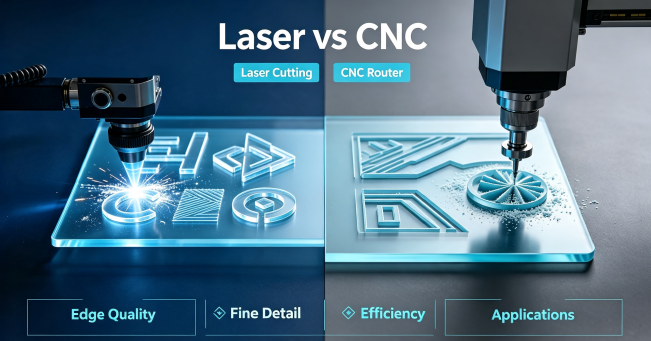
If you work with acrylic sheets, you may be wondering whether a laser cutter or CNC router is the better choice.
Both machines can cut acrylic, but they work best for different applications. A CNC router is useful for deep cuts, 3D carving, and heavy machining. A CO2 laser cutter is often the better option for acrylic signs, displays, lettering, decorations, and other 2D sheet products.
So, which one should you choose?
This guide compares laser cutting acrylic vs CNC machining based on edge quality, cutting detail, production efficiency, and practical applications.
The main difference is simple.
A CO2 laser cutter cuts acrylic with a focused laser beam. There is no physical cutting tool touching the sheet, which makes the process fast and precise.
A CNC router uses a rotating cutting bit to remove material from the acrylic. The sheet usually needs to be secured firmly during machining.
For most acrylic sheet cutting applications, the laser provides a simpler workflow. CNC becomes more useful when the project requires deeper or three-dimensional machining.
| Feature | Laser Cutting Acrylic | CNC Machining Acrylic |
| Edge finish | Smooth, glossy-looking edge | Usually more matte or tool-marked |
| Fine details | Excellent | Limited by cutter size |
| Internal corners | Very sharp | Usually rounded |
| Setup | Quick and simple | Requires clamping or vacuum holding |
| 2D cutting | Excellent | Excellent |
| 3D carving | Limited | Excellent |
| Tool wear | No cutting bit | Cutting tools need replacement |
| Engraving | Excellent for surface designs | Better for deep carving |
For businesses mainly cutting acrylic sheets, laser cutting is usually the more efficient choice.
One of the biggest reasons manufacturers choose laser cutting acrylic is edge quality.
A properly adjusted CO2 laser can produce a smooth, glossy, polished-looking edge without additional manual polishing. This is especially useful when the edge will remain visible.
For example, acrylic signs, display stands, letters, awards, and decorative products can often go directly from the laser cutter to the next production step.
CNC machining can leave visible tool marks or a frosted edge. If you need a highly transparent finish, additional polishing may be required.
This means laser cutting can reduce both finishing time and labor.
Acrylic is one of the most popular materials for CO2 laser cutting because it allows both precise cutting and detailed engraving in a single process.
In this demonstration, MimoWork shows how a CO2 laser cutter cuts and engraves acrylic, highlighting the clean edges, detailed patterns, and smooth workflow that make laser processing ideal for acrylic signs, displays, and customized products.How to Cut & Engrave Acrylic
Acrylic products often contain small letters, logos, patterns, or complicated outlines.
This is another area where a laser cutter has an advantage.
Because the laser follows the digital design without a physical cutting bit, it can handle small openings, fine lettering, and detailed shapes with ease.
CNC routers are limited by the diameter of the cutting tool. Smaller bits can create finer details, but they may also be more fragile and slower for production.
For acrylic signs, lettering, decorative panels, models, and customized products, laser cutting is often the more practical option.
The cutting speed itself is only part of the story.
With laser cutting, you can place the acrylic sheet on the machine, load the digital design, and start cutting. There is no cutting bit to install, and flat acrylic sheets generally require minimal fixing.
CNC machining usually involves securing the material, selecting the correct tool, and sometimes changing tools during production.
This makes a CO2 laser especially convenient for businesses producing different acrylic designs or small and medium production runs.
CNC has an advantage when working with very thick acrylic blocks or when the job requires deep machining.
However, that does not mean laser cutters are limited to thin sheets.
CO2 laser systems with different power levels can process a wide range of acrylic thicknesses. The suitable machine depends on the acrylic thickness, sheet size, production volume, and required cutting speed.
For example, MimoWork’s CO2 laser cutting machines range from compact systems for smaller projects to industrial machines with higher power and larger working areas.
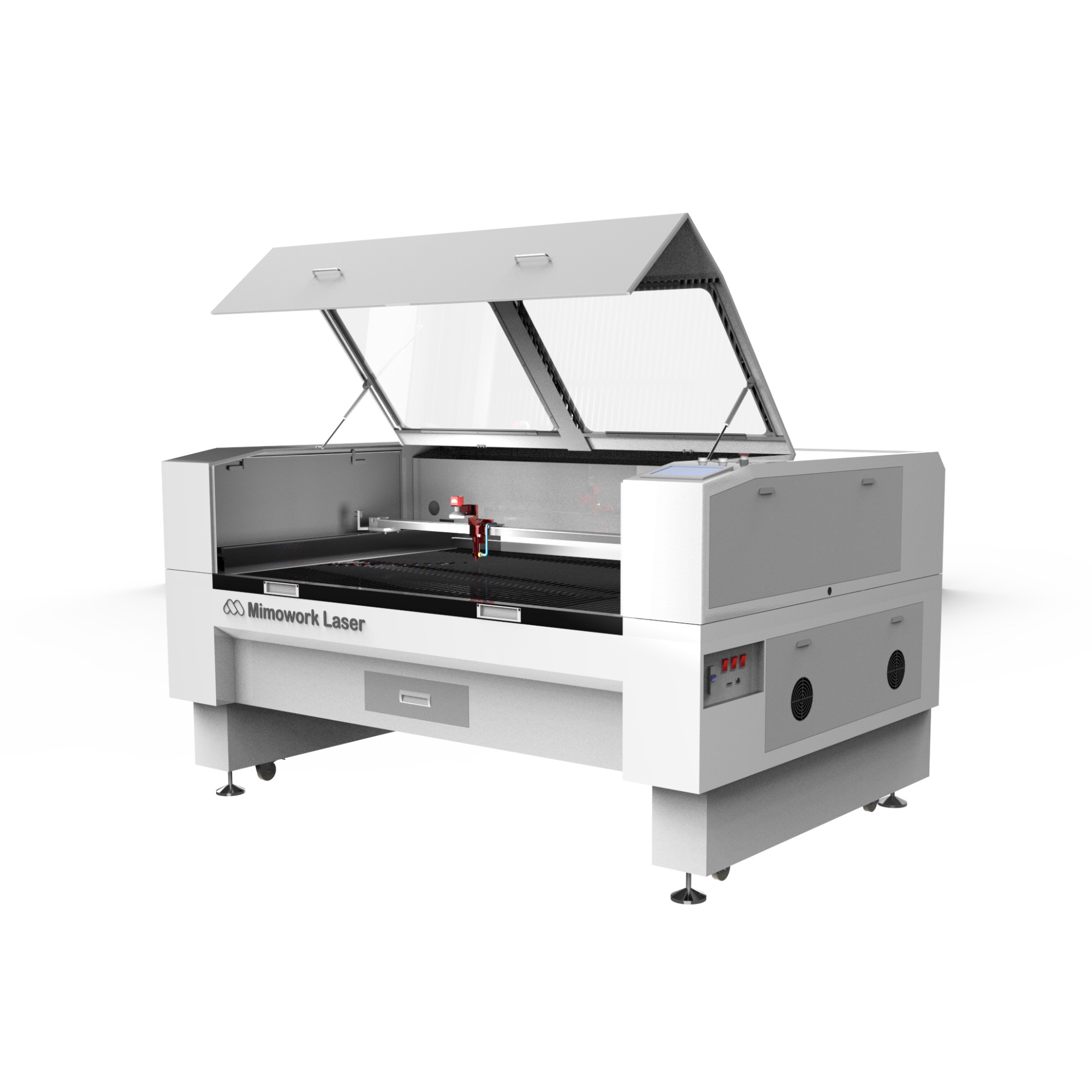
For most common acrylic signage, displays, and sheet products, a suitable CO2 laser cutter can provide more than enough cutting capability.
Both cast acrylic and extruded acrylic can be processed with a CO2 laser.
Cast acrylic is often preferred for applications where appearance is important because it can produce attractive laser-cut edges and good engraving contrast.
Extruded acrylic is also suitable for laser cutting and can be a practical choice for general-purpose production.
The best results depend on the material quality and laser settings. Before large-scale production, it is always a good idea to test the specific acrylic sheet you plan to use.
A CO2 laser cutter is usually the better choice when you are producing:
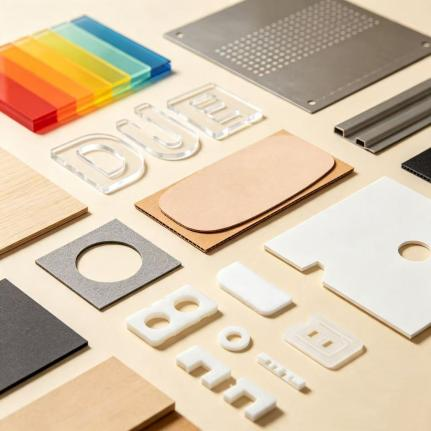
If your work is mainly 2D acrylic sheet cutting, laser technology offers a simple combination of speed, detail, and edge quality.
CNC machining makes more sense when your acrylic project requires:
If you are manufacturing a complex three-dimensional acrylic component rather than simply cutting a sheet, CNC provides capabilities that a standard laser cutter cannot replace.
The decision becomes easier when you look at the type of products you make.
Choose laser cutting acrylic if you need:
Clean-looking edges, detailed 2D shapes, fast setup, easy design changes, and minimal post-processing.
Choose CNC machining if you need:
3D carving, deep cuts, bevels, or other machining operations that require physical material removal.
For most businesses producing acrylic signs, displays, lettering, decorations, and custom sheet products, a CO2 laser cutter is often the more practical choice.
MimoWork offers CO2 laser cutting machines for different acrylic processing needs.
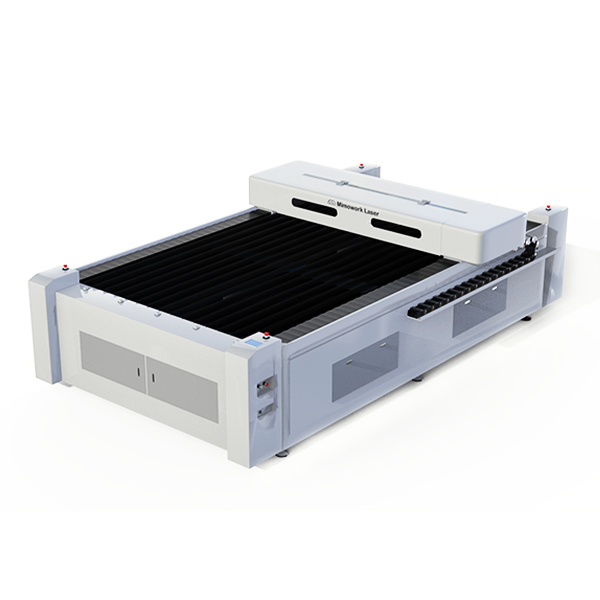
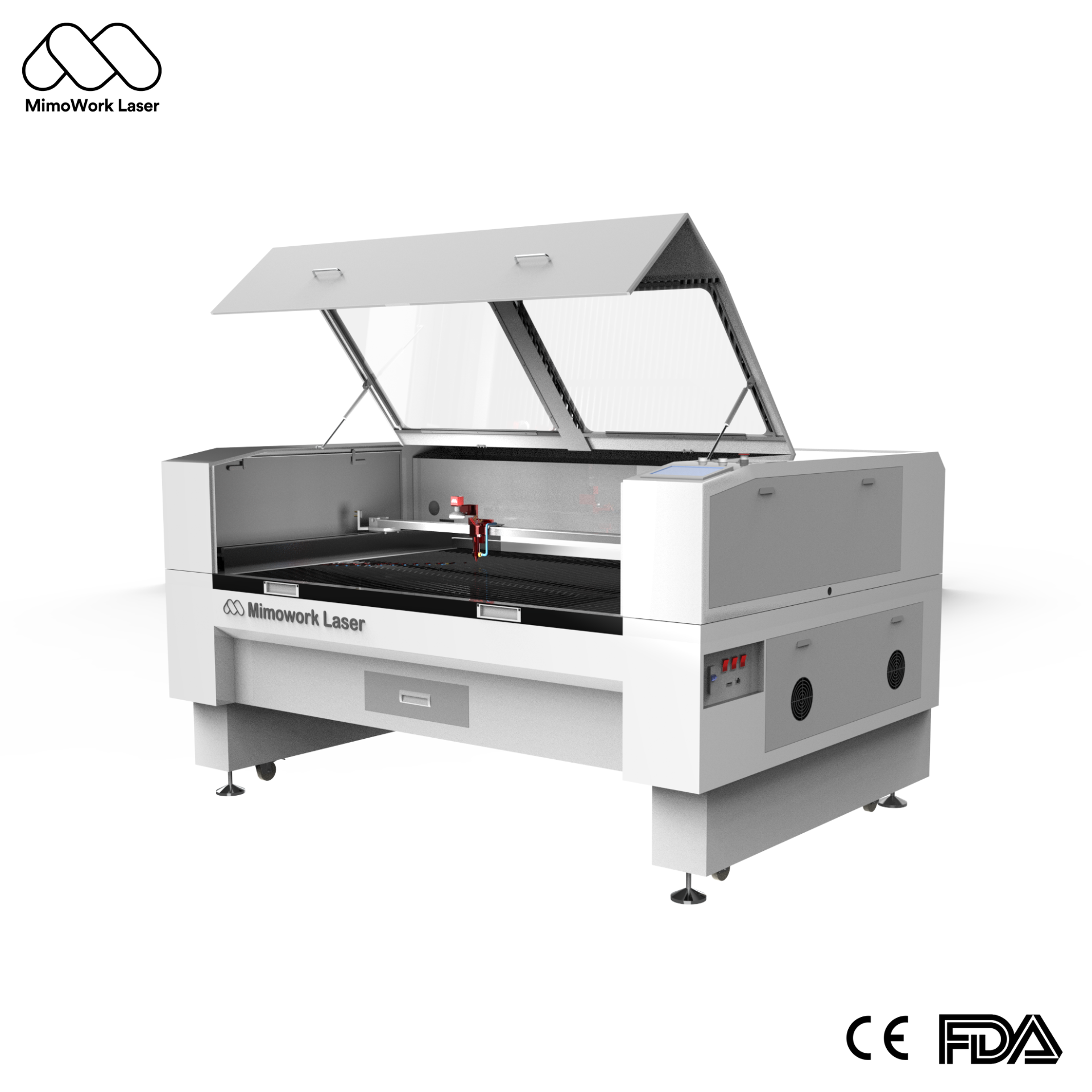
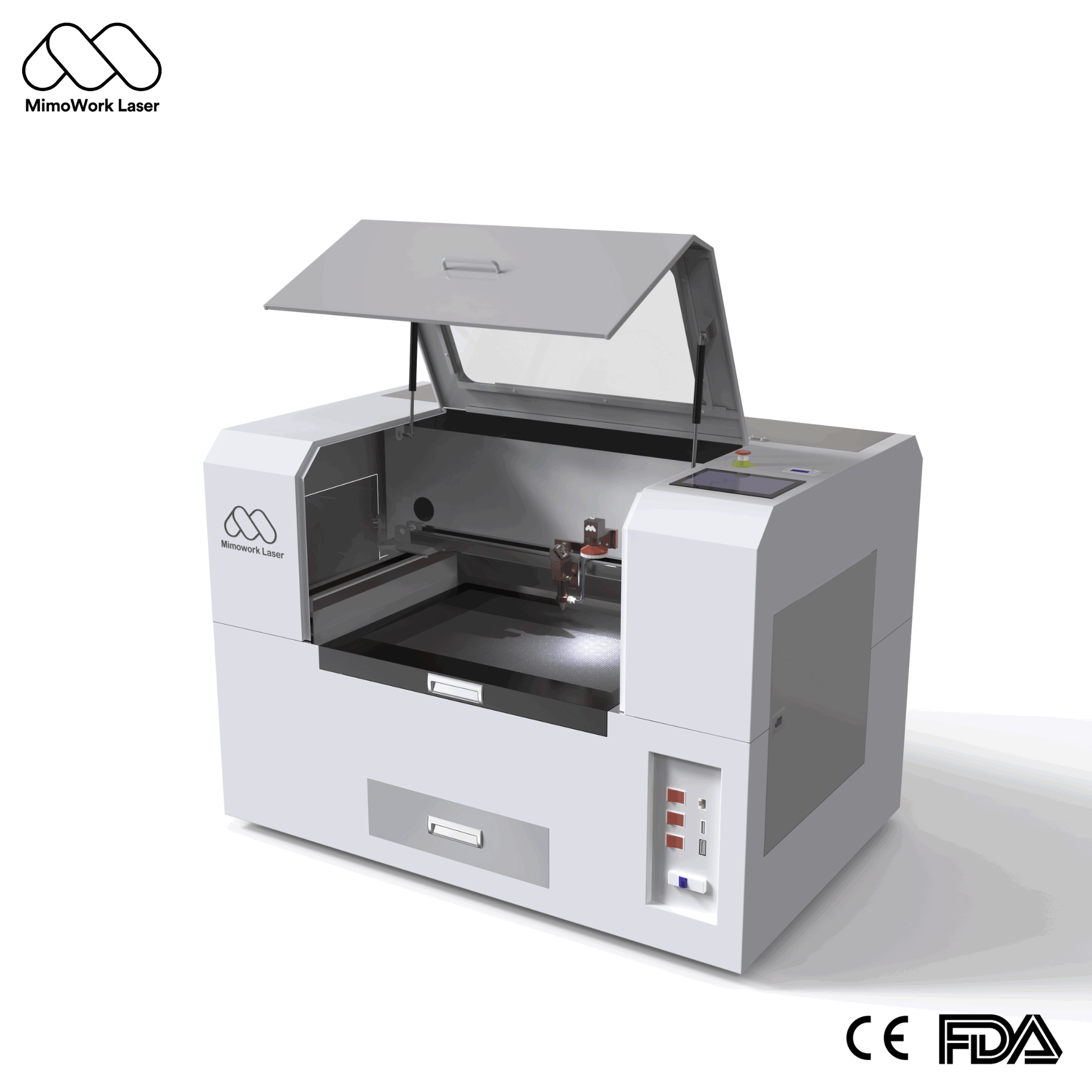
The F60 is designed for compact projects, while the F100 provides a larger working area for general acrylic sheet processing. For larger signs and higher-volume production, the F130 offers a 1300 × 900 mm working area with laser power options from 60W to 150W.
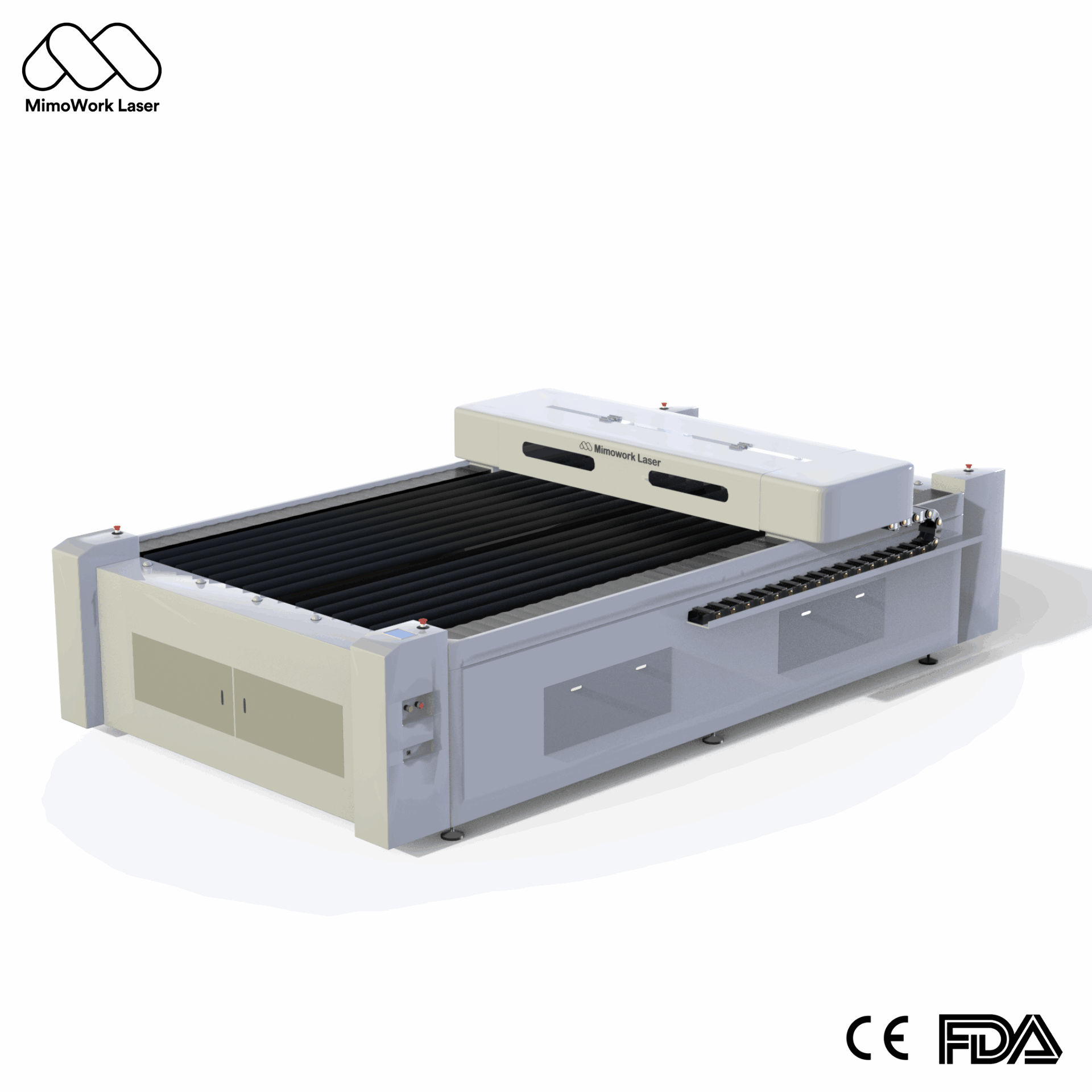
For oversized materials and more demanding production, the F130-L provides a much larger working area and higher laser power options.
This range allows you to choose a machine based on your acrylic sheet size, thickness, and production requirements rather than simply choosing the highest-power laser.
For 2D acrylic cutting, detailed designs, lettering, and smooth-looking edges, laser cutting is generally the better choice. CNC is better for 3D machining and deep cuts.
Yes. A properly configured CO2 laser can produce a smooth, glossy-looking edge on acrylic, often reducing the need for additional polishing.
Yes. Higher-power CO2 laser cutters can process thicker acrylic sheets. The actual cutting thickness depends on the material and machine configuration.
Yes. CO2 lasers can both cut and engrave acrylic, making them suitable for logos, text, patterns, and decorative designs.
When comparing laser cutting acrylic vs CNC machining, neither technology is better for every application.
CNC is the better choice for 3D machining and deep material removal. But if your business mainly works with acrylic sheets, signs, displays, lettering, and custom designs, CO2 laser cutting is often the more efficient solution.
It combines clean-looking edges, detailed cutting, easy design changes, and a simple production workflow.
If your work is mainly 2D acrylic cutting, a CO2 laser cutter is a strong place to start.
Looking for a CO2 laser cutter for acrylic? Explore MimoWork’s laser cutting machines and find a system that matches your material size, thickness, and production needs.
News | Jul-22-2026
News | Jul-30-2026
News | Jul-9-2026