Blog
In a field that evolves daily, staying ahead means staying informed.
Explore in-depth articles designed to help you solve complex challenges,
maximize your machine’s ROI.
Stay ahead in a competitive market.


In a field that evolves daily, staying ahead means staying informed.
Explore in-depth articles designed to help you solve complex challenges,
maximize your machine’s ROI.
Stay ahead in a competitive market.
News | Nov-15-2026 | Mimowork
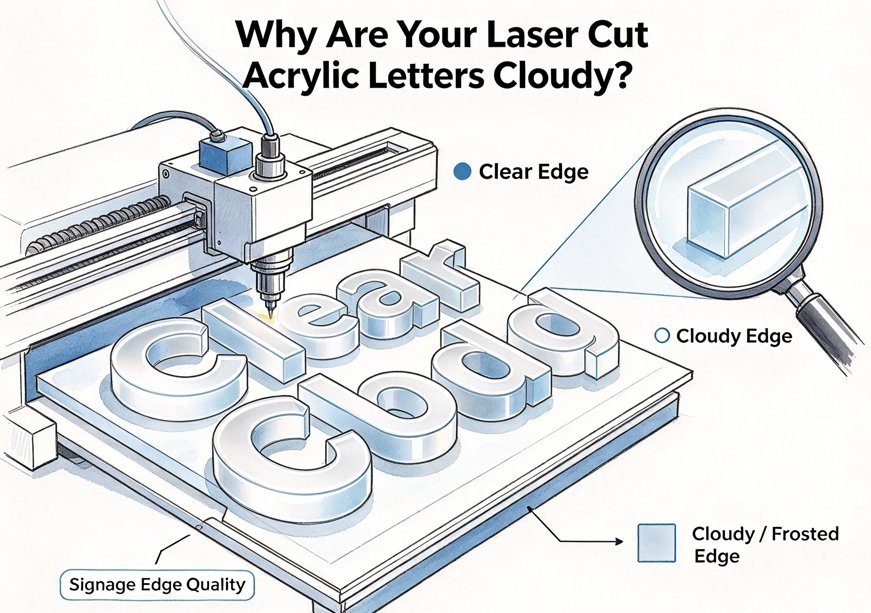
Laser cut acrylic letters should have smooth, glossy edges resembling polished glass. However, cloudy surfaces, frosted edges, and uneven cut lines can affect the appearance of acrylic signage, especially illuminated signs and dimensional lettering.
These defects are not necessarily caused by insufficient laser power. Excessive heat, incorrect focus, improper air assist, and inconsistent acrylic quality can all affect cutting results.
To achieve clear edges, choose suitable acrylic, maintain accurate laser focus, balance power and cutting speed, and control airflow. The goal is to create a stable cutting process that allows the acrylic to melt and re-solidify smoothly.
Related guide: Can CO2 Lasers Cut Clear Acrylic?
Too much heat along the cutting path can cause acrylic to melt excessively, resulting in rounded edges, bubbles, and uneven surfaces.
Cutting speeds that are too slow, excessive laser power, and repeated passes can all contribute to heat accumulation.
To improve edge quality, test a faster cutting speed or lower power while maintaining complete material separation. Always adjust parameters according to acrylic thickness and the laser source rather than relying on maximum power.
Laser focus directly affects cutting precision. An incorrect focal position can produce a wider kerf and uneven edges.
Check the focus position, lens condition, mirror alignment, and nozzle position before processing. For thicker acrylic, the optimal focal position may be inside the material rather than directly on its upper surface.
Clean optics and consistent focus calibration are essential for repeatable results.
Air assist removes smoke and processing byproducts from the cutting area. However, excessive airflow can cool molten acrylic too quickly, potentially leaving cloudy or frosted edges.
Insufficient airflow can also allow smoke and debris to accumulate and contribute to unstable flame behavior.
The ideal approach is controlled airflow. Follow the manufacturer’s recommended settings and adjust gradually while inspecting the cutting results. Maintain effective exhaust extraction and sufficient airflow for safe processing.
Cloudy marks on the underside of acrylic letters may result from laser reflections or direct contact with the worktable.
Pin supports and knife-strip tables can elevate acrylic sheets and provide clearance beneath the cutting path, reducing unwanted backside marks.
Honeycomb tables are also suitable for acrylic processing, although their support patterns may leave contact marks on the material.
Acrylic material type plays an important role in laser cutting performance. Cast acrylic is manufactured by casting liquid acrylic between molds, while extruded acrylic is produced through a continuous extrusion process.
Cast acrylic is commonly preferred for premium signage because it typically produces attractive engraving results and smooth cutting edges under suitable conditions. Extruded acrylic generally offers more consistent thickness and lower material costs.
For transparent acrylic letters, illuminated signs, and projects with visible edges, cast acrylic is worth testing first. Extruded acrylic is a practical alternative for repetitive cutting jobs that prioritize dimensional consistency and production efficiency.
If the finished letters require solvent bonding, also consider internal material stress and the manufacturer’s post-processing recommendations. Laser cutting may leave residual stress that contributes to edge crazing during subsequent bonding or chemical exposure.
Achieving glossy, flame-polished acrylic edges requires a stable combination of laser power, cutting speed, frequency, and focus.
Start by confirming the acrylic type and thickness, then check the recommended parameters for your laser source. Perform a test cut on the same sheet and inspect edge gloss, cutting completeness, and signs of excessive melting.
Laser power and speed should be adjusted together. Excessive power or slow cutting may cause overheating, while insufficient energy or excessive speed can result in incomplete cuts.
Frequency also requires attention. RF laser sources may offer adjustable pulse frequency, while conventional glass-tube systems have different control characteristics. Settings should always follow the specific laser source manufacturer’s recommendations.
For commercial acrylic lettering, a stable single-pass process is generally preferred whenever the machine can achieve complete separation. Multiple passes may introduce additional heat and visible edge irregularities.
Air assist should also be adjusted to balance smoke removal, edge quality, and flame management. Never disable necessary airflow or exhaust extraction simply to improve edge gloss.
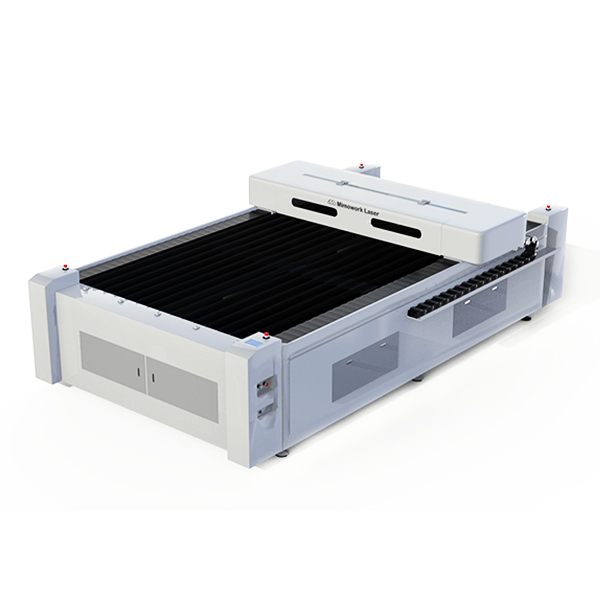
Consistent acrylic cutting quality depends on more than processing parameters. The laser source, working table, motion system, and exhaust configuration must work together.
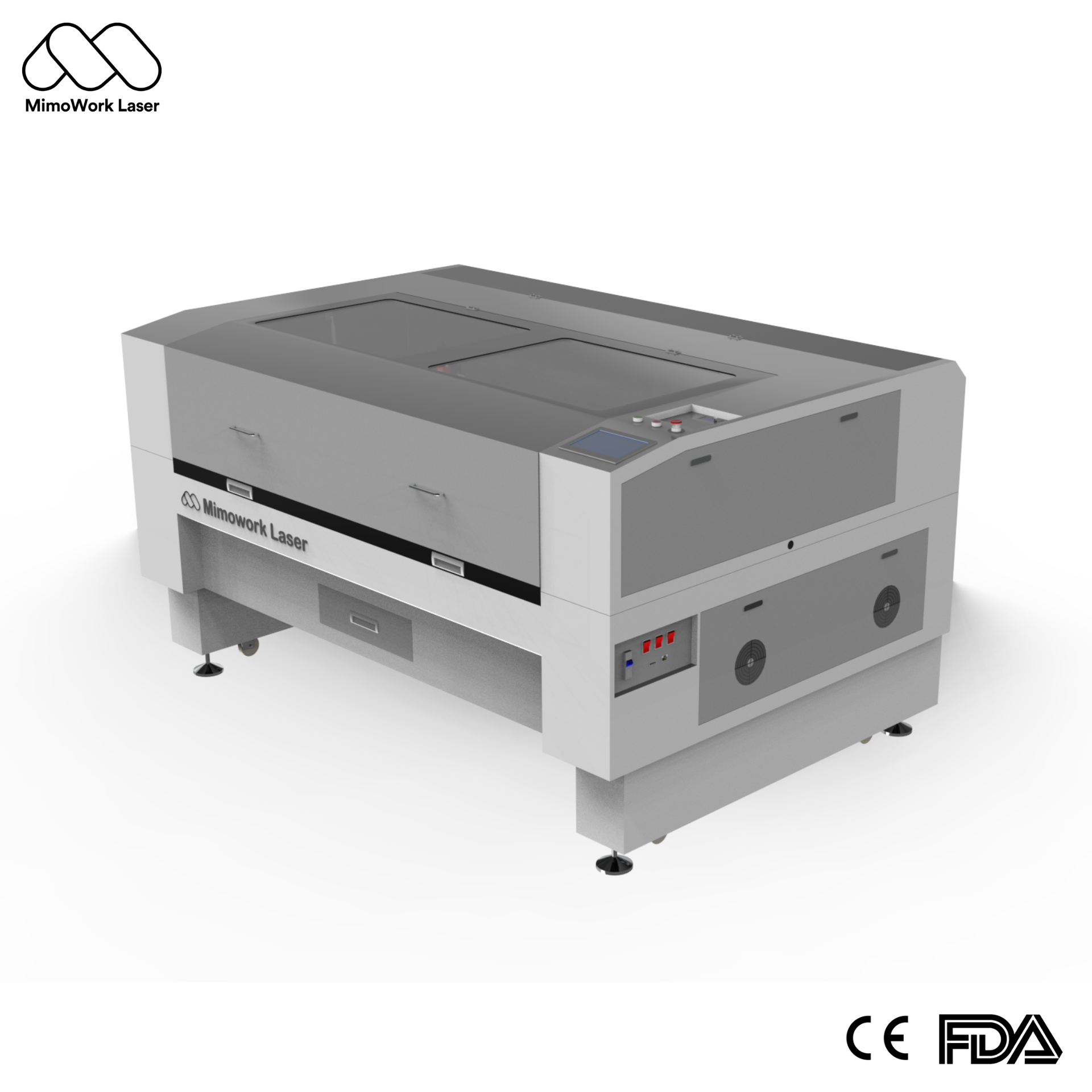
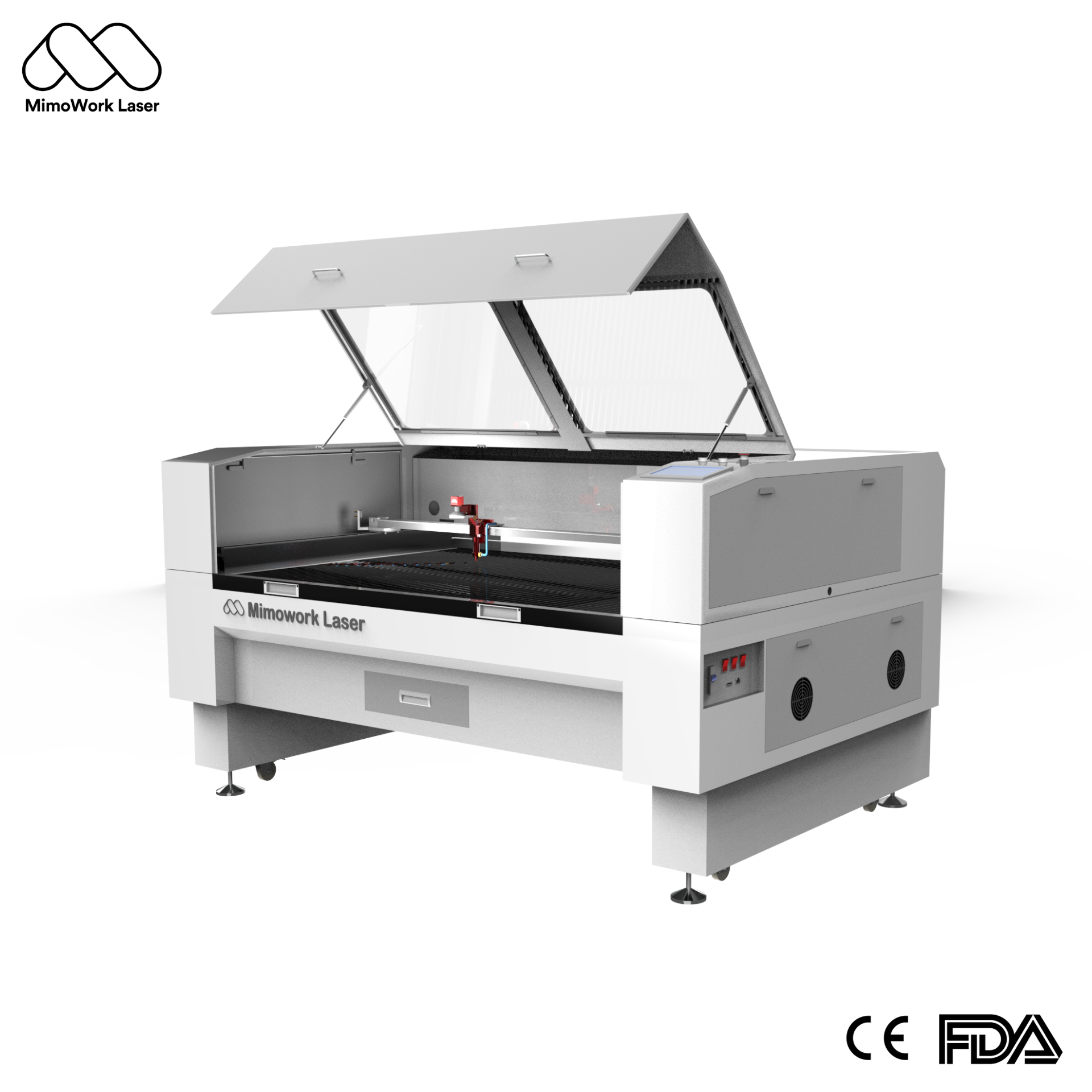
CO2 lasers operate at a wavelength of approximately 10.6 μm, making them suitable for acrylic processing. MimoWork provides CO2 laser cutting systems with different working areas and power configurations for various production requirements.
Working formats such as 1300 × 900 mm and 1300 × 2500 mm can accommodate different signage sizes and production volumes. Smaller formats are suitable for customized lettering and smaller batches, while large-format systems support bigger sheets and signage components.
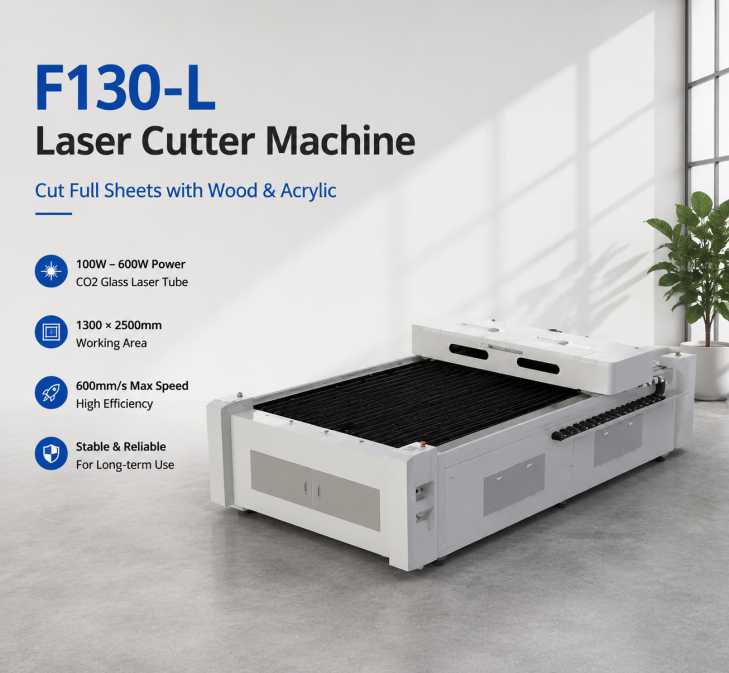
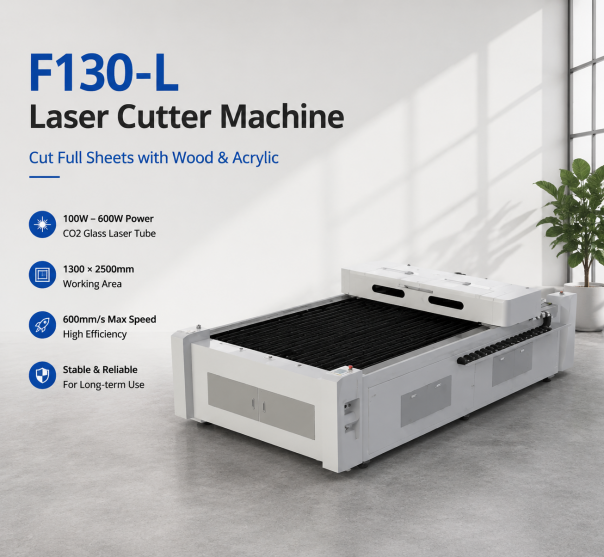
F130-L Laser Cutter Machine offers a 51″ × 98″ working area. With high-power options up to 600W, integrated ball transfers, and a heavy-duty servo drive, it is designed to support large-format cutting and high-volume signage production.
The working table also influences cutting quality. Honeycomb tables provide distributed support for general cutting applications, while knife-strip tables offer clearance beneath the cutting path and help minimize backside contact marks.
For batch production, stable motion control helps maintain dimensional accuracy and repeatable cutting paths. An effective exhaust system is equally important for removing fumes and processing byproducts.
When selecting an acrylic laser cutting machine, consider working area, laser power, source compatibility, table configuration, motion accuracy, and exhaust capacity. The appropriate configuration should be determined by actual material testing and production requirements.
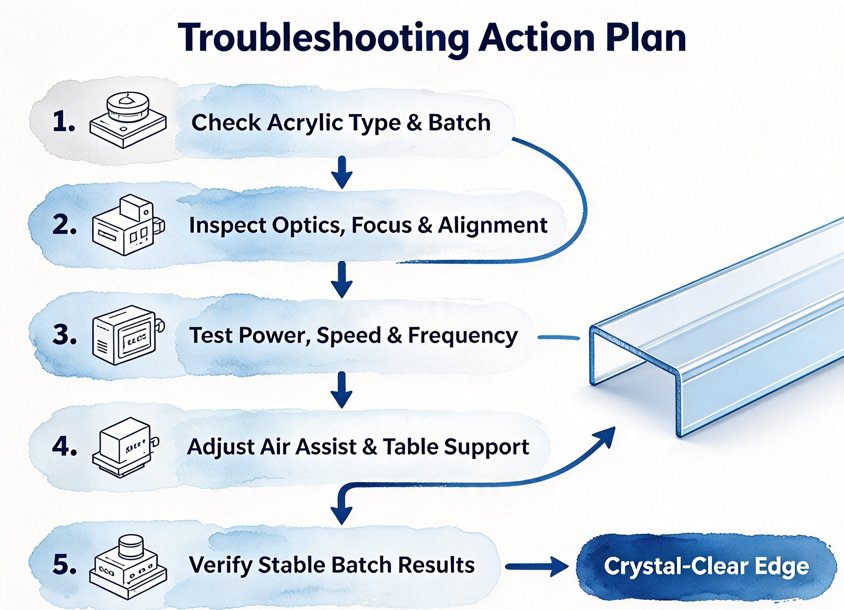
Cloudy or frosted edges may indicate excessive air cooling, incorrect focus, or unsuitable material. Rough edges can result from dirty optics, incorrect alignment, or unstable cutting parameters. Bubbles often indicate excessive heat or inconsistent material quality.
Backside reflection marks may require a different support structure, while incomplete cutting usually calls for adjustments to power, speed, or focal position.
Before making major changes, check whether the defect appears across the entire sheet or only in specific areas. If it occurs with different materials and cutting jobs, inspect the optical system and machine setup. If it appears only with one acrylic batch, material quality may be responsible.
Common causes include unsuitable heat input, incorrect focus, excessive air assist, and inconsistent acrylic quality. Check the material first, inspect the optics, and run a test cut with adjusted power and speed.
Manufacturer-approved protective paper or laser-compatible masking can generally remain on the acrylic during cutting. However, not all plastic films are suitable for laser processing. Always verify material compatibility to avoid undesirable fumes and additional fire risks.
Cast acrylic is often preferred for premium signage and projects requiring visible engraving. Extruded acrylic can also produce glossy edges and is attractive when thickness consistency and material cost are priorities.
Air assist removes smoke and debris, but excessive airflow can cool molten acrylic too quickly. Use controlled airflow that balances edge quality, smoke removal, and flame management.
Producing professional laser cut acrylic letters requires suitable material selection, accurate optical alignment, balanced cutting parameters, and proper material support.
If acrylic edges appear cloudy, increasing laser power is not necessarily the solution. Identify whether the problem comes from excessive heat, incorrect focus, air assist, material characteristics, or worktable reflections before adjusting the machine.
For manufacturers handling different acrylic thicknesses and large signage orders, an appropriately configured CO2 laser cutting system can help establish a consistent production workflow.
MimoWork offers acrylic laser cutting solutions with different working areas, laser power configurations, and working table options. Share your acrylic type, sheet thickness, cutting files, and desired edge finish with the MimoWork team to evaluate a suitable machine configuration and processing approach.
News | Oct-8-2026