Blog
In a field that evolves daily, staying ahead means staying informed.
Explore in-depth articles designed to help you solve complex challenges,
maximize your machine’s ROI.
Stay ahead in a competitive market.


In a field that evolves daily, staying ahead means staying informed.
Explore in-depth articles designed to help you solve complex challenges,
maximize your machine’s ROI.
Stay ahead in a competitive market.
News | May-18-2026
For most people getting started with laser-based production, the first machine they encounter is a CO2 laser cutter engraver — and that’s exactly where the confusion begins. So many models and overlapping specifications can make choosing the right one surprisingly difficult.
Some machines are meant for cutting power, some focus on engraving detail, and others are designed to handle both. Merchants, workshop owners, and small production teams could face slower production or higher costs later if they choose the wrong machine. Moreover, CO2 laser engraver machine prices can be difficult to compare because they vary by power, size and features.
If you are facing the confusion while choosing a CO2 laser cutter engraver, this comprehensive guide will help you clear the fog.
A CO2 laser cutter engraver directs a high-energy beam through mirrors and a lens onto the material surface. The beam heats the surface until it either vaporizes material to cut through or ablates the top layer for engraving.
The machine runs from digital design files. Once loaded, the system converts the design into motion paths for the laser head, enabling repeatable output with no manual variation.
The CO2 laser cutter engraver is widely used because it can support a variety of non-metal materials:
Wood: Clean cuts for panels, crafts, signage, and packaging pieces
Acrylic: Smooth edges, usually without polishing in most cases
Leather: Precise branding for bags, belts, as well as fashion goods
Fabric: Pattern Cutting for trendy garments and textiles
Glass: Surface engraving for branding and decoration of glass items
Different materials react differently depending on power as well as speed settings. Also, proper calibration of the CO2 laser engraver for wood, acrylic, and other materials results in clean output and minimizes burn marks.
Laser cutting means removing the substrate completely. The beam travels through the material and slices it into two parts. On the other hand, laser engraving just modifies the surface layer. It creates depth without cutting a substrate entirely.
This equipment is utilized in both small and mid-scale production environments. It is used for:
Custom presents and personalized gifts
Wooden signs, acrylic art, and home décor
Packaging samples and branding elements
Many buyers compare CO2 and diode laser systems, but they really serve different production needs.
Here are the key differences you should know before choosing one.
CO2 laser systems use a gas-filled tube as their laser source, while diode lasers are built around semiconductors. CO₂ systems also deliver higher power output.
CO2 laser cutter engravers are ideal for slicing thick wood, plastic, leather, and textiles. On the other hand, Diode lasers are more suitable for materials that are pretty thin and for light engraving.
Diode machines generally cost less upfront. CO2 laser cutter engraver systems are indeed more expensive than diode machines and may require periodic tube replacements, but businesses looking for long-term value tend to invest in a well-priced CO2 system.
A CO2 laser cutter engraver is worthwhile when:
Production entails the cutting of thick non-metal substrates.
Consistent output is imperative.
Both cutting and engraving are required.
It is pivotal to note that low power is used for engraving and cutting thinner materials. For deeper cuts, you’ll need a machine with higher wattage.
The working area is the usable bed space where the laser beam cuts or engraves. Sizes vary widely. Small desktop units, starting at 100 mm x 100mm, can be an ideal fit for small workshops. But in case you have to deal with large batch manufacturing or oversized sheets, it is recommended to pick large beds of around 1400mmx1000mm.
The speed and the precision of this equipment matter. Generally, it offers speeds between 300 mm/s – 1000 mm/s. In case you need fast production, pick the one with high speed. Similarly, the higher the precision of the equipment, the better the quality of the location of detail. It also helps to develop intricate designs.
Many software options are available to control the speed and the power of the CO2 Laser engraver cutter. But LightBurn is the most popular one. It is compatible with almost all controllers of the machine and works well on Linux, Windows, and iOS. Check this feature to make the workflow smoother.
Don’t forget to check smoke elimination in the CO2 laser cutter engraver for the safety of workers and the workplace. Its main function is to remove toxic fumes and smoke, which are emitted from different substrates. So, always check that the unit you are going to pick is equipped with an exhaust fan.
In case you want to use the product for many years, the availability of spare parts matters. Ask the brand how many years of support they offer for parts like laser tubes, lenses, and mirrors. In addition, expert and timely technical assistance is important—it helps get the machine fixed if any issue arises.
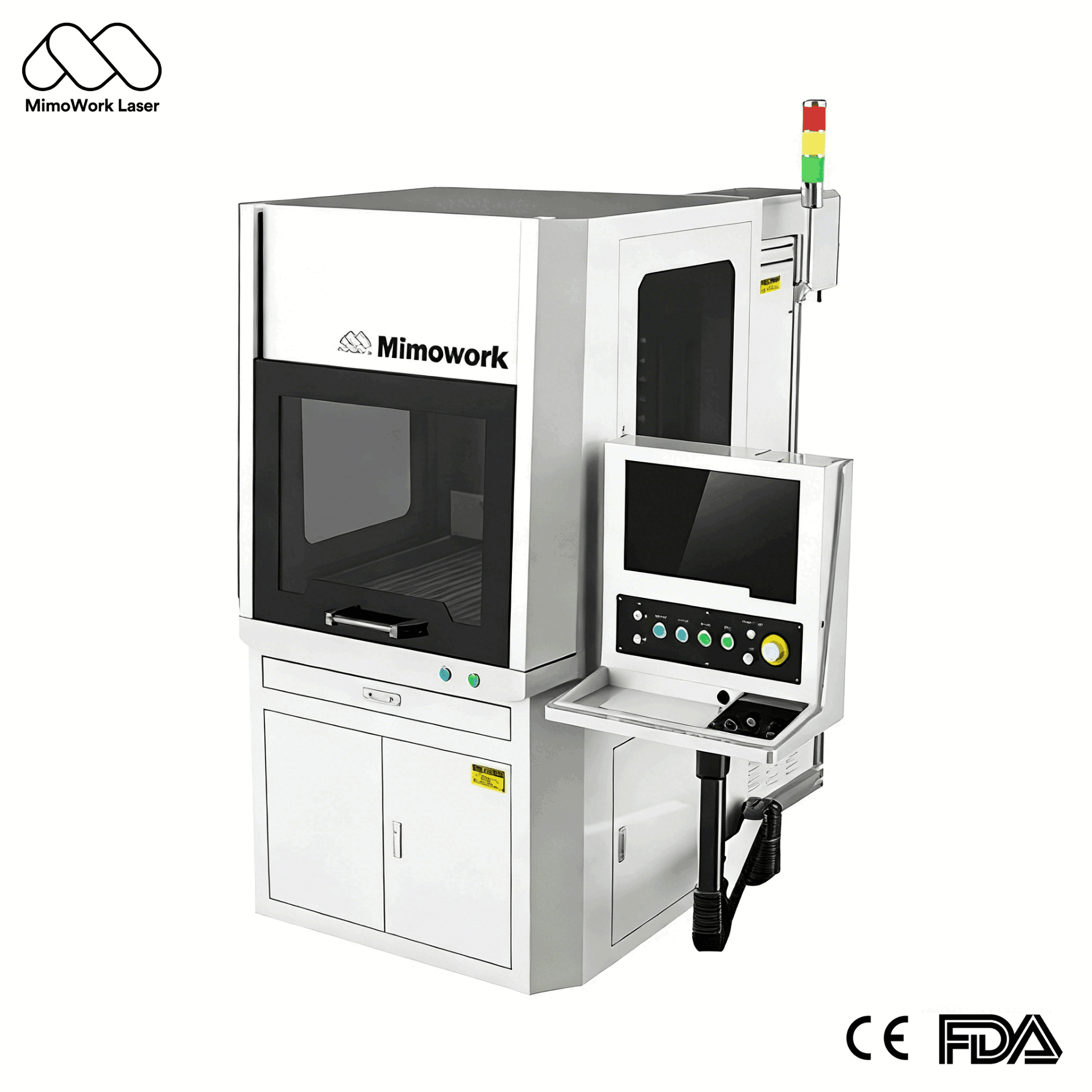
If you are looking for a renowned and trusted brand, MimoWork is the right option. It provides you with an extensive range of CO2 laser engraver cutter equipment. Our goal is to serve various levels of production.
Check out our top picks:
MimoWork 60W CO2 Laser Cutter Machine
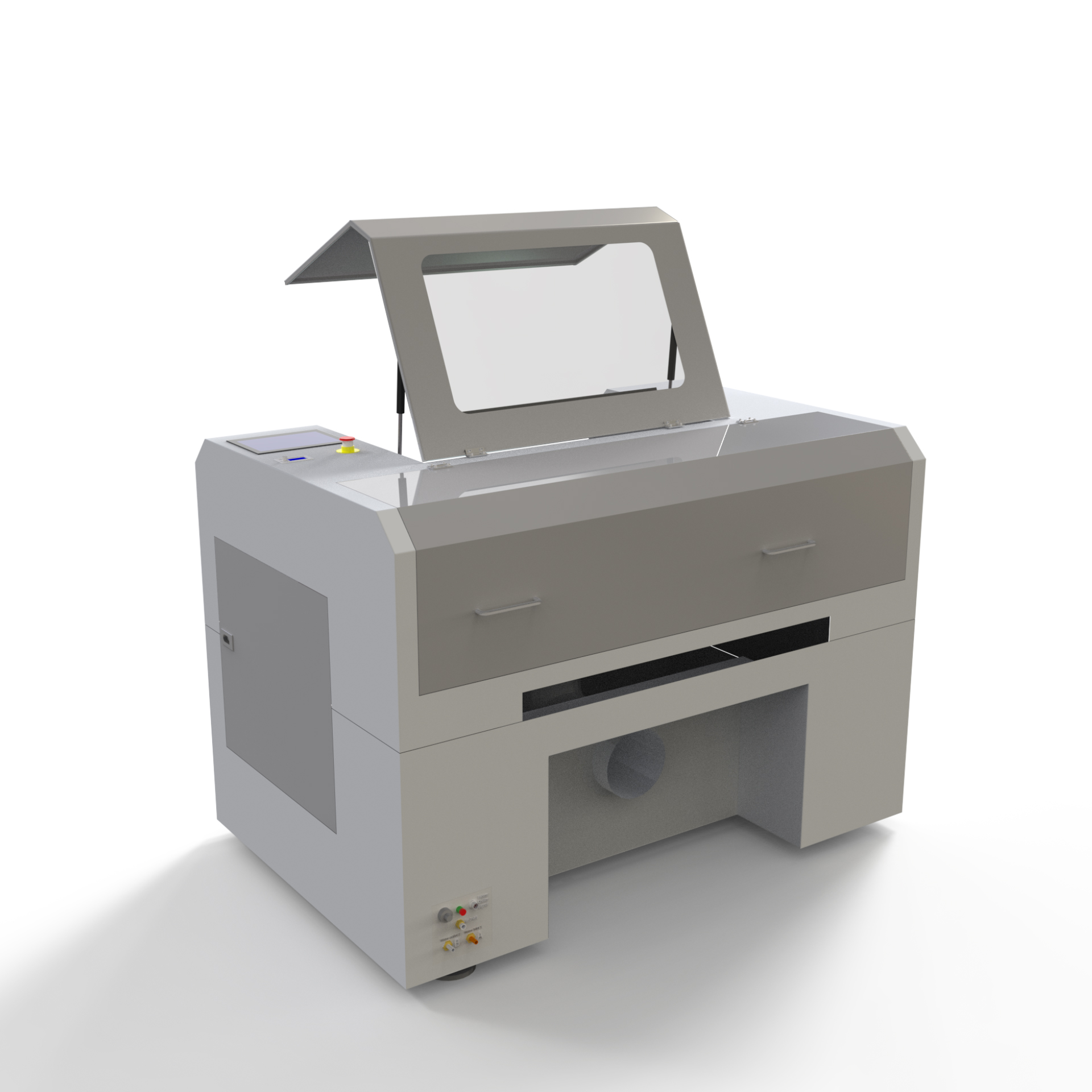
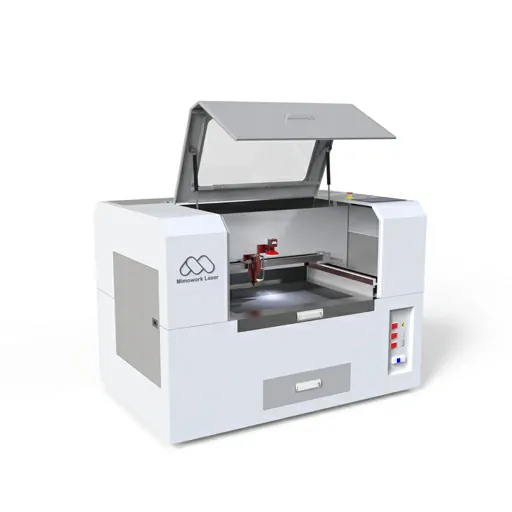
This machine is an ideal pick for small workshops as well as startups. It offers a working area of 600mm x 400mm. Also, it is equipped with a water chiller. MimoWork 60W CO2 delivers dependable results when it comes to cutting small pieces of fabric. It also gives good results for light engraving. This compact machine is inexpensive and can be easily handled by new users.
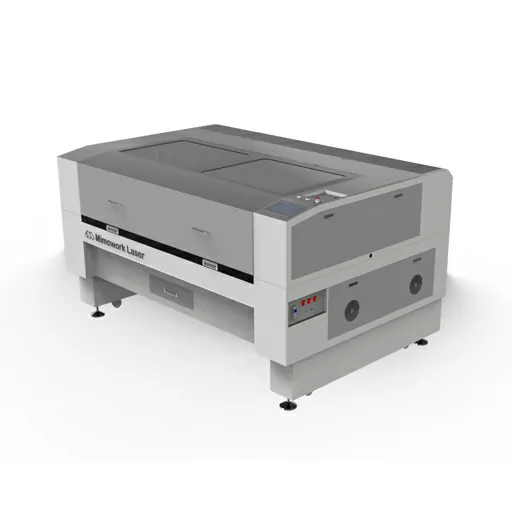
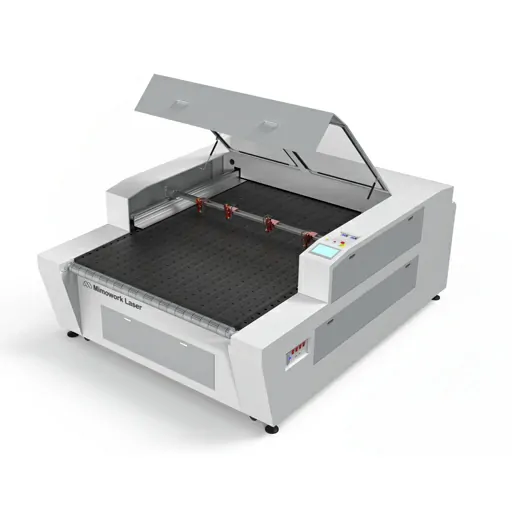
This CO2 laser cutter engraver offers a swift processing speed and a working area of 1000mm X 600mm. It uses a water chiller as a cooling device. MimoWork 100W CO2 Laser cutter is ideal for small manufacturing settings that have to deal with heavy workloads daily. It cuts and engraves substrate efficiently with advanced bi-directional technology.
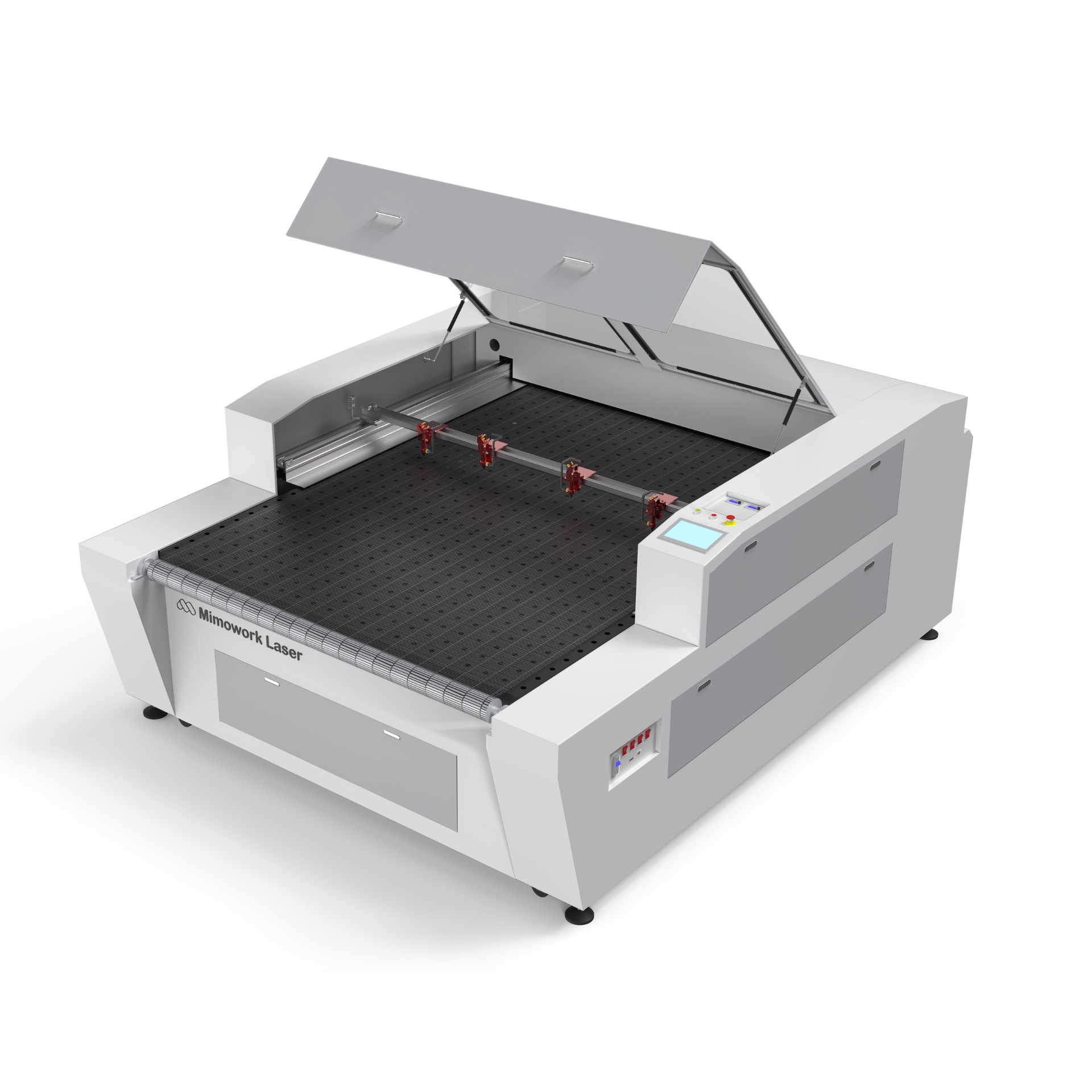
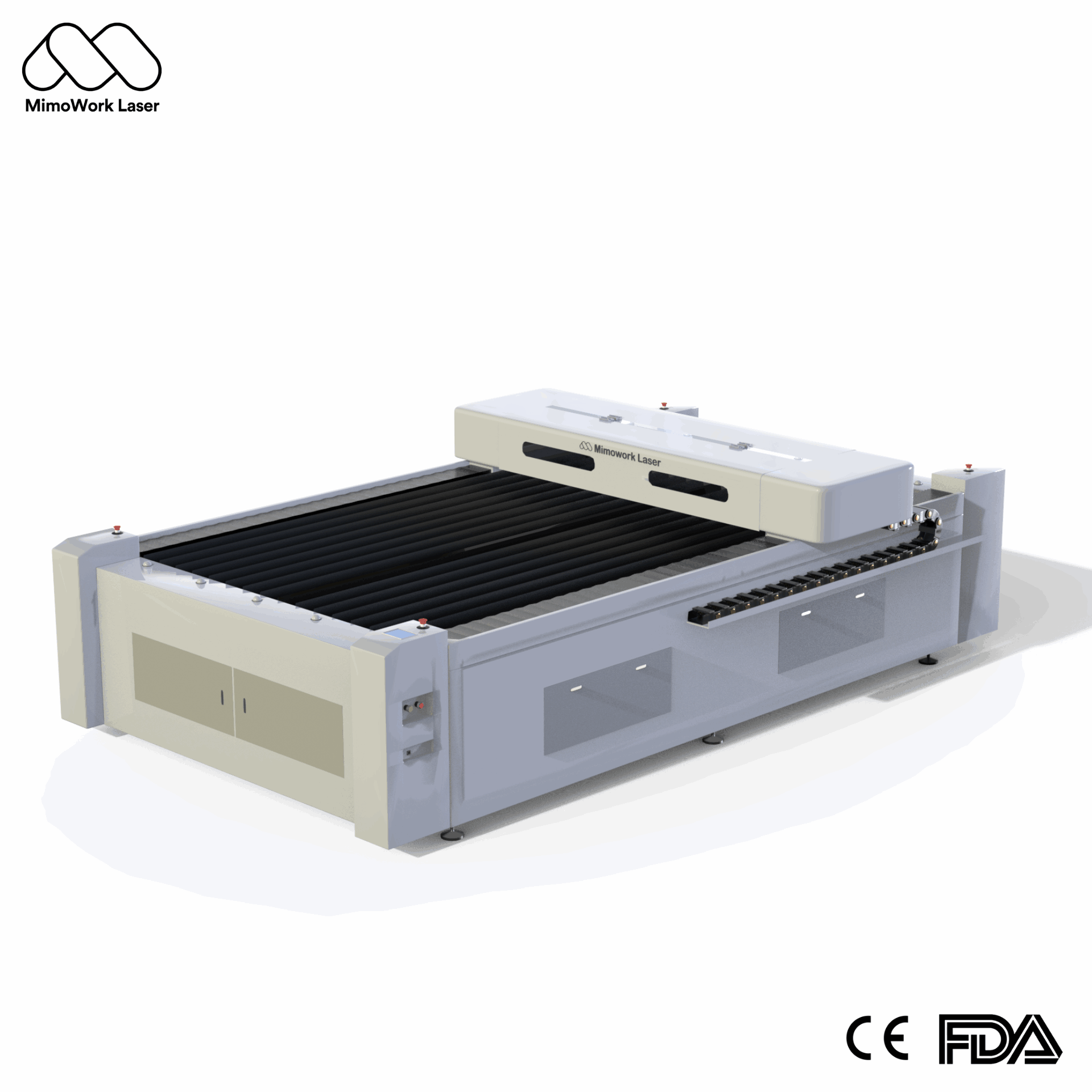
This equipment provides stable control along with easy software integration. With a wide 1800mm X 1300mm working space, the F180-L Laser cutter meets the heavy industrial production requirements. It works well as an industrial CO2 laser engraving machine for structured as well as scaling production. Many industrialists choose it to cut and engrave apparel, upholstery, and technical textiles with high precision.
| Model | Operational Power | Working Area | Best For |
| 60W CO2 Laser Cutter Engraver | 60W | Small/Medium | Beginners and small workshops |
| 100W CO2 Laser Cutter Engrave | 100W | Medium/Large | Small business and medium-sized production units |
| F180-L CO2 Laser Cutter Engraver | 600W | Large format | Commercial production |
Basic desktop models can do simple engraving jobs without any hassle. These are excellent picks for learning as well as small crafts. Novice users also can go with this option.
Machines within this range offer more stability and, at the same time, support a wider range of materials. Such models suit small batch production well. These are ideal for small business owners.
Industrial CO2 laser cutter engraver equipment can run efficiently for several hours. It can handle heavy output demands without any hassle. The machines over $2000 can be used in a commercial setup, where scalability is required.
Follow the steps below in case you are using the CO2 Laser Cutter Engraver for the first time:
A finely focused lens is essential for clean cutting edges and uniform engraving depth. It also increases precision and minimizes overburning. So, get the lens lined up right.
Output quality is controlled by power, speed, as well as pass parameters. This can be done easily with the help of software called LightBurn. However, the software parameters are not the same for each type of substrate.
It is advisable to start with modest power and a moderate pace for the first time. This helps avoid burnt marks. You should also test a little section of the sample initially to determine the proper balance.
Proper ventilation will remove fumes as well as protect the workspace while in operation. So you should always switch on the exhaust system. This will keep good air quality and protect the user as well as the machine parts.
Absolutely not. This machine is not designed to cut raw metal. It works mainly on non-metal substrates.
The tube life is not fixed and depends on hours of usage as well as power setting. In addition, replacement cost varies by model as well as wattage.
LightBurn is not an essential element, but yes, controlling design becomes quite easy with it.
So, a CO2 laser engraver cutter is a long-term investment. This production tool helps you make your projects stand out. However, you should choose the ideal option by taking into account the material type, production volume, as well as your budget.
We at MimoWork have different types of CO2 laser cutter engravers. From basic entry-level to commercial and advanced production applications, our systems are intended for durable output and dependable performance.
Browse our CO2 laser cutter engraver options and pick the configuration that is most suited for your workplace today.
News | Apr-22-2026
News | Apr-21-2026