Blog
In a field that evolves daily, staying ahead means staying informed.
Explore in-depth articles designed to help you solve complex challenges,
maximize your machine’s ROI.
Stay ahead in a competitive market.


In a field that evolves daily, staying ahead means staying informed.
Explore in-depth articles designed to help you solve complex challenges,
maximize your machine’s ROI.
Stay ahead in a competitive market.
News | Jul-17-2026
A CO2 laser wood cutter offers a precise, repeatable way to cut and shape wood for everything from craft projects to industrial production. Whether you’re new to laser processing or looking to refine your existing setup, understanding how these machines work, how they compare to other cutting methods, and how to keep them running smoothly will help you get consistent, professional results from every project.
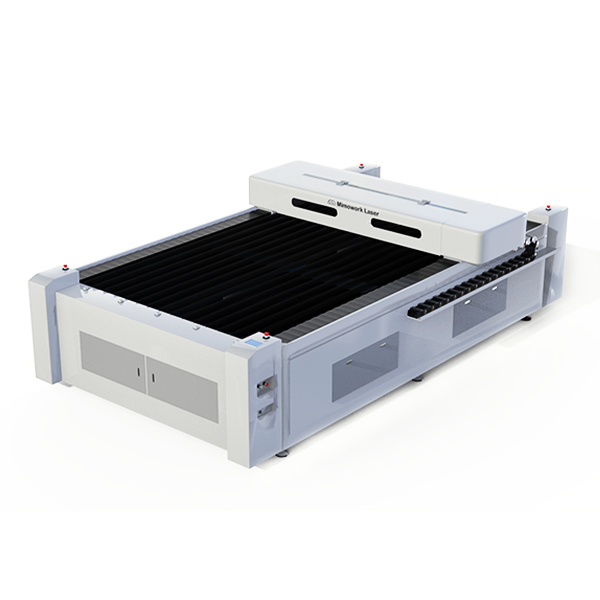
A CO2 laser wood cutter directs a focused beam of light onto the wood’s surface, heating it until the material reaches its combustion point. High-pressure gas then blows away the vaporized material, creating a narrow, clean-cut edge. This non-contact process avoids the mechanical wear and vibration associated with blades or router bits.
Before operating any machine, it helps to understand a few foundational concepts:
Comparing a CO2 laser wood cutter vs cnc router helps clarify which tool suits a given project better.
A laser cutter uses a focused light beam with no physical contact with the material, while a CNC router uses a rotating bit that physically removes material. This fundamental difference affects both the precision achievable and the type of designs each machine handles well.
| Aspect | CO2 Laser Wood Cutter | CNC Router |
| Contact with material | None (light-based) | Physical (bit-based) |
| Detail level | Very fine, intricate patterns | Good, but limited by bit size |
| Edge finish | Clean, minimal post-processing | May require sanding |
| Tool wear | None | Bits wear down over time |
| Best for | Detailed cuts, engraving, signage | Deep carving, structural joinery |
Laser cutters excel at intricate patterns, fine detail work, and combined cutting-and-engraving tasks, while CNC routers are often better suited to deep relief carving or structural woodworking that requires removing large volumes of material. Many workshops use both tools for different stages of production.
For workshops with limited space, a desktop CO2 laser wood cutter offers a practical entry point into laser processing.
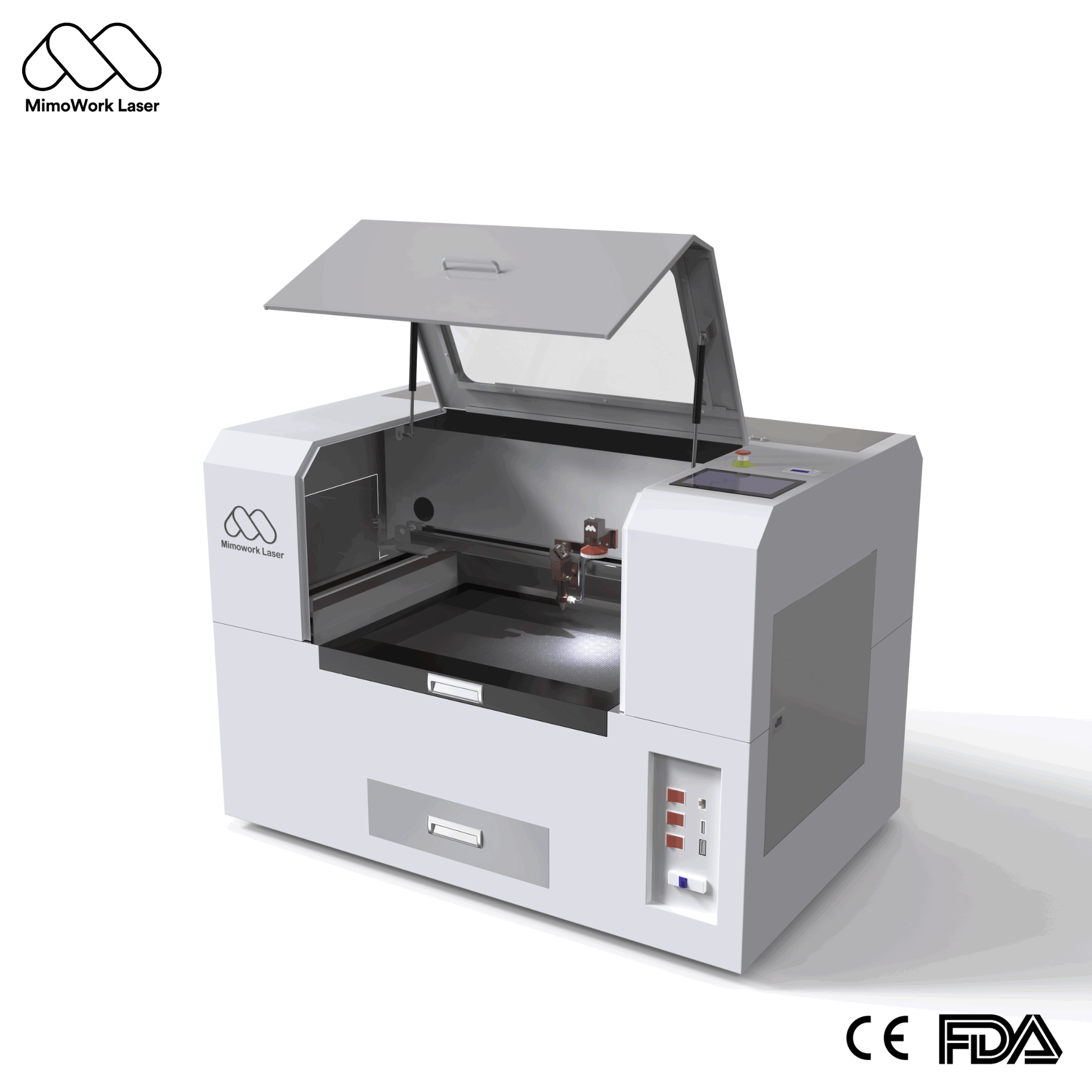
Desktop models are designed to fit comfortably in smaller studios or offices, while larger flatbed systems are built for high-volume or oversized production. The choice largely comes down to the scale of your typical projects.
| Machine Type | Typical Footprint | Best Suited For |
| Desktop laser cutter | Compact, fits on a table or small stand | Hobbyists, small studios, prototyping |
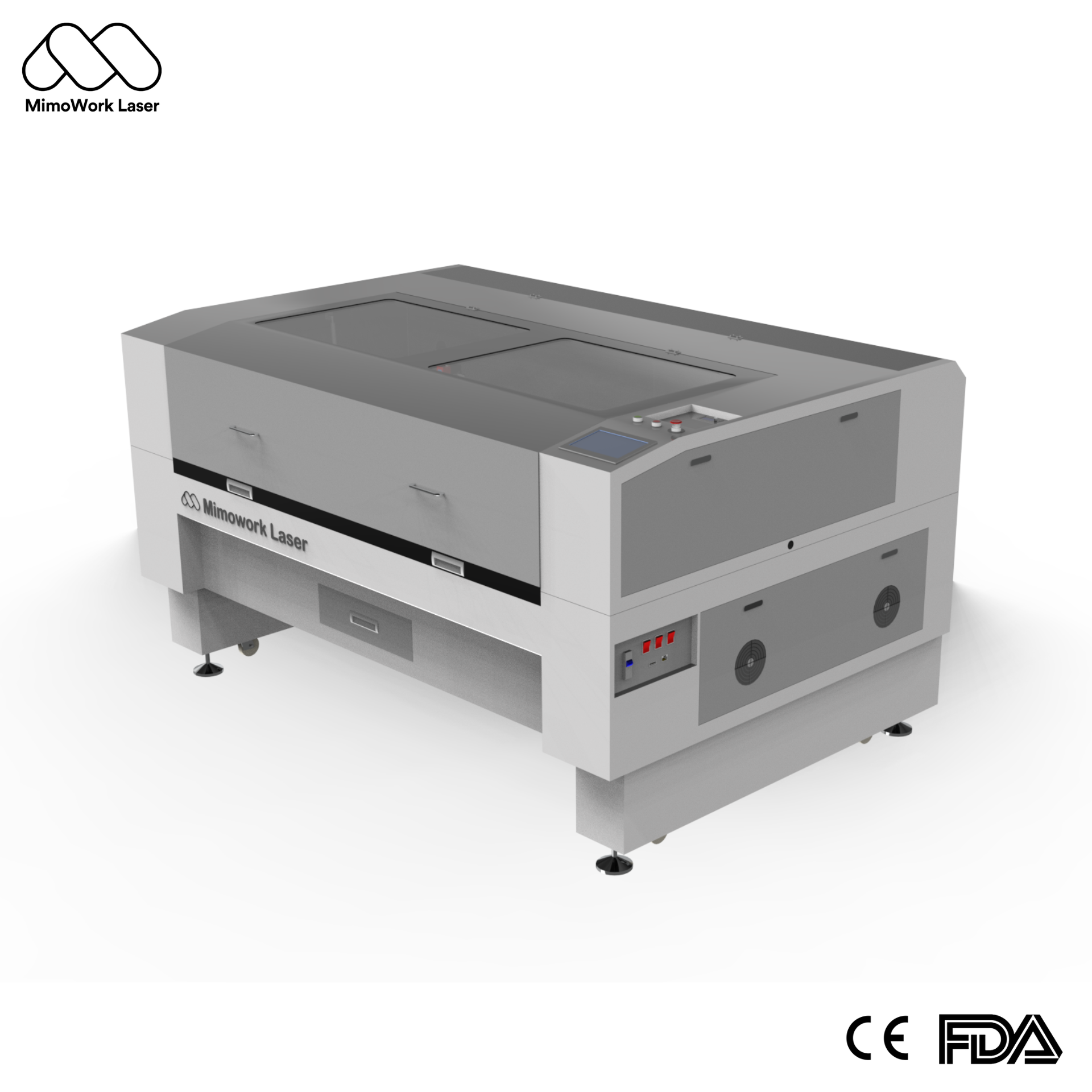
| Mid-size flatbed cutter | Moderate floor space | Small business production runs |
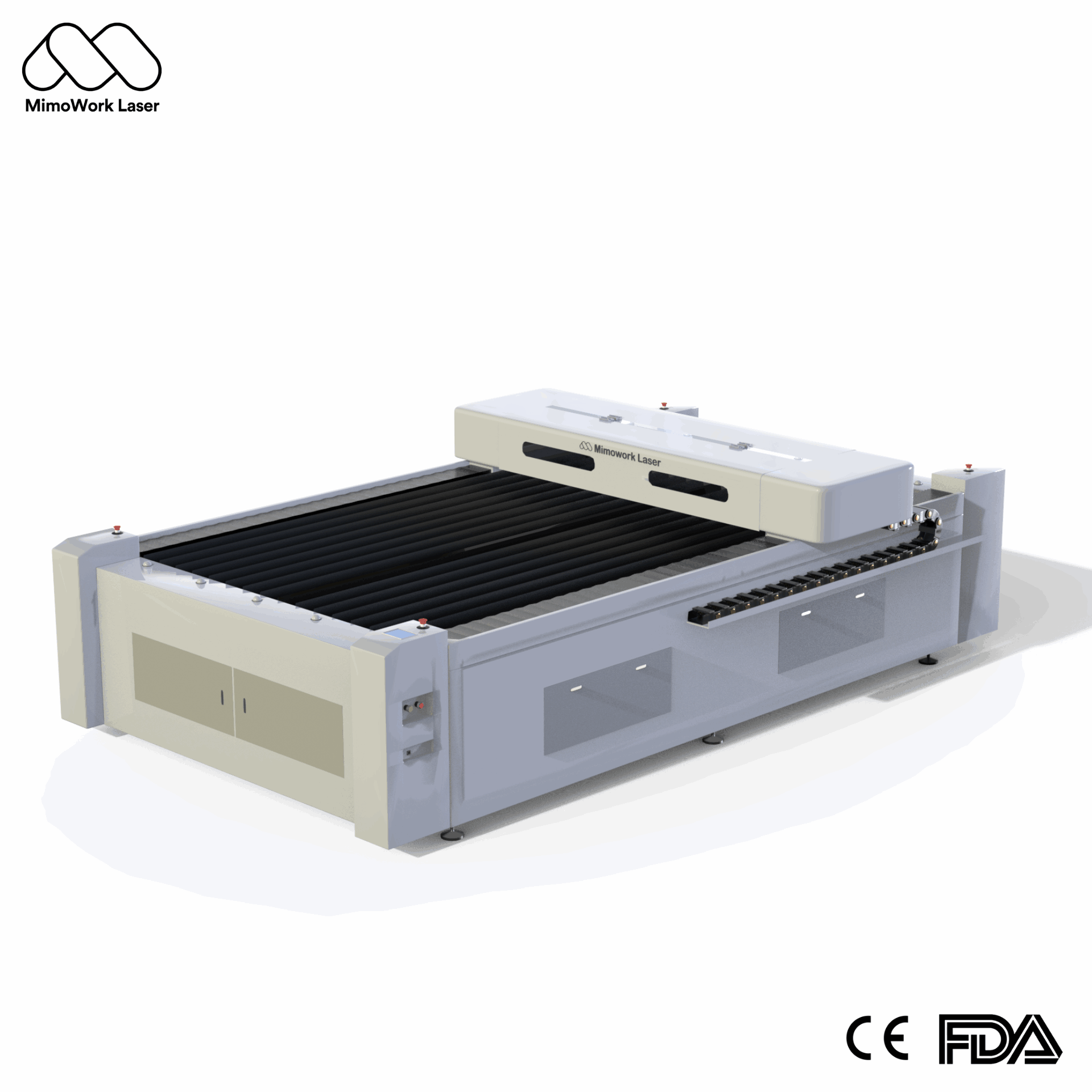
| Large-format flatbed cutter | Dedicated floor space | Industrial-scale, bulk signage and furniture parts |
Desktop machines are well suited for items like keychains, small signage, decorative panels, and personalized gifts — projects where working area requirements are modest but detail and precision still matter.
Choosing the correct CO2 laser wood cutter working area size avoids both underutilized equipment and unnecessary limitations on your production.
Working areas vary significantly between machine categories, and matching the size to your typical material dimensions is more important than simply choosing the largest available option.
| Working Area | Common Use Case |
| Compact desktop size | Small crafts, prototypes, personalized items |
| 1300mm x 900mm | Small to mid-batch signage and panels |
| 1300mm x 2500mm | Large-format furniture parts, oversized signage |
A larger working area allows more pieces to be processed in a single run, reducing material handling and repositioning time. However, oversized tables for small projects can waste both space and cost, so aligning table size with your typical batch size matters more than maximizing dimensions.
For those new to the technology, following a structured process helps avoid wasted material and frustration when learning a CO2 laser wood cutter for beginners setup.
New users often run into a few recurring issues:
Focus on Beginner Tips:
Step-by-Step: From Start to Finish
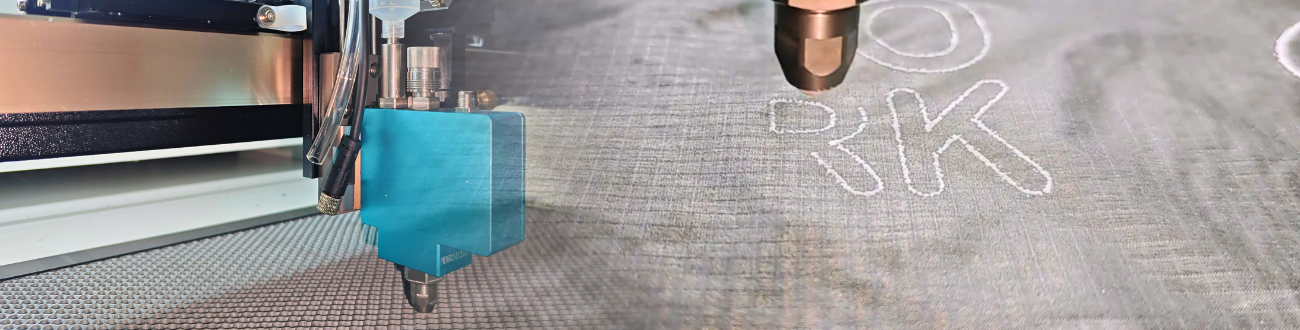
Still unsure how to get started with your first project? This tutorial shows you the complete process of laser cutting a mini photo frame, highlighting essential tips like pre-cutting tests and post-processing sanding to ensure professional results.
Custom Woodworking Project
Following consistent CO2 laser wood cutter maintenance tips keeps cut quality high and extends the lifespan of core components.
Residue and dust naturally accumulate on lenses and mirrors during regular use, which can reduce cutting power and precision over time. Wiping down these components regularly with appropriate cleaning materials helps maintain consistent beam focus and cutting performance.
A functioning ventilation or dust collection system is essential not only for operator safety but also for protecting internal components from smoke and debris buildup. Routine checks of extraction fans, filters, and airflow paths help prevent avoidable downtime and maintain a clean working environment.
A laser cutter uses a non-contact light beam to cut wood, offering fine detail and clean edges, while a CNC router physically removes material with a rotating bit, better suited for deep carving and structural work.
Yes, for small-batch or prototype-level production, a desktop model can be a practical and space-efficient choice, though larger flatbed machines are better suited to high-volume output.
It depends on your typical material dimensions and batch size. Smaller working areas suit crafts and prototypes, while larger tables suit bulk signage or furniture production.
Always test settings on scrap material first, match wood thickness to your machine’s laser power, and ensure proper ventilation is in place before running longer jobs.
Lenses and mirrors should be checked and cleaned regularly, and ventilation or dust extraction systems should be inspected routinely to maintain consistent performance and prevent avoidable downtime.
A CO2 laser wood cutter offers precision, flexibility, and clean results across a wide range of wood-cutting projects, whether you’re just starting out with a desktop model or scaling up to a large-format industrial system. Choosing the right working area, understanding how it compares to tools like CNC routers, and following consistent maintenance practices all contribute to getting the most out of your equipment over time.
If you’d like to explore machine options sized for your specific projects — along with guidance on setup, working area selection, and maintenance — you can find detailed specifications and support on our official website at mimowork-laser.com.
News | Jul-9-2026
News | Jul-9-2026
News | Jul-1-2026