Blog
In a field that evolves daily, staying ahead means staying informed.
Explore in-depth articles designed to help you solve complex challenges,
maximize your machine’s ROI.
Stay ahead in a competitive market.


In a field that evolves daily, staying ahead means staying informed.
Explore in-depth articles designed to help you solve complex challenges,
maximize your machine’s ROI.
Stay ahead in a competitive market.
News | Jul-16-2026
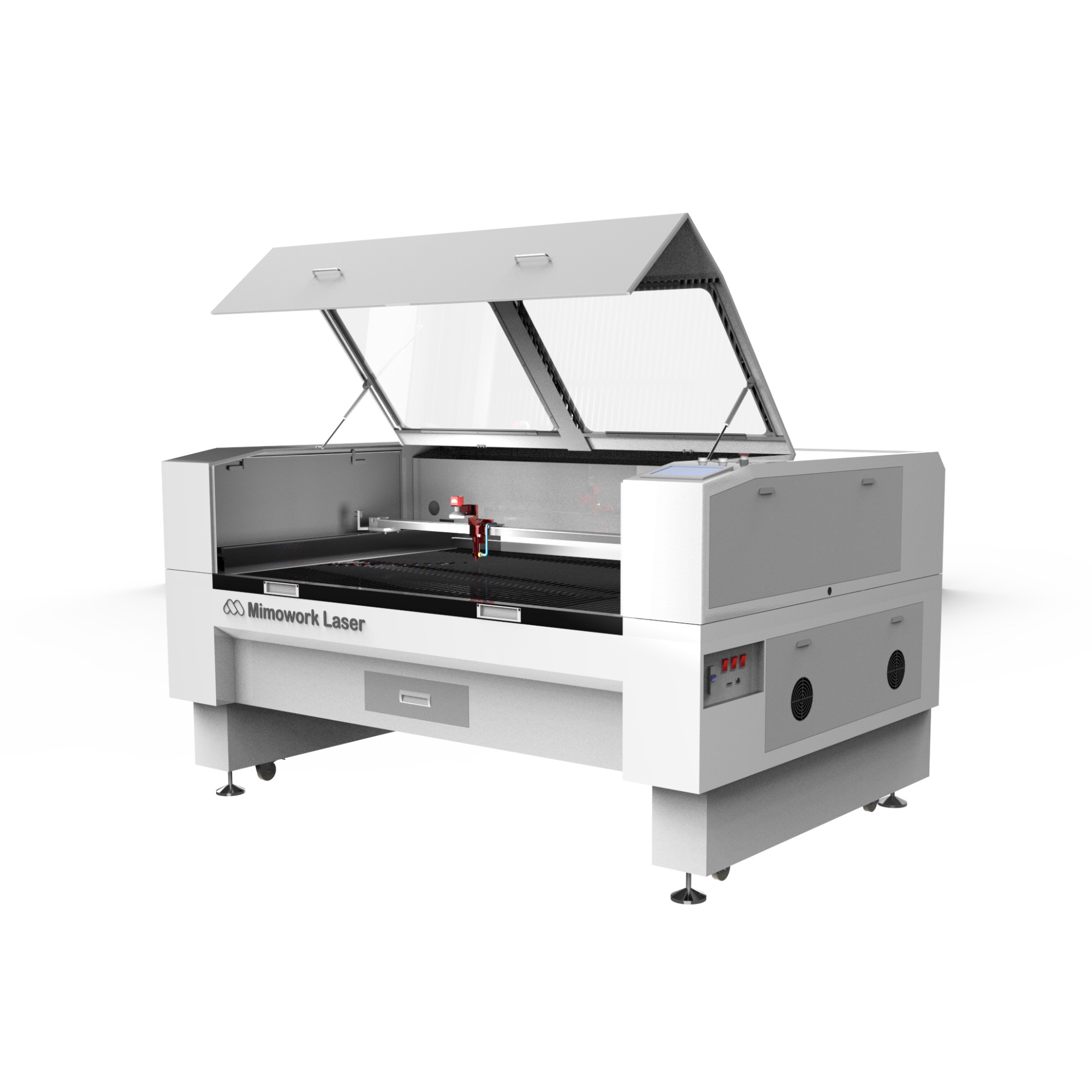
A CO2 laser cutting and engraving machine combines two processing capabilities in a single system, giving businesses the flexibility to cut through materials and add fine surface detail without switching equipment. Understanding how this dual functionality works, which materials suit it best, and how to configure the machine correctly can help you get consistent, professional results whether you’re producing signage, decorative items, or industrial components.
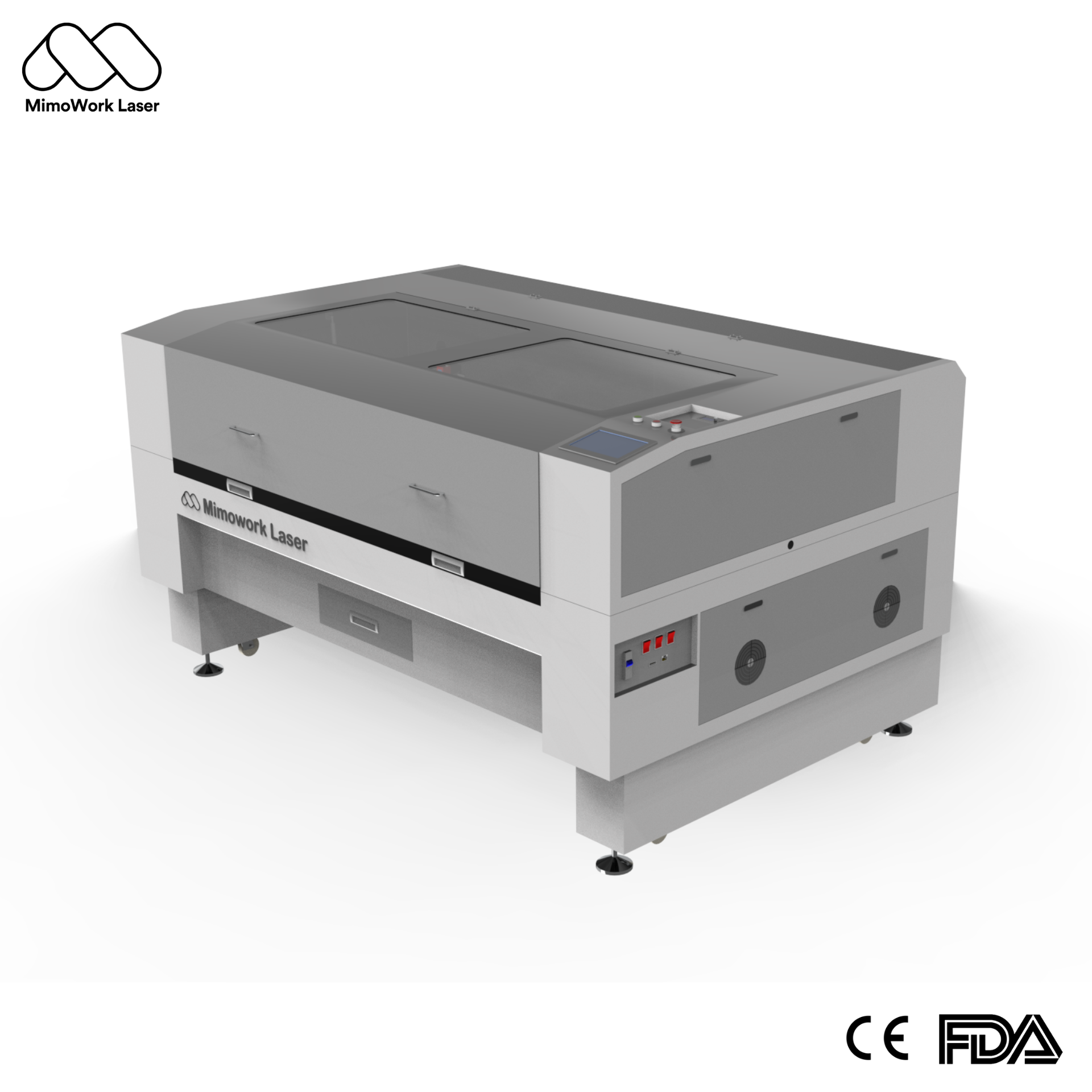
A CO2 laser generates a focused beam that heats material until it reaches its melting or vaporization point. For cutting, the beam fully penetrates the material and high-pressure gas blows away the molten residue, creating a clean-cut edge. For engraving, the same beam only marks the surface, removing a thin layer of material to create a visible design without cutting through.
Rather than owning separate cutting and engraving devices, a combined system lets you switch between the two processes on the same table, using the same software and workflow. This reduces equipment costs, saves floor space, and simplifies production planning, especially for businesses that regularly need both functions on the same project.
Understanding the difference between laser cutting and engraving helps you set realistic expectations for speed, power, and finished results.
Cutting requires the beam to travel through the entire thickness of the material, while engraving only affects the surface layer. This fundamental difference in depth is what drives nearly every other setting on the machine.
| Aspect | Cutting | Engraving |
| Penetration | Full material thickness | Surface layer only |
| Typical power | Higher | Lower |
| Typical speed | Slower | Much faster |
| Result | Separated pieces | Surface marks or designs |
Because cutting must overcome the full thickness of a material, it generally demands more power and a slower travel speed. Engraving, by contrast, can run at significantly higher speeds since it only needs to affect the top surface — some CO2 systems reach engraving speeds of up to 2000mm per second while maintaining detail and precision.
Choosing the best materials for CO2 laser engraving and cutting depends on what you’re producing and the finish you expect.
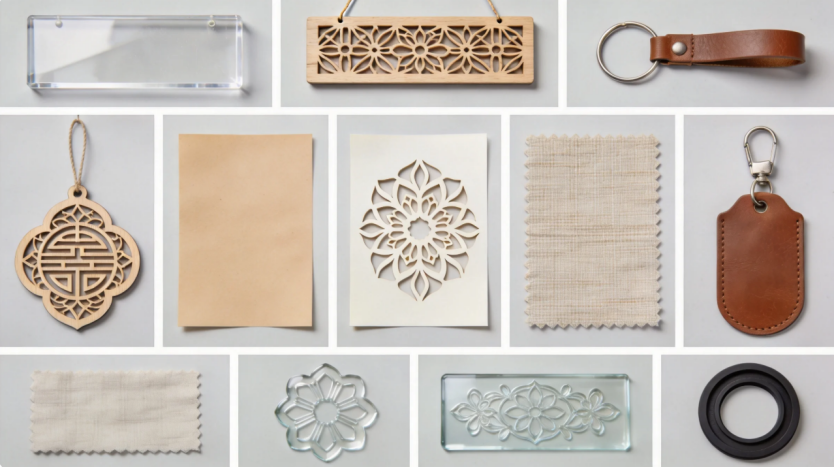
CO2 laser cutting and engraving machines are widely used across a broad range of non-metal materials, each producing a different result depending on density and composition.
| Material | Common Use | Notes on Processing |
| Acrylic (PMMA/plexiglass) | Signage, awards, decor | Clean edges, popular for both cutting and engraving |
| Wood (plywood, MDF, hardwood) | Furniture, crafts, signage | Denser woods give sharper detail |
| Leather | Fashion accessories, labels | Precise perforation and surface marking |
| Fabric | Apparel, textile goods | Clean edges without fraying |
| Paper and cardstock | Packaging, invitations | Fine detail cutting |
| Stone (granite, marble, slate) | Engraving, etching, marking | Engraving and etching only, not cutting |
While CO2 lasers are not designed to cut through metal, they can mark or engrave coated metal surfaces effectively. This makes a CO2 system a versatile choice for businesses that need to add branding or identification marks on metal parts alongside their non-metal cutting and engraving work, without requiring a separate fiber laser for basic surface marking tasks.
Acrylic is one of the most common applications for a CO2 laser cutting and engraving machine for acrylic, thanks to its clean-cutting characteristics and popularity in decorative and promotional products.
Cutting acrylic produces smooth, polished-looking edges without the need for additional finishing, while engraving creates crisp, frosted-looking detail on the surface — both effects are achievable on the same machine simply by adjusting power and speed settings.
| Process | Visual Result | Common Products |
| Cutting | Smooth, glass-like edge | Signs, keychains, awards |
| Engraving | Frosted surface detail | Personalized plaques, decorative panels |
A two-way penetration design allows longer acrylic sheets to pass through the machine even when they extend beyond the working table’s physical dimensions. This is particularly useful for businesses producing oversized signage or long decorative panels without needing to pre-cut material to fit the table.
Practical & Tutorial-Focused
Mastering Acrylic Processing: A Practical Tutorial
Interested in seeing these settings in action? Check out our step-by-step tutorial on cutting and engraving acrylic. This video walks you through the precise adjustments required to achieve polished, glass-like edges and crisp, professional-grade surface engraving on your acrylic projects.
Correct CO2 laser engraving speed settings are essential for achieving consistent detail without sacrificing production efficiency.
The type of motor driving the laser head has a direct impact on achievable engraving speed. A brushless DC motor, for example, can reach high rotational speeds with strong, consistent kinetic output, allowing engraving speeds of up to 2000mm per second — considerably faster than what standard motors can typically sustain, while still holding fine detail.
Because each material reacts differently to heat and laser exposure, parameter adjustments generally follow this logic:
For businesses evaluating a CO2 laser machine for small business use, the right choice depends on production needs rather than specifications alone.
Smaller working areas are generally sufficient for craft-scale or prototype-level work, while larger tables suit businesses producing signage, batch decorative items, or bulk engraved products. Matching the machine’s working area and power to your typical material size and expected output helps ensure the equipment fits your actual workflow.
Compatibility with common laser design software makes day-to-day operation smoother, and reliable after-sales guidance — including help identifying whether an unfamiliar material is suitable for laser processing — can meaningfully reduce trial-and-error time for businesses new to laser cutting and engraving.
Cutting fully penetrates the material to separate pieces, while engraving only affects the surface to create a visible mark or design, without cutting through.
CO2 lasers cannot cut through metal, but they can mark or engrave coated metal surfaces, making them useful for branding tasks alongside non-metal cutting and engraving.
Acrylic, wood, leather, fabric, paper, and stone are all commonly processed. Acrylic and wood tend to give the sharpest cutting and engraving results, while stone is typically limited to engraving and etching.
Engraving only needs to affect the surface layer, while cutting must fully penetrate the material’s thickness, which requires more power and a slower pass to complete cleanly.
Denser or thicker materials generally require higher power and slower speeds, while thinner or more delicate materials need lower power and faster speeds. Testing with your specific material is the most reliable way to fine-tune settings.
A CO2 laser cutting and engraving machine gives businesses the flexibility to handle both structural cutting and fine surface detail on a single platform, across materials ranging from acrylic and wood to leather, fabric, and coated metal. Getting consistent results comes down to understanding your material, matching power and speed to the job, and choosing a machine sized appropriately for your production needs.
If you’d like to explore configurations built specifically for cutting and engraving across different materials — along with guidance on parameter settings, working area sizing, and software compatibility — you can find detailed specifications and support on our official website at mimowork-laser.com.
News | Jul-1-2026
News | Jun-22-2026
News | Jun-15-2026