Blog
In a field that evolves daily, staying ahead means staying informed.
Explore in-depth articles designed to help you solve complex challenges,
maximize your machine’s ROI.
Stay ahead in a competitive market.


In a field that evolves daily, staying ahead means staying informed.
Explore in-depth articles designed to help you solve complex challenges,
maximize your machine’s ROI.
Stay ahead in a competitive market.
News | Jun-30-2026
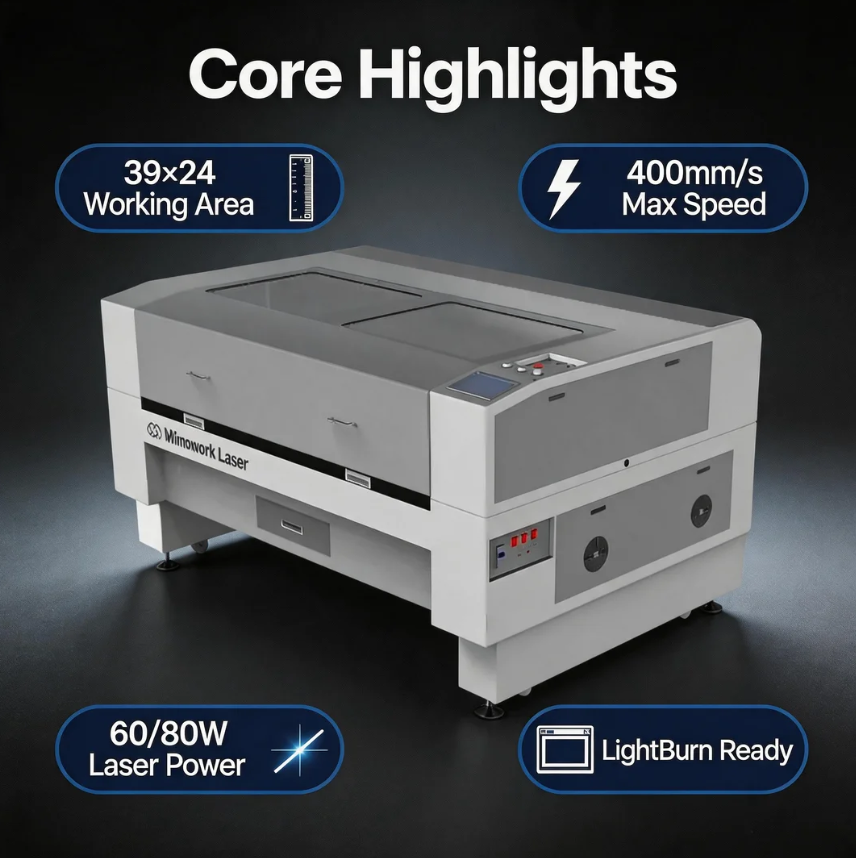
Woodworking has always been about precision, creativity, and efficiency. But traditional mechanical tools — routers, blades, and chisels — all share a common ceiling: they can only take your production so far before tool wear, setup time, and detail limitations start holding you back. That’s where a laser wood cutter and engraver changes the game entirely.
With a focused beam of light, a CO2 laser processes wood without physical contact, without dulling bits, and without the friction that causes splintering and inconsistent edges. Whether you run a custom gift shop, a sign-making business, or a high-volume furniture component factory, understanding how to get the most from a laser wood cutter and engraver is one of the most valuable investments you can make in your workflow.
This guide covers everything you need — from how the technology works, to which wood types respond best, to which machine fits your production volume — all based on real capabilities, not marketing promises.
Forget the friction, force, and tool wear of mechanical cutting. A laser wood cutter and engraver uses a concentrated beam of light to vaporize material along a digitally programmed path. There’s no blade pressing into the grain, no clamping required for many jobs, and no physical stress transferred to the material.
The laser’s heat works as a cutting tool in itself. As it follows the vector path from the software, it vaporizes wood instantly, leaving a clean line in its wake. For engraving, the same beam is dialed back in power, removing surface material to create depth, contrast, and detail rather than cutting all the way through.
The result isn’t just a different method — it’s a fundamentally better outcome: cleaner edges, finer details, and no physical damage to the surrounding material.
Many buyers come in thinking that this is the same process. They’re not. Understanding the distinction helps you configure the right machine for your actual workflow.
Laser cutting uses full power to vaporize material along the entire depth of the wood — the beam goes all the way through, producing a finished part or component. This is your go-to for furniture elements, puzzle pieces, inlays, signage, and decorative shapes.
Laser engraving uses reduced power to alter only the surface of the wood — creating depth, contrast, and texture without cutting through. This is ideal for logos, photographs, personalized text, product branding, and decorative patterns on finished goods.
Many production jobs combine both in a single machine cycle: cutting out the shape and engraving the design in one uninterrupted run.
This is one of the most common questions in woodworking, and the honest answer is: it depends on what you make most. Here’s how the two technologies compare directly:
| Factor | Laser Wood Cutter & Engraver | CNC Router |
| Processing method | Non-contact, thermal — no physical force | Contact-based, mechanical — spinning bit removes material |
| 2D precision & detail | Exceptional — sharp corners, fine text, intricate patterns | Good, but limited by bit diameter |
| 3D carving capability | Limited to surface engraving depth | Strong — true 3D relief carving and V-grooving |
| Edge quality | Sealed, smooth edge — often needs no sanding | Requires sanding or finishing for smooth results |
| Tool wear & cost | None — laser beam never wears out | Ongoing — bits dull and must be replaced |
| Setup & changeover | Fast — software-only file changes | Slower — physical bit changes and recalibration |
| Suitable material thickness | Up to 1 inch (power-dependent) | Handles very thick, dense hardwood efficiently |
| Ideal applications | Intricate 2D work, engraving, personalization, flat components | 3D carving, heavy-duty profiling, furniture with rounded edges |
The most productive woodshops don’t treat these as either/or. A laser handles the detail, personalization, and 2D precision work; a router handles the heavy-duty 3D carving. Together, they cover a far wider product range than either can alone.
CO2 laser wood cutters and engravers work across a wide range of wood types. Some respond better than others, and knowing the differences helps you set parameters correctly from the start.
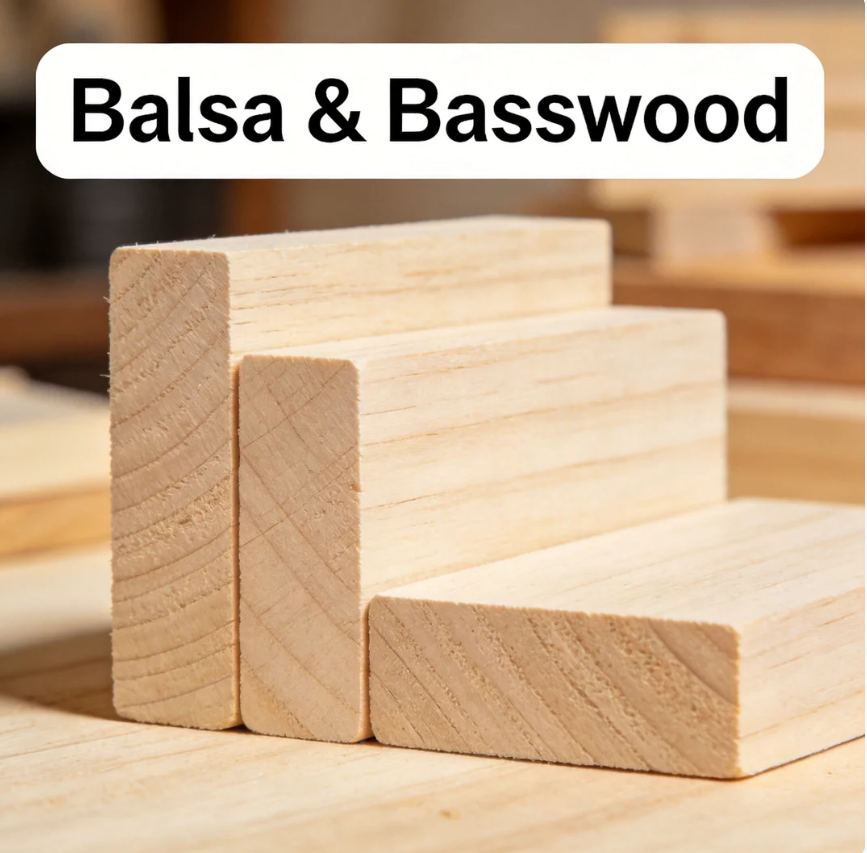
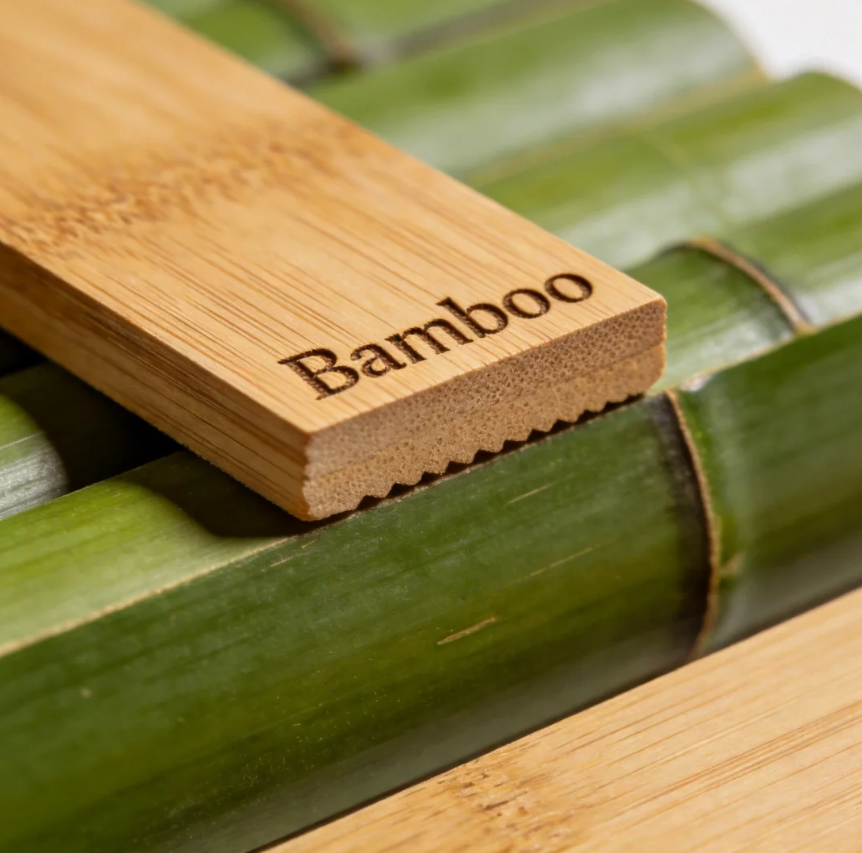
Bamboo — Dense but laser-friendly. Produces strong contrast engravings and clean cut edges.
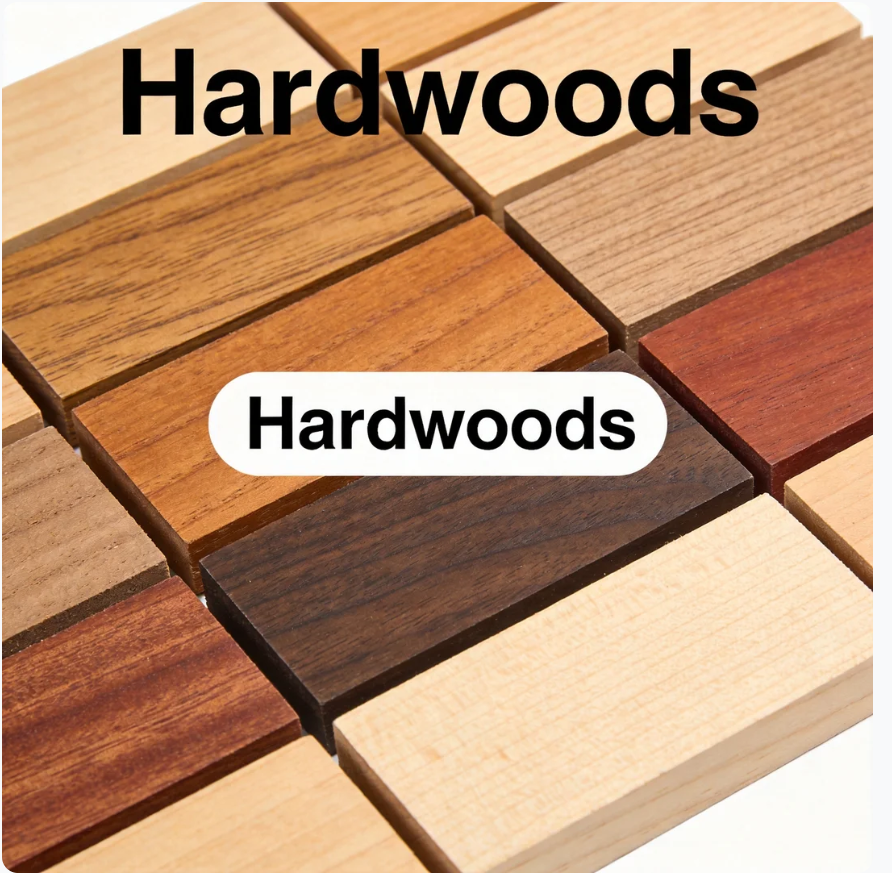
Hardwoods (Oak, Walnut, Cherry, Beech) — Higher power required, but results are exceptional. Walnut engraves with beautiful light-on-dark contrast; maple engraves dark on light.
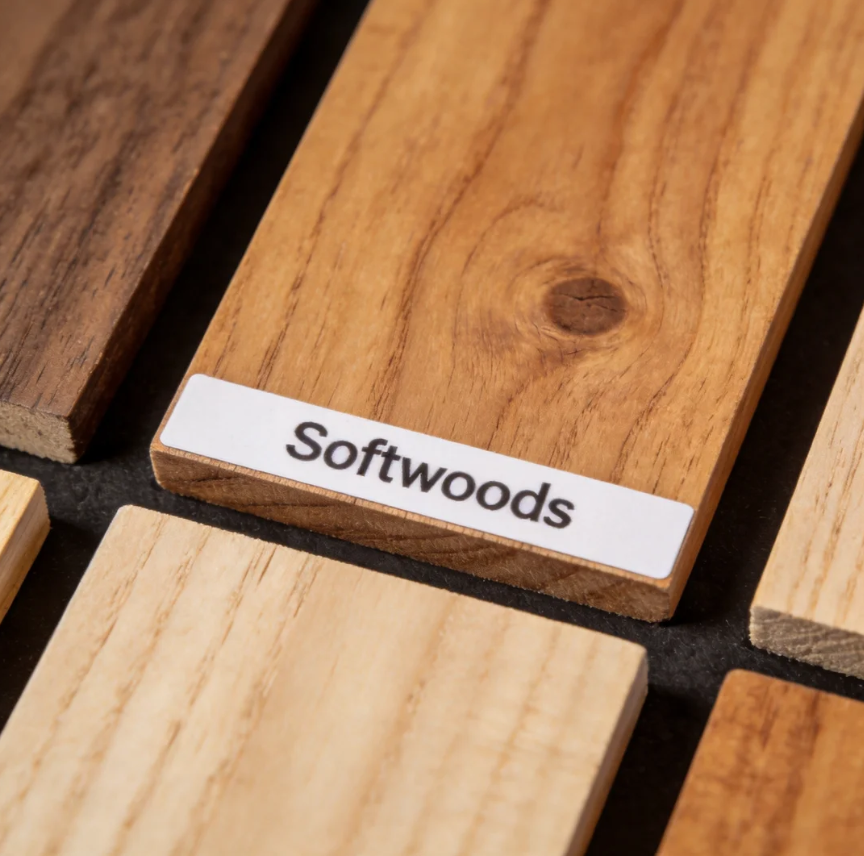
Softwoods (Pine, Cedar) — Can produce more resin and smoke than hardwoods. Good air assist and ventilation management is especially important.
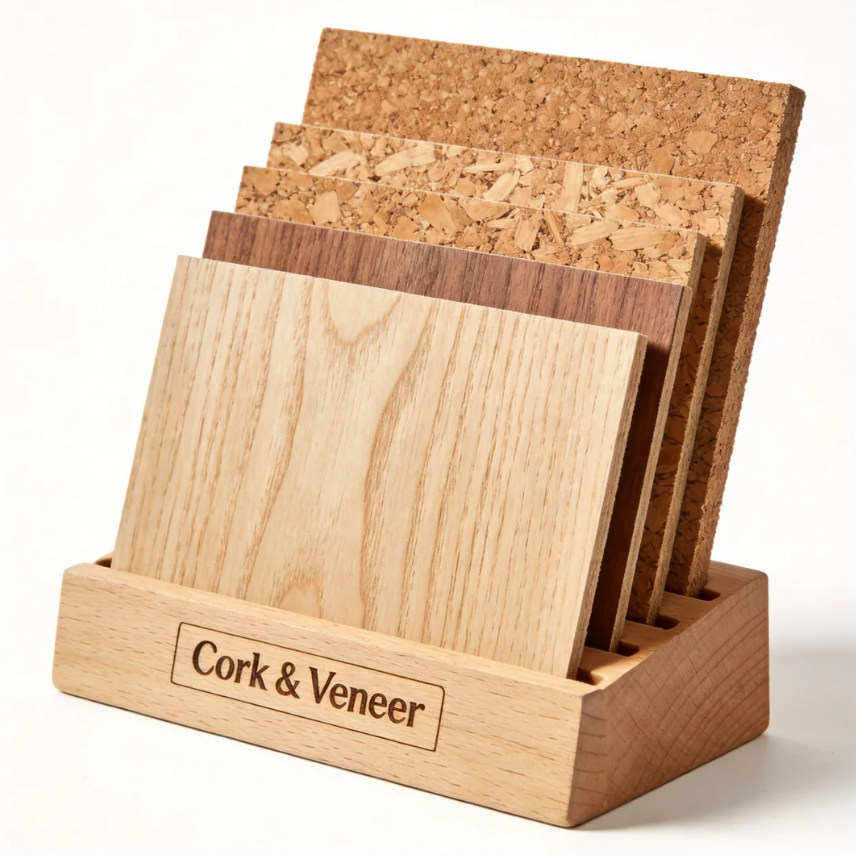
Cork & Veneer — Thin, delicate, and perfectly suited for CO2 laser wood engraving at low power settings.
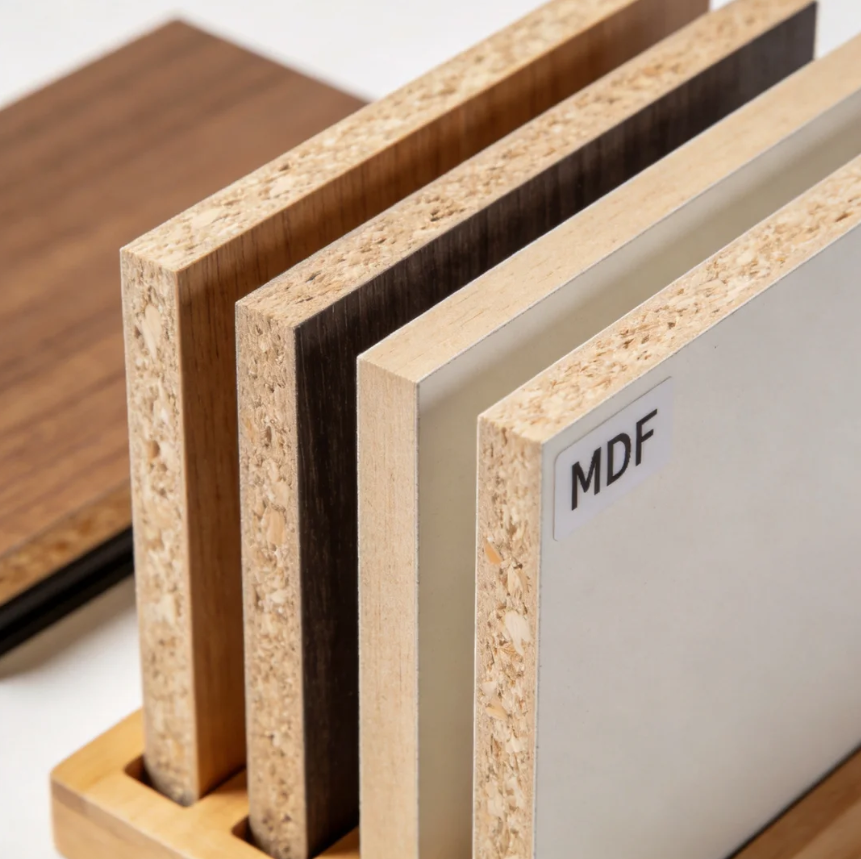
Not every wood or wood-based product is equally laser-friendly. Chipboard, due to its high impurity content, is generally not recommended for laser processing. Always check material composition before running any unfamiliar board product, as adhesives and treatments vary widely.
Power is the single most important spec to get right. Too little and you’re running multiple passes or getting incomplete cuts. Too much on delicate material and you’re scorching edges you didn’t want scorched.
Working area determines what size material you can process in a single pass — and it directly affects throughput on larger jobs.
F100 Laser Cutter Machine
F130-L Laser Cutter Machine
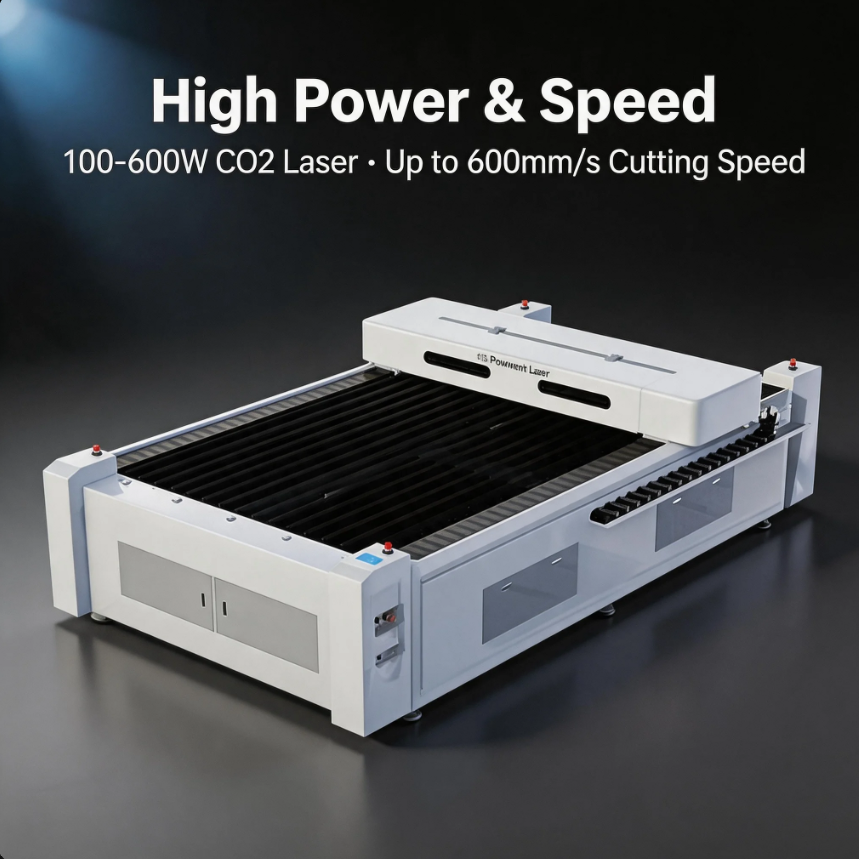
G-40 Galvo Laser Marker
Burning and charring are the most common complaints from new users — and they’re almost always solvable with the right technique. Here’s what actually works:
The right add-ons solve specific production problems and are worth considering before you’re mid-job and wishing you had them:
A laser wood cutter and engraver opens up a wide product range — from small custom items to high-volume industrial components. Common applications include:
Wood signs, wood puzzles, wooden boxes, furniture components, veneer inlays, architectural models, wood earrings and jewelry, die boards, wood ornaments, business cards, wooden toys, flexible wood living hinge designs, instrument components, and painted wood pieces with engraved detail.
Industries actively using this technology include custom gift manufacturing, sign shops, furniture production, cabinet making, musical instrument manufacturing, and architectural fabrication.
The high-mix, low-volume economy is reshaping what workshops need from their equipment. Consumers and businesses alike are moving away from generic products toward customized, personalized items — and laser systems are exactly the right tool for this shift. Switching from 500 standard signs to 50 custom guitar bodies to a single intricate jewelry box takes seconds when the only change required is loading a new file.
Automated, integrated workflows are the other major shift. With options like CCD cameras for automatic part alignment and conveyor systems for continuous processing, laser machines can run batch jobs with minimal operator involvement — maximizing machine uptime and enabling overnight production in well-configured shops.
Value-added finishing straight from the machine is reducing post-processing costs across the board. The laser’s sealed edge often eliminates sanding entirely, and precise power and speed control create a range of aesthetic effects — from deep dark burns on maple to light frosted contrasts on walnut — without any additional stains or paints.
Yes — CO2 laser wood cutters and engravers are exceptionally effective on wood. They produce clean, sealed edges with precision that mechanical tools can’t replicate. They work well with plywood, MDF, hardwoods like maple and oak, and softwoods like basswood and cedar. The heat from the beam seals the grain as it cuts, which typically eliminates fraying and reduces or removes the need for post-cut sanding.
It depends on laser power and wood density. As a general guideline, a 60W–100W machine handles plywood and basswood up to roughly 10–12mm comfortably; 100W–300W covers most production work up to around 20mm; high-power 600W configurations can process denser materials at greater thickness, though cutting speed and edge quality become significant variables as thickness increases. For the best results, size your laser power to the majority of your typical material thickness rather than the occasional extreme case.
Both darken wood by applying heat, but the similarity ends there. CO2 laser wood engraving is a digital, computer-guided process that vaporizes the surface with microscopic precision — producing perfectly consistent, repeatable results at high speed, including photographs and complex graphics. Wood burning is a manual, hand-guided artistic process where results depend entirely on the operator’s skill and are inherently variable. For production work requiring consistency, laser engraving is in a different category entirely.
Most machines are fully compatible with LightBurn, which is the industry-standard software for laser wood cutting for small businesses and production shops alike. It handles design layout, parameter control, and direct machine communication in one interface. Files from Adobe Illustrator and CorelDRAW import cleanly into LightBurn, so existing design workflows integrate without friction.
Neither is universally better — they’re built for different tasks. Choose a laser wood cutter and engraver when your work centers on intricate 2D cutting, high-detail engraving, flat components with complex joints, and personalization. Choose a CNC router when your work demands true 3D carving, rounded edge profiles, or heavy-duty machining of very thick stock. Many productive shops run both, using each where it performs best — the combination covers a significantly wider product range than either alone.
A good laser wood cutter and engraver doesn’t just replace a blade — it opens up work that wasn’t practical before. Tighter details, faster changeovers, cleaner edges straight off the machine, and the flexibility to switch between a single custom piece and a full production batch without touching a tool. That combination is why laser processing has moved from a specialty capability to a core production tool in woodshops of every size.
Getting there consistently comes down to a few things: matching laser power to your typical material thickness, choosing a working area that gives you room to grow, and pairing the machine with the right auxiliary systems — air assist, ventilation, and the right table surface for your materials. The machine is configurable; the setup should fit the job, not the other way around.
News | Jun-30-2026
News | Jun-22-2026
News | Jun-15-2026