Blog
In a field that evolves daily, staying ahead means staying informed.
Explore in-depth articles designed to help you solve complex challenges,
maximize your machine’s ROI.
Stay ahead in a competitive market.


In a field that evolves daily, staying ahead means staying informed.
Explore in-depth articles designed to help you solve complex challenges,
maximize your machine’s ROI.
Stay ahead in a competitive market.
News | Jul-31-2026
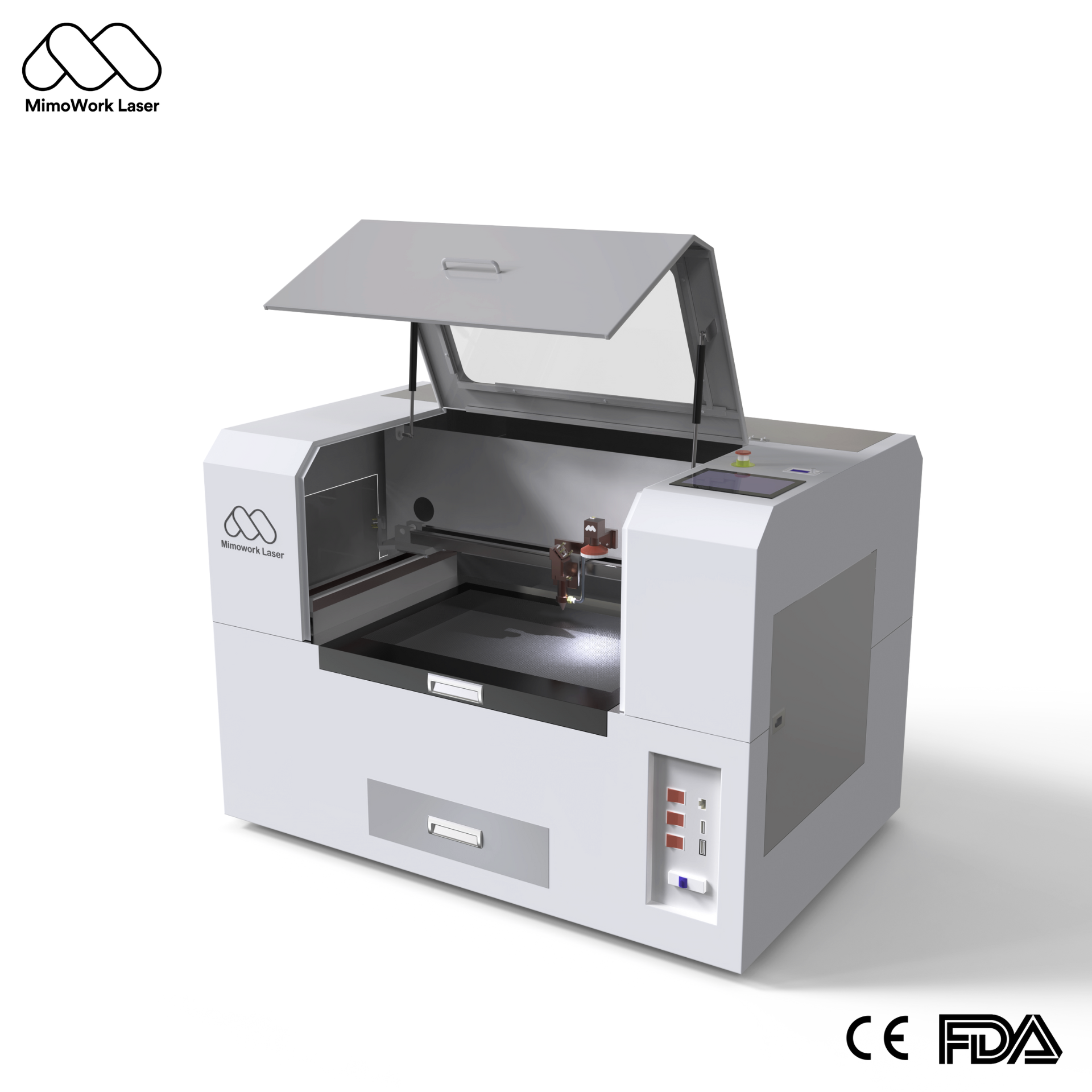
Anyone shopping for their first desktop co2 laser cutter quickly runs into the same wall of overlapping specs, vague marketing terms, and machines that all look nearly identical in photos. What often gets lost is that a desktop-format machine isn’t a stripped-down toy version of an industrial system — it’s the same precision optics, beam control, and automation logic found in larger production laser systems, scaled into a footprint that fits on a table or workbench. This guide breaks the decision down into the factors that actually matter — power, workspace, materials, and long-term running costs — so you can choose a machine that fits your space and your goals instead of guessing.
A desktop CO2 laser cutter uses a sealed glass CO2 tube as its light source, paired with a compact frame small enough to sit on a table or workbench rather than take up a dedicated production floor. It’s built to do the same core job as a large flatbed system — cutting and engraving non-metal materials — just at a scale suited to a home studio, a garage workshop, or a small storefront.
The gap between a desktop unit and an industrial flatbed isn’t just size — it shows up in power, working area, and the kind of production it’s realistically built for.
| Factor | Desktop CO2 Laser Cutter | Industrial Flatbed Laser Cutter |
| Typical laser power | 60W–100W+ | 150W–600W+ |
| Working area | Roughly 400–600mm per side | 1300mm–2500mm or larger |
| Footprint | Fits on a table or bench | Requires a dedicated floor area |
| Automation & software | Offline control, camera-assisted positioning, smart material presets | Full production automation: contour recognition, auto-feeding, nesting software |
| Best suited for | Hobby projects, prototypes, small batches | Continuous, high-volume production |
| Typical buyer | Individuals, makers, small studios | Manufacturers, production workshops |
Underneath the compact shell, a desktop unit relies on the same fundamental components as larger machines — just scaled and simplified for smaller-format work.
The work surface underneath the material has a real effect on cut quality, and the two common designs serve different material types.
| Table Type | Best For | Key Advantage |
| Honeycomb platform | Soft, flexible materials like fabric, leather, paper | Even ventilation for smoke and heat, reduces underside burn marks |
| Knife strip (slat) table | Rigid sheet materials like acrylic and wood | Minimal contact surface reduces reflection and improves vacuum airflow for cleaner exhaust |
Finding the best desktop co2 laser cutter for beginners comes down to matching the machine’s specs to how it will actually be used, not chasing the highest power number available.
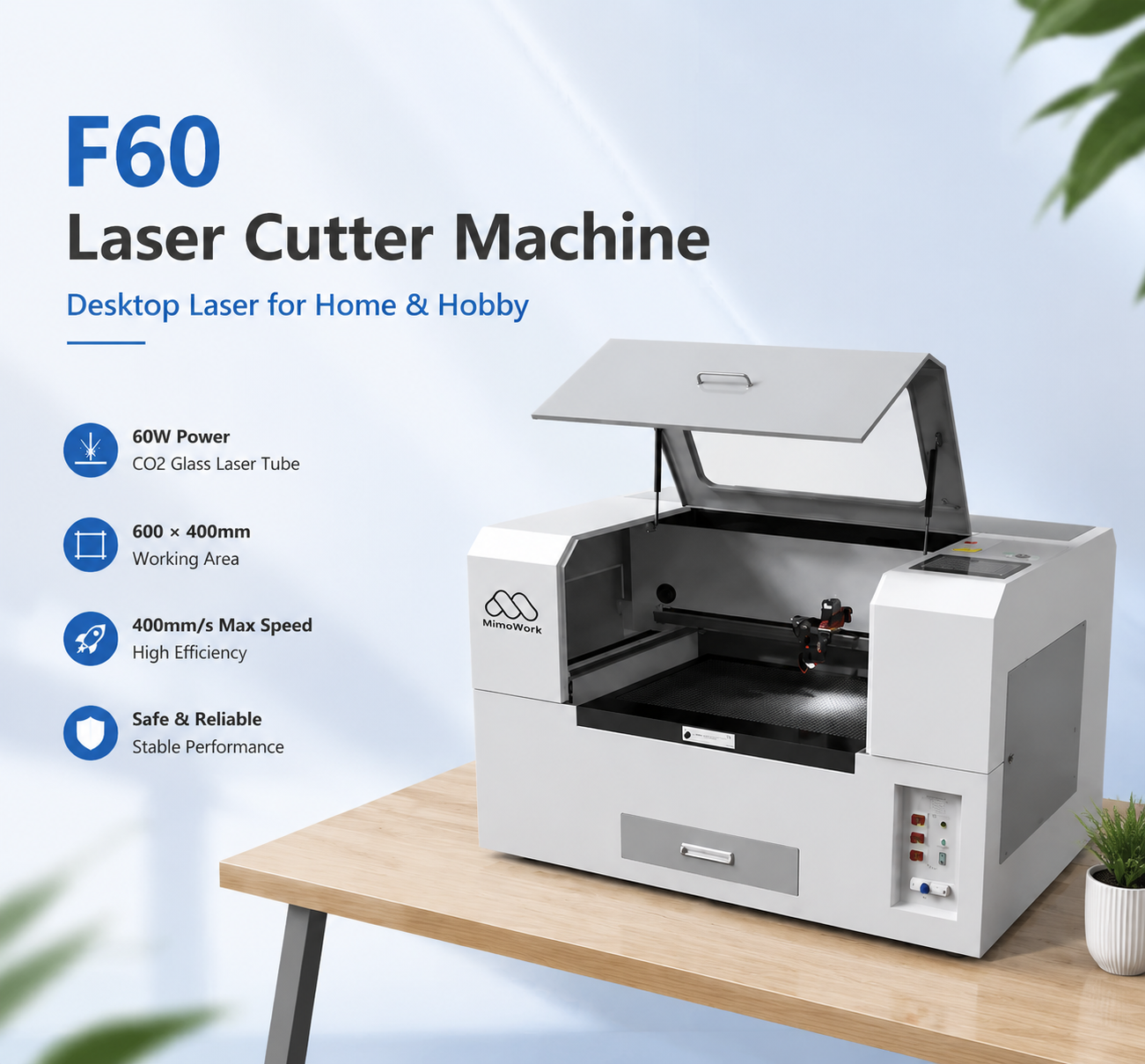
A large share of home and small-business use cases center on two materials, and a desktop co2 laser cutter for wood and acrylic needs to handle both well.
| Consideration | Wood | Acrylic |
| Recommended table | Honeycomb (for engraving) | Slat/knife strip (for cutting) |
| Common issue | Smoke and char marks | Beam reflection, melted edges |
| Ventilation need | Moderate to high (adhesives in engineered wood) | High (VOC vapor from melting) |
For many owners, a small co2 laser cutter for home business becomes the foundation of a side income rather than just a hobby tool.
Ongoing costs — replacement lenses, tube life, electricity — should be built into pricing from day one, not treated as an afterthought
Material and machine costs are recovered fastest through repeat, higher-margin items like personalized gifts rather than one-off large projects
Batch production (cutting multiple identical pieces per job) improves the time-to-revenue ratio significantly
A base desktop unit covers flat-material work well, but a few add-ons meaningfully widen what it can produce.
An uninterruptible power supply gives enough buffer time to shut the machine down safely during outages or voltage fluctuations
A brief power interruption mid-job can ruin a project and, in some cases, stress the laser tube
| Cost Factor | Desktop Machine | Industrial Machine |
| Replacement tube cost | Lower | Higher |
| Routine part wear (belts, lenses) | Lower, simpler to self-service | Higher, may need technician support |
| Electricity draw | Lower | Significantly higher |
Upgrading later — rather than starting with industrial equipment — reduces the upfront risk of an underused, oversized machine
Many owners start with a desktop machine to validate demand and refine their product line before committing to a larger investment
As order volume grows, the skills learned on a desktop unit (material settings, software workflow, maintenance habits) transfer directly to operating a larger flatbed system
Most entry-level desktop machines start around 60W, which handles paper, thin wood, leather, and light-to-medium acrylic comfortably. If thicker wood or acrylic cutting is part of the plan from the start, a mid-size desktop option with more power provides practical headroom without a major jump in machine footprint.
Yes, but the two materials benefit from different table setups — a honeycomb platform for wood engraving and ventilation, and a slat table for acrylic cutting to reduce reflection and improve airflow underneath the sheet.
It depends on the product line. If cylindrical items like tumblers or bottles are part of the plan, a rotary attachment is close to essential. For flat-item work only (signage, keychains, flat décor), it’s a helpful but optional upgrade.
Beyond the machine’s own footprint, plan for space around it for the water chiller, ventilation ducting or a fume extraction unit, and safe clearance for loading and unloading material — realistically a small dedicated corner rather than just the machine’s physical dimensions.
The clearest signal is consistent order volume that a desktop unit’s working area or duty cycle can no longer keep up with. At that point, the workflow and material knowledge built on the desktop machine carries over directly, making the upgrade a scaling decision rather than a fresh learning curve.
Choosing the right desktop CO2 laser cutter comes down to matching power, table type, and accessories to the materials and volume you actually plan to work with — not to the biggest spec sheet available. Start with a machine sized for where your projects are today, build good habits around ventilation and maintenance from day one, and the path to a larger industrial setup, if you need one, will be a natural next step rather than a costly guess.
News | Jul-22-2026
News | Jul-16-2026