Blog
In a field that evolves daily, staying ahead means staying informed.
Explore in-depth articles designed to help you solve complex challenges,
maximize your machine’s ROI.
Stay ahead in a competitive market.


In a field that evolves daily, staying ahead means staying informed.
Explore in-depth articles designed to help you solve complex challenges,
maximize your machine’s ROI.
Stay ahead in a competitive market.
News | Oct-16-2026 | Mimowork
Quick Answer
A portable CO2 laser cutter is a practical option for makers, designers, small businesses, and workshops that need precise cutting and engraving without dedicating a large area to industrial equipment. However, portable does not necessarily mean handheld or battery-powered. Most CO2 laser cutters require a stable work surface, a suitable power supply, cooling, and fume extraction.
When choosing a machine, focus on the working area, laser power, material compatibility, installation requirements, and expected production volume. A compact desktop model may suit prototypes and customized products, while a larger flatbed system may be more appropriate for businesses processing bigger sheets or handling regular production runs.
A portable CO2 laser cutter is generally a compact or relatively easy-to-relocate laser system designed for cutting and engraving materials in a workshop, studio, classroom, or small production space.
CO2 laser technology is widely used to process non-metal materials, including wood, acrylic, leather, fabric, paper, and certain plastics. Because the laser cuts without a mechanical blade contacting the workpiece, it can produce intricate shapes, detailed patterns, and repeatable designs.
Nevertheless, portability has practical limits. A machine may be compact enough to fit into a small workshop but still require water cooling, ventilation, protective enclosures, and a dedicated installation area. Before purchasing, consider the complete operating setup rather than the machine’s external dimensions alone.
The terms portable, desktop, and industrial are not always used consistently by manufacturers. Comparing actual dimensions, working areas, and operating requirements is more useful than relying on product labels.
| Feature | Compact or Portable CO2 Laser Cutter | Desktop CO2 Laser Cutter | Industrial CO2 Laser Cutter |
| Main advantage | Easier relocation and flexible placement | Convenient for small projects and limited spaces | Larger-scale production capability |
| Typical users | Mobile workshops and small businesses | Makers, schools, and studios | Manufacturers and established production businesses |
| Working area | Varies by model | Usually suited to smaller workpieces | Often accommodates larger materials |
| Production needs | Light-duty or selected commercial tasks | Prototypes, crafts, and customized items | Regular or higher-volume processing |
| Installation | Depends on machine design | Requires a suitable workstation and ventilation | May require dedicated floor space and supporting equipment |
| Key consideration | Actual weight and installation requirements | Workpiece size and production needs | Capacity, workflow, and material handling |
A desktop machine may be the most suitable choice for someone searching for a portable CO2 laser cutter, even if the equipment is not designed for frequent transportation. If you intend to move the machine between locations regularly, verify its weight, disassembly requirements, and installation procedure with the manufacturer.
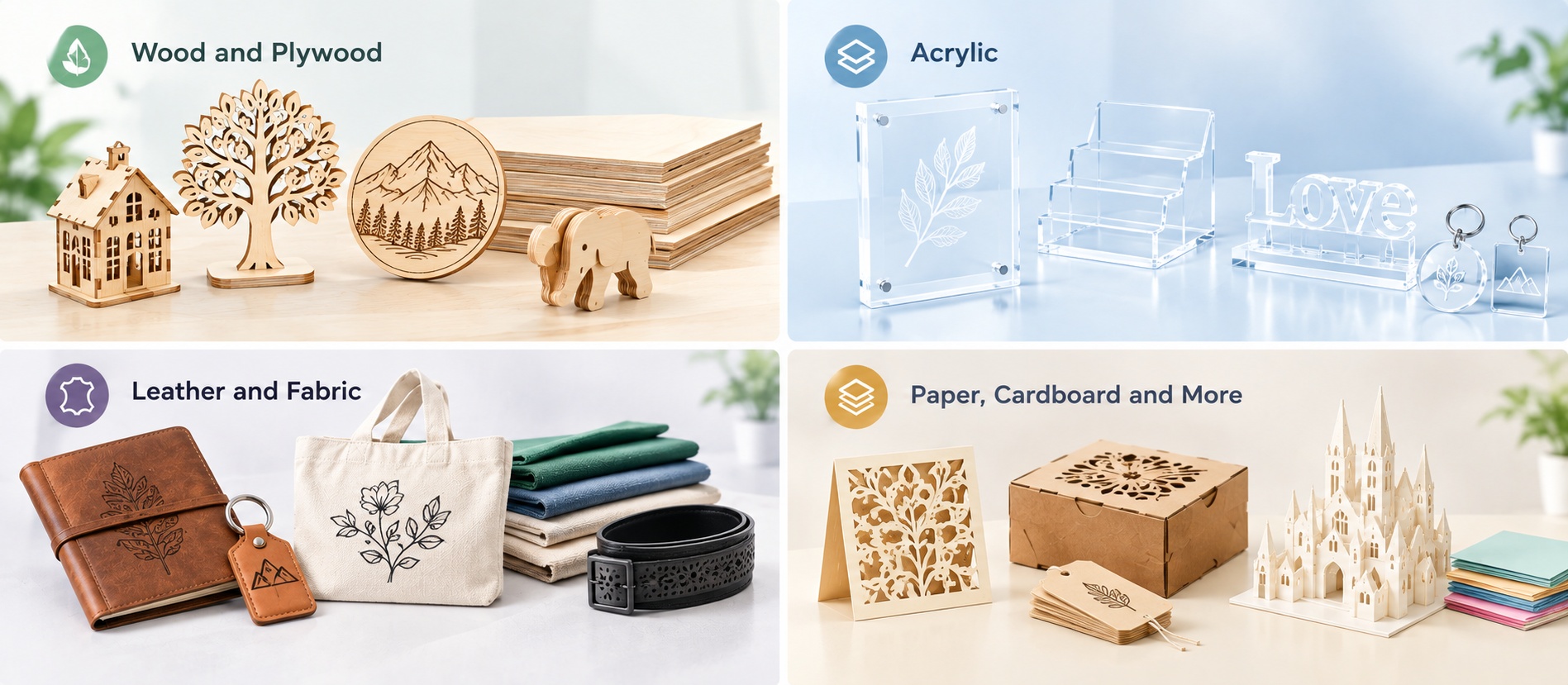
Material compatibility is one of the main reasons businesses consider CO2 laser technology. The right machine can support several product categories, reducing the need to outsource every cutting or engraving job.
Wood is a common material for laser-cut signs, personalized gifts, decorative panels, puzzles, and prototypes. A CO2 laser cutter can follow detailed vector designs and produce repeatable shapes for small-batch manufacturing.
Plywood, MDF, and solid wood can behave differently during processing. Adhesives, resin content, moisture, and material thickness all influence the cutting result. Test the specific material before committing to a production run.
Acrylic is widely used for display stands, lettering, nameplates, decorative products, and retail signage. CO2 laser cutting can create intricate contours without requiring a mechanical cutting tool.
For businesses producing customized displays or promotional products, the working area is especially important. Make sure the machine can accommodate the dimensions of your acrylic sheets and finished parts.
A CO2 laser cutter can support applications such as leather accessories, textile patterns, garment components, and customized fabric products. Non-contact cutting is useful for detailed shapes that would otherwise require manual trimming or dedicated cutting tools.
Fabric type, layering, synthetic content, and edge-finish requirements should all be considered when selecting a machine. For flexible materials, a conveyor or automated feeding system may be worth considering as production volume grows.
Paper and cardboard are used for packaging prototypes, model making, craft products, and decorative designs. Some other plastics and engineered materials may also be compatible, but suitability depends on their exact composition.
Important: Never assume that every plastic or composite material is safe to laser process. PVC and other chlorine-containing materials can release hazardous gases when heated. Confirm material safety with the supplier and follow the machine manufacturer’s operating instructions.
A compact CO2 laser system can make sense when the flexibility of in-house production matters more than maximum throughput.
Businesses producing personalized gifts, wooden decorations, acrylic signs, or promotional items may benefit from bringing cutting and engraving in-house. They can test designs, adjust orders, and produce small batches without relying on an external service for every revision.
For prototyping, a laser cutter can turn digital designs into physical samples quickly. This is particularly useful when evaluating shapes, dimensions, fit, or decorative details before committing to a larger order.
A compact machine can be easier to incorporate into an existing workspace. However, appropriate supervision, laser safety measures, ventilation, and access controls remain essential.
A smaller machine can help a workshop begin processing materials in-house. If orders become larger or more frequent, the business can evaluate a bigger working area, automated material handling, or a higher-capacity system rather than replacing equipment based solely on its original size.
The right purchase decision starts with your actual workload, not the lowest price or smallest footprint.
| Buying Factor | Questions to Ask | Why It Matters |
| Working area | What are the dimensions of your largest workpieces? | Prevents size limitations from disrupting production |
| Laser power | Which materials and thicknesses must be processed? | Helps determine whether the configuration suits the application |
| Cutting quality | How clean must the edges be? How detailed are the designs? | Affects sample quality and finished-product consistency |
| Cooling | What cooling system does the machine require? | Supports appropriate operating conditions |
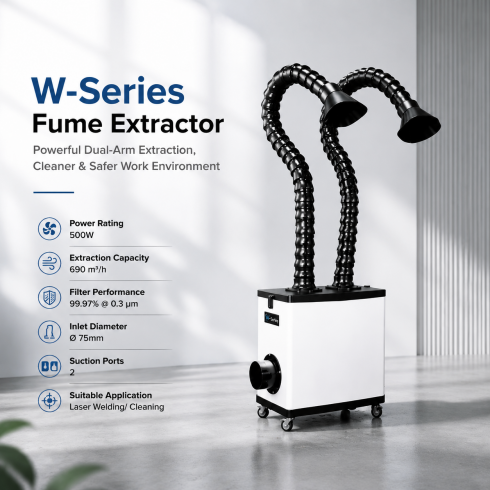
| Fume extraction | How will smoke and particles be removed? | Essential for a properly equipped workspace |
| Software | Does the workflow support your design files and operating system? | Reduces setup friction |
| Maintenance | Are replacement parts, technical guidance, and servicing available? | Helps manage long-term operating needs |
| Future capacity | Are larger workpieces or more orders likely? | Helps avoid buying a machine that quickly becomes unsuitable |
Before placing an order, request a material test using samples that match your actual production requirements. Check cutting quality, edge appearance, engraving detail, processing consistency, and cycle time. A demonstration using a different material or thickness may not accurately represent your results.
It can be, depending on the products you make and the number of orders you handle.
For customized wooden products, acrylic signage, leather accessories, and small-batch decorative items, a compact CO2 laser cutter may offer sufficient capability. The more important question is whether its working area, power configuration, and processing speed meet your specific requirements.
For example, a business cutting small personalized items may prioritize detailed engraving and efficient setup. A signage workshop may need a larger working area to process sheets with less repositioning. A textile manufacturer with recurring production orders may benefit more from a conveyor-based flatbed system than from a desktop machine.
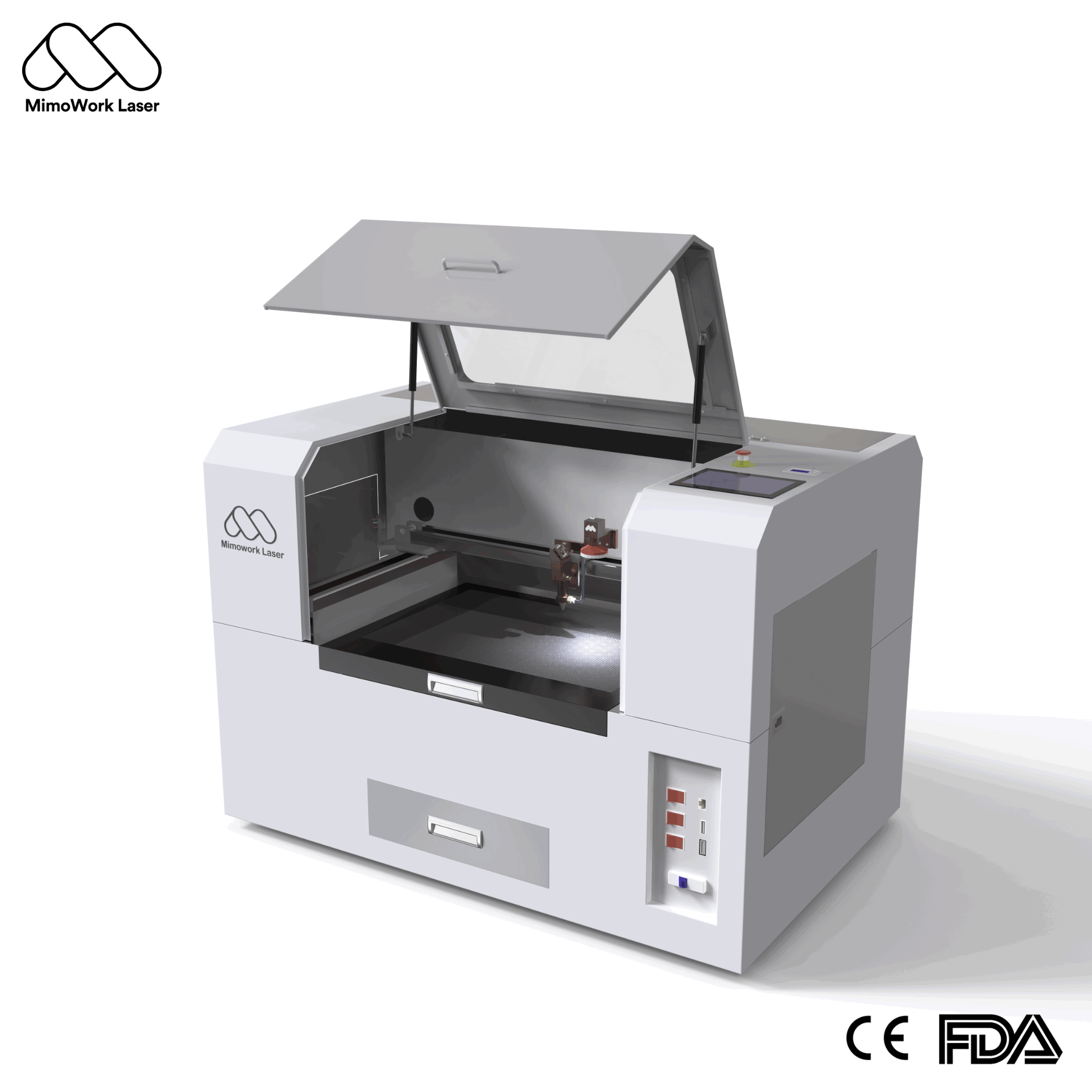
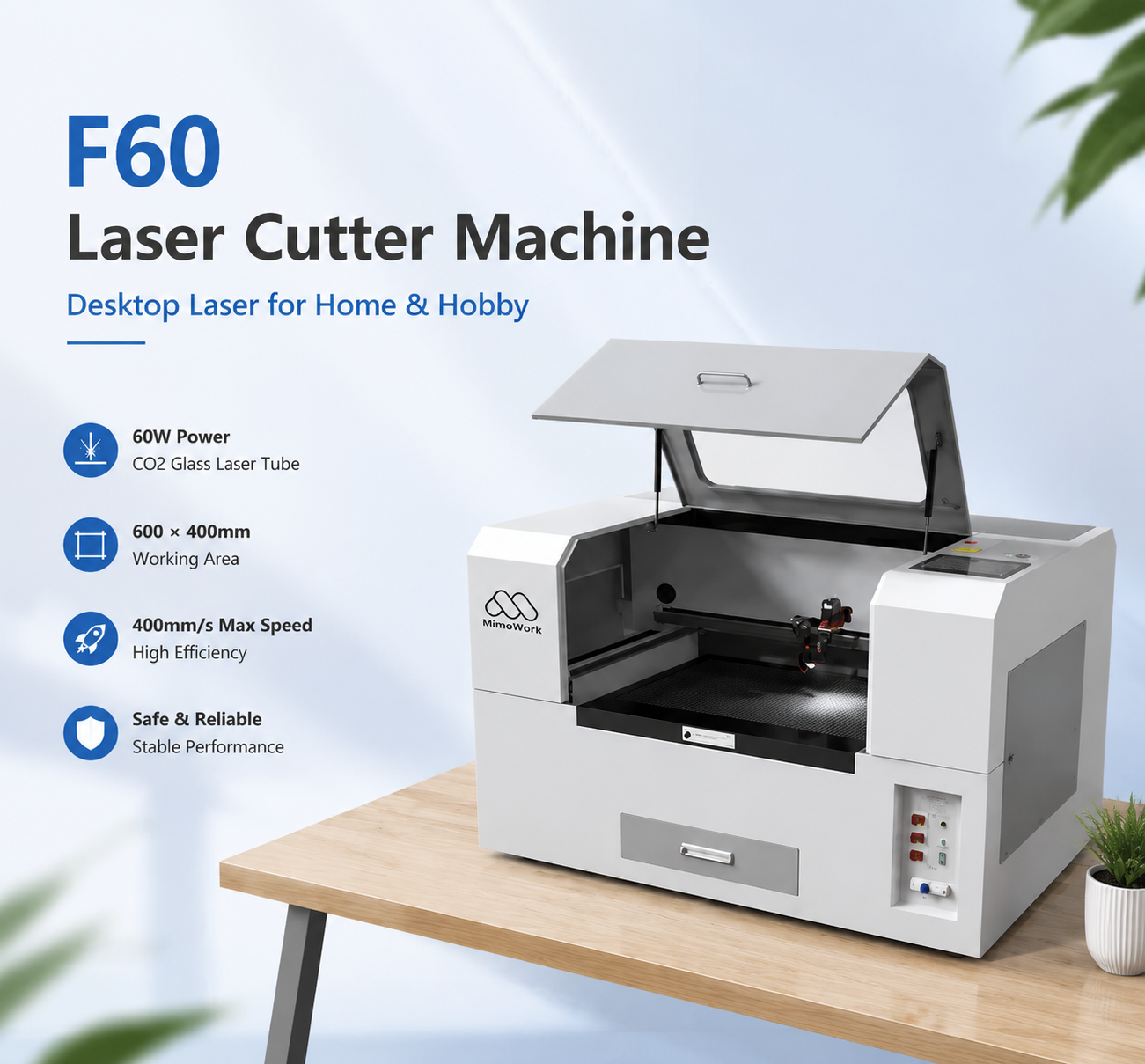
This is where comparing different machine formats becomes important. MimoWork offers a range of CO2 laser cutting solutions, from the F60 desktop laser cutter with a 600 × 400 mm working area to larger flatbed systems designed for different material sizes and production requirements. The appropriate model depends on the application, rather than portability alone.
Choosing a laser cutter should begin with the work you need it to perform. A machine that fits a small workshop today may not be the best long-term option if your material sizes or order volumes are expected to increase.
MimoWork’s CO2 laser cutting solutions cover different working areas and applications, including wood and acrylic signage, gifts, displays, and fabric processing.
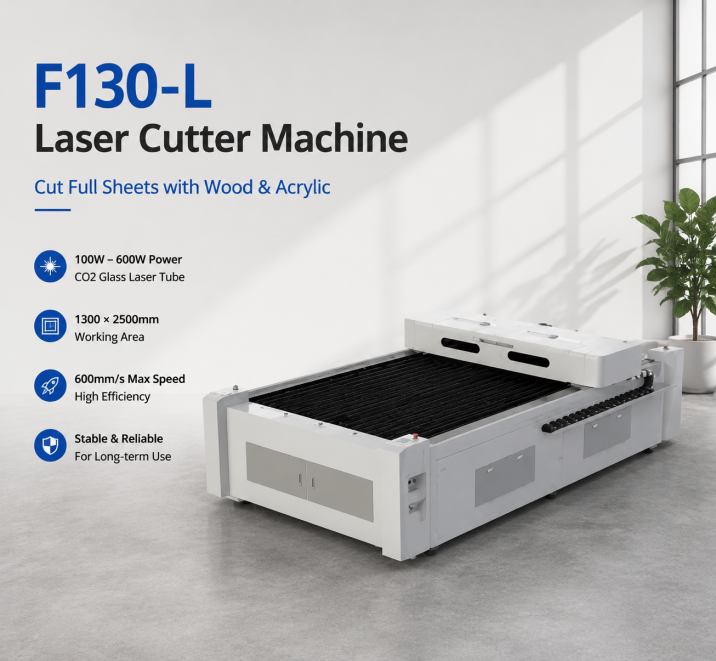
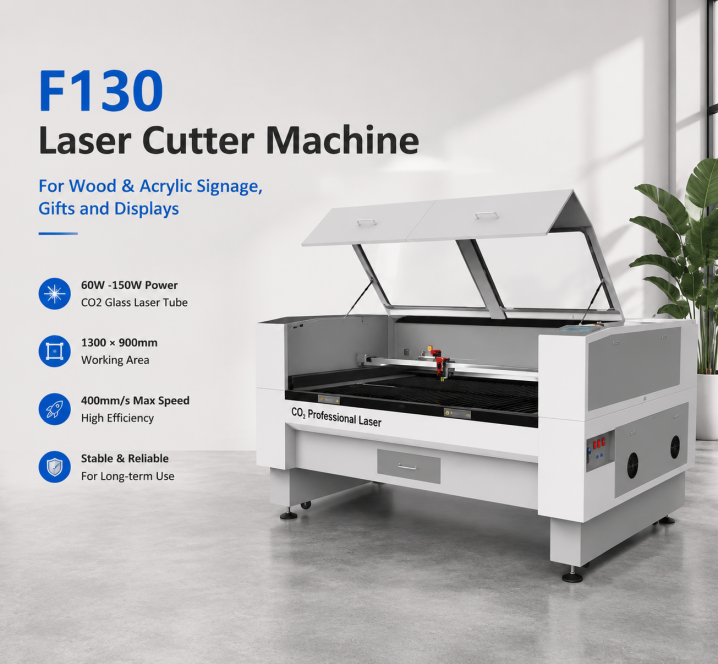
For a smaller workspace, the F60 is positioned as a desktop option for home, hobby, and small-scale applications. Businesses requiring more room for workpieces can compare the F100, which has a 1,000 × 600 mm working area, or the F130, which has a 1,300 × 900 mm working area. These are different machine formats, so buyers should compare their actual installation requirements rather than assume that every model is portable.
MimoWork also provides customizable laser cutter solutions for applications that need a particular working area, power configuration, or workflow integration.
Before deciding, share your material type, thickness, maximum workpiece dimensions, daily workload, and available workspace. This makes it easier to identify a suitable configuration without paying for capacity you do not need or choosing a machine that limits future production.
Related guide: Best CO2 Laser Engraver for Small Business: A Practical Buying Guide
It depends on the machine’s weight, dimensions, and design. Some compact models are easier to relocate than industrial systems, but they may still require careful handling, a stable installation surface, cooling, power, and fume extraction. Check the manufacturer’s transportation and installation guidance before moving the equipment.
Yes, many CO2 laser cutters are designed to process suitable wood and acrylic materials. The achievable thickness, cutting speed, and edge quality depend on laser power, material composition, machine configuration, and operating settings. Test your intended material before production.
It can be a practical starting point for businesses producing personalized gifts, signs, decorative products, prototypes, and other small-batch items. Before buying, calculate the work area, expected order volume, material costs, ventilation requirements, maintenance needs, and time required to finish each order.
CO2 and diode lasers use different laser sources and have different material-processing capabilities. CO2 systems are commonly used for cutting and engraving suitable non-metal materials, including acrylic, wood, leather, and fabric. Diode lasers may suit selected engraving and light-cutting tasks, but their capabilities vary by model. Compare the exact materials and results you need rather than choosing by laser type alone.
Measure your largest workpiece, including any extra space required for positioning and material handling. Then consider whether you will process individual pieces, full sheets, or longer materials. If production requirements are likely to grow, compare the cost of a larger working area with the expense of upgrading later.
A portable CO2 laser cutter can help makers, designers, and small businesses bring cutting and engraving work in-house without immediately committing to a large industrial system. But portability is only one part of the buying decision.
The best machine is the one that matches your materials, workpiece dimensions, required finish, production volume, and workspace. A compact desktop model may be ideal for small projects, while a larger flatbed system can make more sense for businesses processing bigger sheets or handling regular orders.
Before investing, test your actual materials, confirm ventilation and cooling requirements, and compare the machine’s usable working area with your production needs. Explore MimoWork’s CO2 laser cutting machines to compare available configurations and identify a solution suited to your workshop or business.
News | Oct-16-2026