Blog
In a field that evolves daily, staying ahead means staying informed.
Explore in-depth articles designed to help you solve complex challenges,
maximize your machine’s ROI.
Stay ahead in a competitive market.


In a field that evolves daily, staying ahead means staying informed.
Explore in-depth articles designed to help you solve complex challenges,
maximize your machine’s ROI.
Stay ahead in a competitive market.
News | Oct-21-2026 | Mimowork
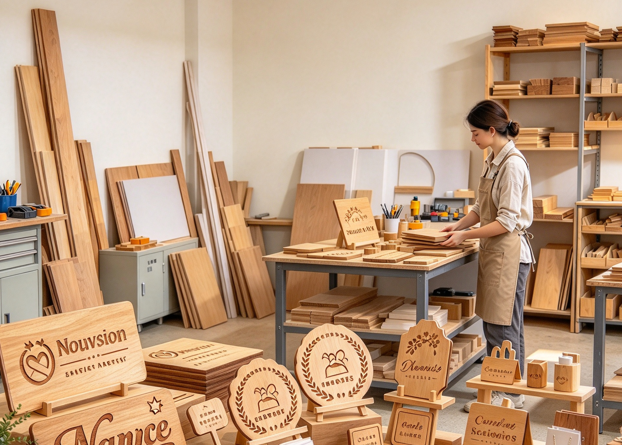
A wood laser engraver can turn standard wood blanks into personalized gifts, branded products, and custom signs that command more value. Whether it is a profitable investment depends on customer demand, material costs, processing time, and the machine’s ability to handle repeat orders.
A diode laser can suit lower-volume engraving and light cutting, while a CO₂ laser is generally a stronger option for businesses that need faster wood cutting, a larger working area, or more consistent batch production. The best choice starts with the products you plan to make—not the machine’s advertised power.
This guide compares laser technologies, wood materials, operating costs, and production requirements to help you assess the commercial value of a wood laser engraver.
Laser engraving adds names, logos, artwork, and intricate details to wood products without requiring a new physical template for every order. Common products include personalized gifts, ornaments, wedding decorations, name plaques, cutting boards, photo engravings, desk accessories, and custom wall signs.
Personalization can help small businesses distinguish their products from mass-produced alternatives. E-commerce sellers can offer customized gifts, while local businesses may need branded displays, promotional items, and custom signage.
Start with a focused product range rather than accepting every possible custom order. Standard sizes, reusable design templates, and consistent material choices make production easier to manage and costs more predictable.
A wood laser engraving machine can process solid wood, plywood, MDF, and selected veneered boards, but the right material depends on the design, desired finish, and whether the job requires engraving, cutting, or both.
| Material | Common applications | What to check |
| Solid wood | Premium gifts, plaques, decorative products | Grain variation affects contrast and appearance |
| Plywood | Ornaments, signs, models, layered designs | Adhesives and core construction affect cutting quality |
| MDF | Decorative components and uniform-surface products | Confirm composition and suitability for laser processing |
| Veneered boards | Signs, panels, decorative items | Thin veneers can burn through if settings are unsuitable |
For fine images and small lettering, consistent grain and a smooth surface make results easier to control. For cutting, thickness, density, adhesive layers, and sheet flatness have a greater influence on processing time.
A wood laser cutting machine is especially useful when products require both engraved details and precisely cut outlines. However, not every machine can process every thickness at the same speed or quality. Test samples from the actual supplier before buying in bulk, and never process unidentified treated wood, coatings, or adhesives without confirming that they are safe for laser processing.
Related guide: https://www.mimowork-laser.com/blog/wood-laser-engraver-and-cutter-buying-guide
Prioritize engraving when products earn value from names, logos, artwork, or personalized messages. Prioritize cutting when the business depends on shaped components, layered signs, ornaments, or assembled products.
Many product lines combine both operations. A wooden sign, for example, may need its outline cut before lettering and decorative details are engraved.
List your main products and estimate the time spent on each operation. If cutting accounts for most of the workload, prioritize cutting capability and bed size. If fine details dominate, focus on motion accuracy, optics, and engraving performance.
Laser processing can reduce repetitive marking, manual cutting, and some finishing work. The actual benefit depends on labor saved, material utilization, setup time, and the number of saleable products produced. Include materials, packaging, marketplace fees, labor, and waste when reviewing product margins.
Laser processing can reduce repetitive marking, manual cutting, and some finishing work. Actual savings depend on how much labor it replaces and how efficiently each job uses the available material.
Digital files make designs easier to reproduce, while nesting multiple parts on a sheet can reduce offcuts. Fixtures and standardized blanks can also shorten setup time.
Laser processing does not eliminate labor. Operators still prepare artwork, position materials, monitor jobs, inspect finished products, and maintain extraction systems. Include these tasks when estimating the time and cost per item.
The machine is only part of the investment. Ventilation, maintenance, workspace preparation, and fire prevention also affect operating costs.
Wood processing produces smoke and airborne particles. Appropriate exhaust ventilation or a properly specified filtration system is essential, and filters may need regular replacement.
CO₂ systems may also require cooling equipment and laser-source maintenance, depending on their configuration. Budget for replacement components, cleaning supplies, optics, and routine inspections.
Allow room for the machine, material handling, exhaust routing, maintenance access, and safe operation. Larger production systems may require a dedicated workshop rather than a home desk.
Never leave laser processing unattended. Keep combustible debris under control, follow the manufacturer’s safety instructions, and prevent dust and offcuts from accumulating around the machine.
A compact machine can remain useful as a business grows, but limited bed size, slow cutting, and manual handling can eventually restrict output.
A larger working area can accommodate bigger signs or more parts per batch. Pass-through designs may help with longer workpieces, while fixtures and camera-assisted positioning can reduce setup time where available.
Measure finished products per hour instead of relying on advertised engraving speed. Loading, unloading, focusing, repeated passes, and quality checks all contribute to actual production time.
Consider upgrading when your current machine repeatedly causes missed deadlines, excessive labor, or unacceptable cutting times.
A larger CO₂ platform may be appropriate for regular plywood cutting, larger signage, or higher-volume production. Before upgrading, identify the actual bottleneck: additional laser power will not solve inefficient artwork preparation or slow manual handling on its own.
Hobby machines generally target smaller workloads and lower initial investment. Commercial equipment places greater emphasis on repeatability, working area, serviceability, and production capacity.
A commercial laser engraver should be evaluated for its ability to maintain consistent output, accommodate realistic workloads, and minimize costly downtime.
For a side business producing occasional personalized gifts, a compact machine may be enough. A workshop supplying signs or components every week should also consider technical support, maintenance access, safety features, and the cost of production interruptions.
When deciding how to choose a wood laser engraver for custom signs, pay particular attention to lettering detail, sheet dimensions, cutting quality, and the time needed to finish each order. The best machine meets these requirements without unnecessary operating costs.
MimoWork offers CO₂ laser systems for wood engraving and cutting, with configurations for different workpiece sizes and production requirements.
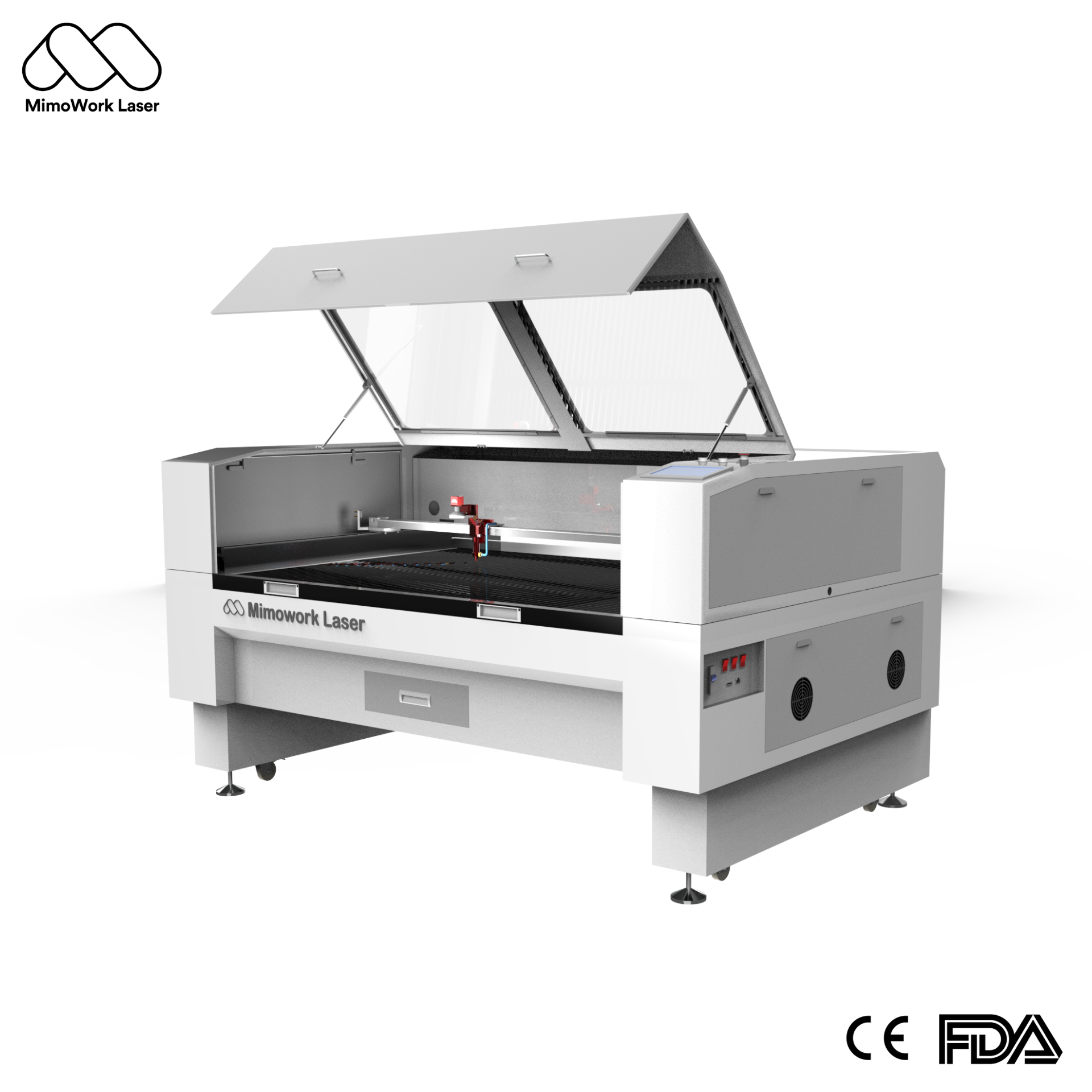
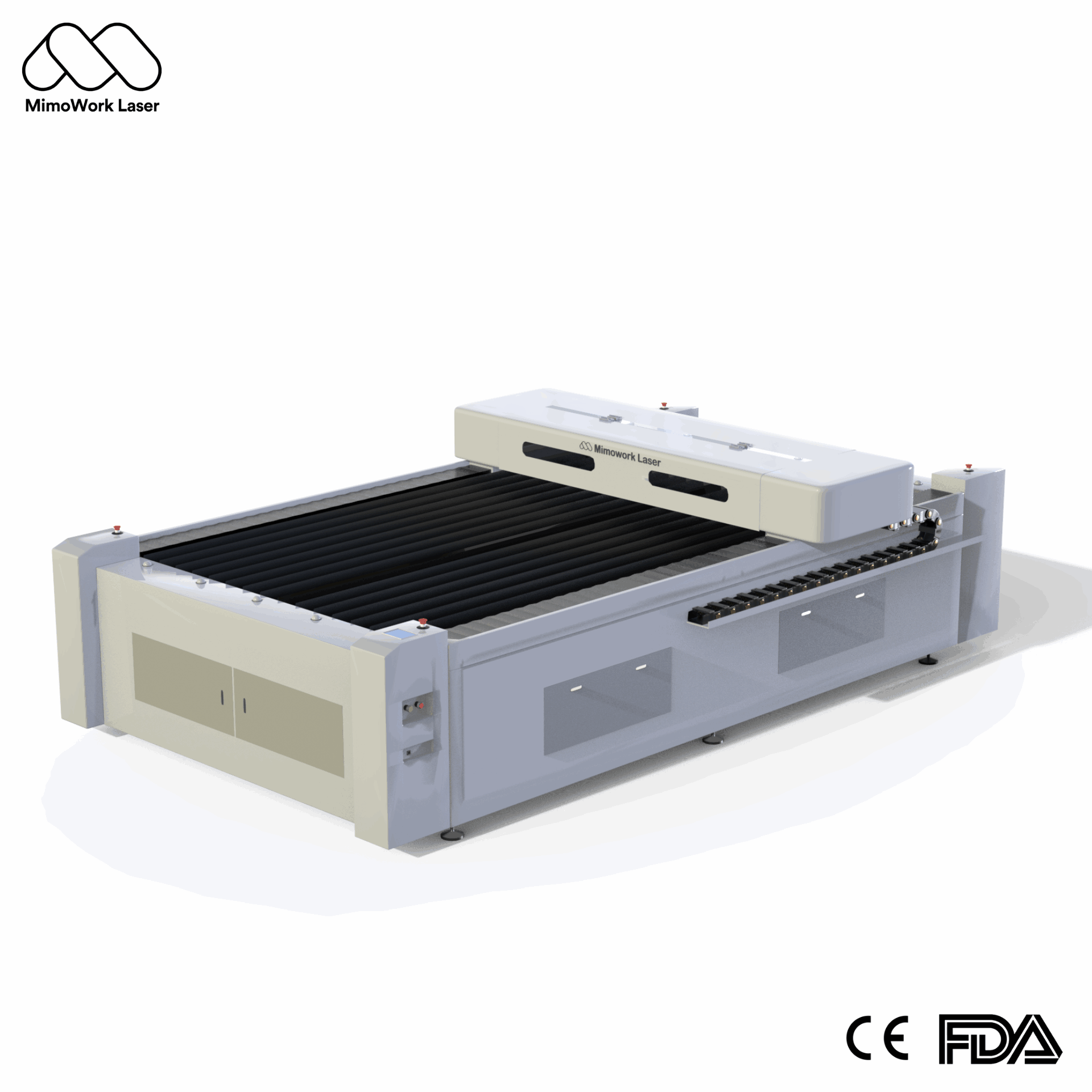
For smaller workshops, the Flatbed Laser Engraver 100 is a starting point for evaluating compact flatbed configurations. For larger projects, the Flatbed Laser Cutter 130 lists a 1,300 × 900 mm working area and several laser power configurations. Businesses handling larger sheets or thicker wood can also review MimoWork’s industrial wood laser cutter.
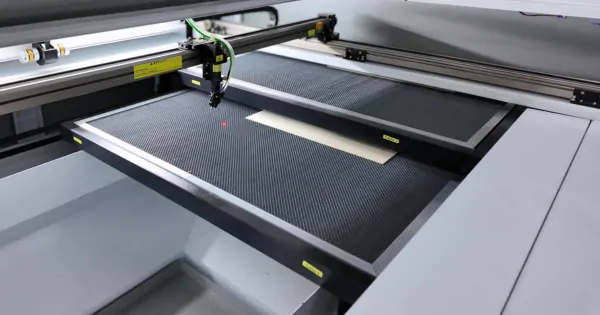
Before requesting a quotation, prepare a wood sample, product dimensions, the required engraving or cutting result, and expected daily output. Ask MimoWork to confirm the appropriate power, working area, extraction, cooling, and safety configuration for your application.
It can be worthwhile when there is proven demand for personalized products and the machine can produce them at a sustainable cost. Validate demand with sample products and realistic pricing before making a large investment.
Lower-powered diode systems can handle many engraving jobs, while cutting thicker material generally requires more capability. CO₂ machines in the 60W–150W range are worth evaluating for commercial wood processing, but the ideal specification depends on material thickness, speed, and daily volume.
Suitable CO₂ systems can cut relatively thick wood, but achievable thickness depends on laser power, wood species, density, and machine configuration. Test the actual material before purchasing.
Use suitable focus, speed, power, and air-assist settings. Keep materials flat and clean, test each new wood batch, and maintain appropriate extraction. Some edge darkening is a normal result of thermal cutting and may require finishing.
Space requirements depend on machine dimensions, material size, ventilation, cooling equipment, and maintenance access. Measure the complete installation area, including loading space and exhaust routing, before choosing a machine.
A wood laser engraver can be a worthwhile investment when it helps a business sell customized products, cut repeatable components, or fulfill orders more efficiently. Start with the products you intend to sell, not the machine’s advertised power.
Choose a diode system for suitable lower-volume work and consider CO₂ when cutting speed, material thickness, or production scale becomes more important. Include ventilation, safety, maintenance, and realistic sales forecasts in your budget.
Before investing, test your most important product using the actual wood you plan to process. Compare the finished quality, production time, and cost per item. Those results will tell you far more about commercial potential than a specification sheet alone.
News | Sep-4-2026
News | Aug-20-2026