Blog
In a field that evolves daily, staying ahead means staying informed.
Explore in-depth articles designed to help you solve complex challenges,
maximize your machine’s ROI.
Stay ahead in a competitive market.


In a field that evolves daily, staying ahead means staying informed.
Explore in-depth articles designed to help you solve complex challenges,
maximize your machine’s ROI.
Stay ahead in a competitive market.
News | Oct-21-2026 | Mimowork
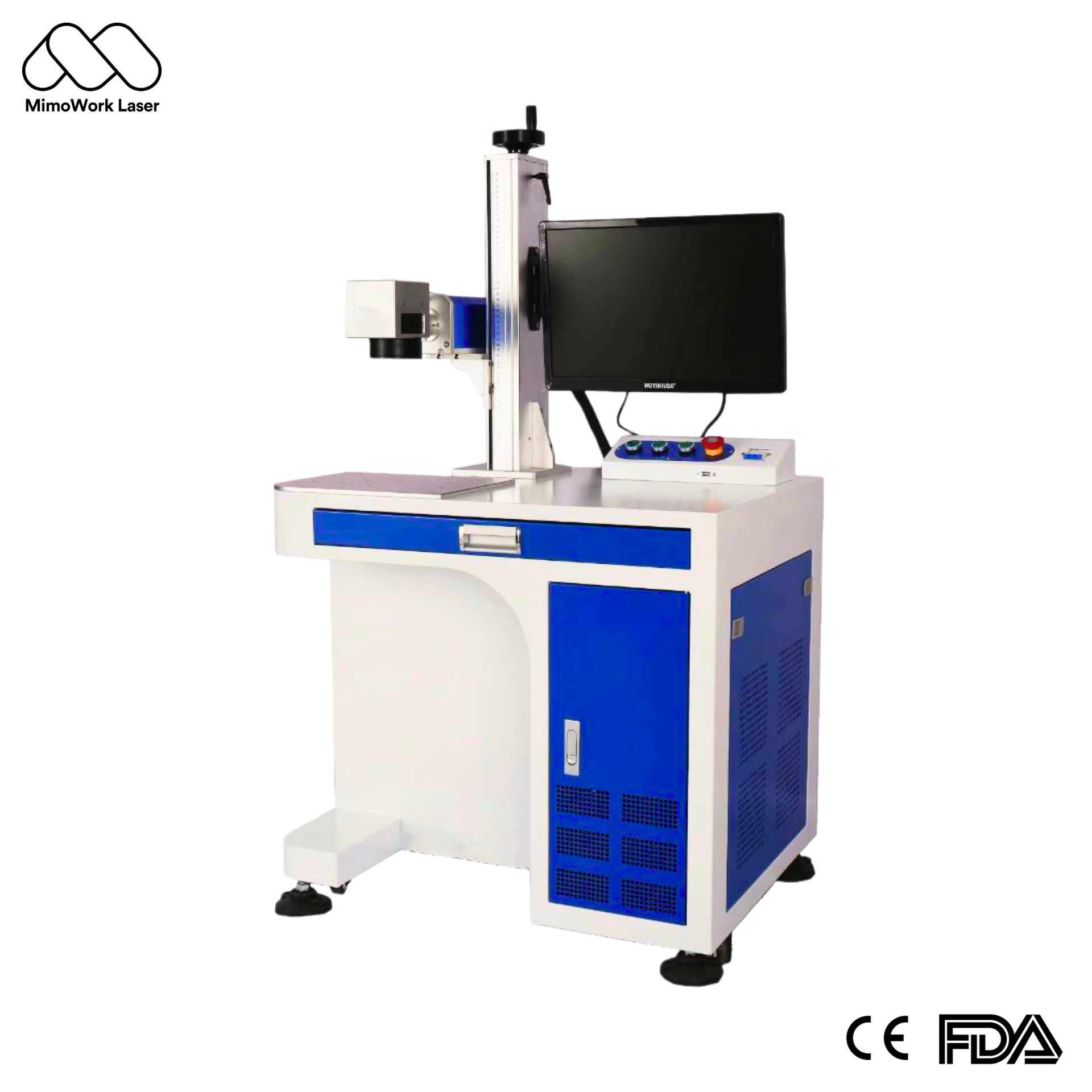
For most small businesses marking metal products, a 20W or 30W fiber laser is a practical starting point. UV lasers are worth considering for selected heat-sensitive plastics and delicate components, while MOPA fiber lasers offer greater control over pulse duration for specialized marking effects.
This guide explains how to compare laser types, choose the right power level, evaluate operating costs, and identify the features that will support your business as production grows.
A small laser marking machine creates permanent logos, serial numbers, QR codes, decorative patterns, and personalized details without ink or mechanical engraving tools. Its value lies in consistent results, flexible customization, and the ability to handle small production runs.
Common applications include:
For a small laser marking machine for personalized business gifts, quick job changes and repeatable results may matter more than maximum engraving depth. Check the marking field against your largest product and determine whether a rotary attachment is necessary for cylindrical objects.
Digital marking allows operators to switch between names, logos, and serial numbers without creating a new physical template for each order. Once the design and processing parameters are validated, the machine can reproduce consistent marks across a batch.
Choose the laser source according to your material and required finish before comparing power ratings. A higher-power machine cannot compensate for an unsuitable wavelength or an inability to achieve the desired result.
| Laser type | Best-fit applications | Main advantage | Key consideration |
| Fiber laser | Stainless steel, aluminum, brass, and other compatible metals | Efficient, permanent metal marking | Not suitable for every plastic |
| UV laser | Selected plastics, electronics, and heat-sensitive materials | Fine processing with reduced thermal impact in suitable applications | Material testing is essential |
| MOPA fiber laser | Specialized metal marking and selected color effects | Adjustable pulse duration for greater process control | Results depend on material and settings |
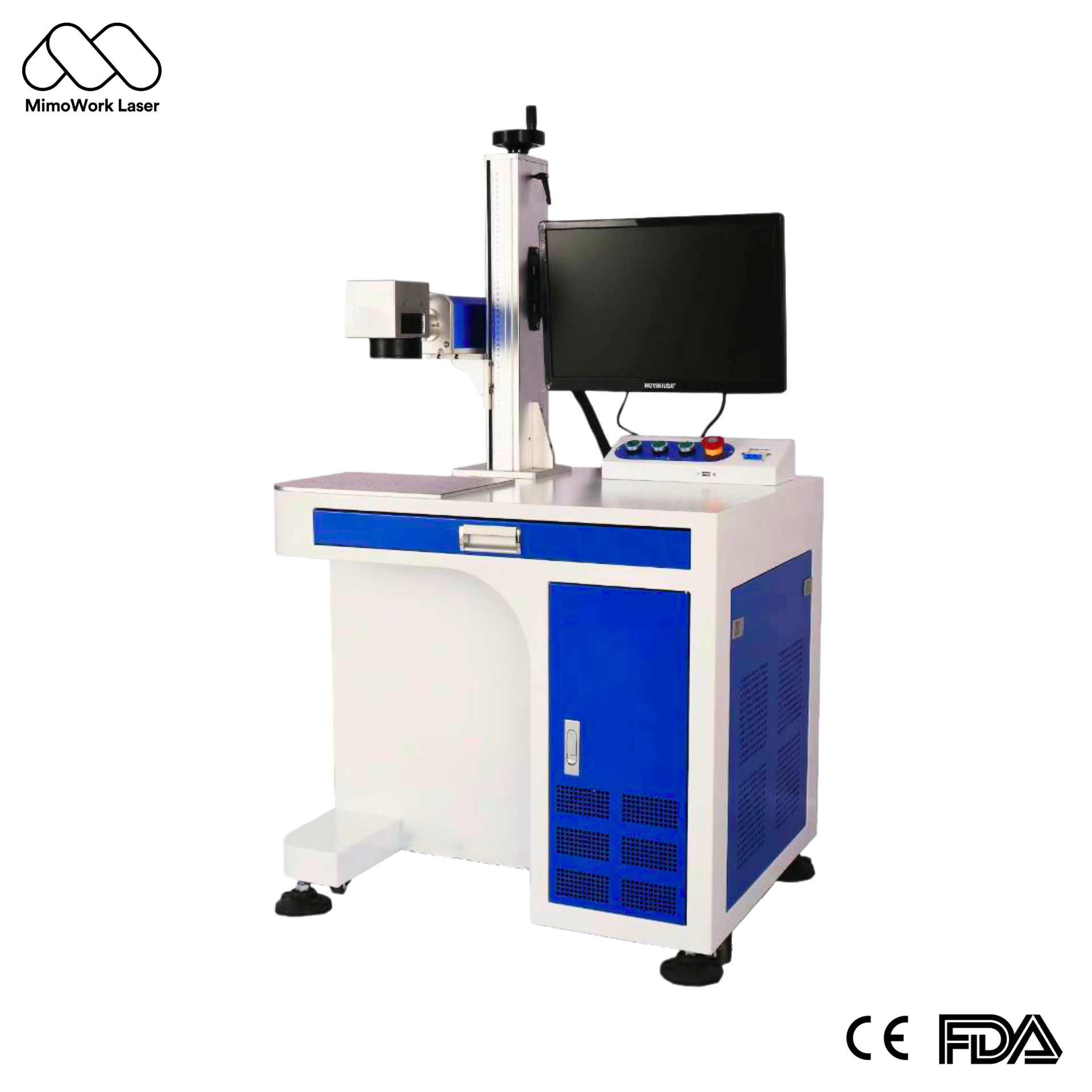
For most small businesses working with metal products, a small fiber laser marking machine is a practical first choice. It can mark compatible metals with logos, fine text, identification codes, and decorative designs.
A 20W or 30W system is often sufficient for routine surface marking. Businesses requiring deeper engraving or shorter cycle times may benefit from higher power, depending on the material and target finish.
UV lasers are useful when conventional fiber marking causes excessive thermal damage, melting, or insufficient contrast on a particular material. They are worth evaluating for selected plastics, electronic components, and delicate products.
Plastic composition, pigments, additives, and surface coatings can significantly affect processing results. Test the actual production material before choosing a UV system.
MOPA fiber lasers provide adjustable pulse-duration control, which can help achieve specialized surface finishes, including certain color-marking effects on stainless steel.
For routine identification tasks, a standard fiber laser may already meet the requirements. MOPA becomes more attractive when specialized finishes and additional process flexibility are important to your product offering.
A desktop laser marking machine is generally better for repeatable processing of small parts. A handheld system is useful when large or heavy workpieces cannot easily be positioned beneath a fixed marking head.
A desktop system suits workshops marking jewelry, metal tags, electronic components, and personalized gifts. Its fixed working position helps maintain alignment across repeat orders, while its compact footprint preserves valuable workspace.
Before purchasing, check the usable marking area, focusing adjustments, and workpiece clearance. A small marking field may require multiple setups for larger designs.
A handheld laser marker can simplify work on large components, equipment housings, and products that are difficult to move. It also accommodates a wider range of workpiece sizes.
The trade-off is positioning consistency. Repeat orders may require locating guides, a stable working arrangement, and appropriate laser safety controls to maintain reliable results.
Choose laser power according to engraving depth, cycle time, and daily output rather than assuming that higher wattage always delivers better value.
| Laser power | Typical business applications | Main limitation |
| 20W | Logos, serial numbers, QR codes, and routine surface marking | Deep engraving may require more passes |
| 30W | Mixed daily marking and moderate production workloads | May not meet demanding throughput targets |
| 50W | Frequent deeper engraving and higher-volume production | Additional power may offer little benefit for simple marks |
A 20W machine can suit a startup producing personalized metal gifts in small batches. A 30W model offers more capacity for varied workloads, while a 50W system is worth evaluating when engraving depth or processing time limits output.
When comparing the best 30W small laser marking machine for metal products, look beyond the rated power. Evaluate the required marking depth, smallest text size, working area, and time needed to finish a representative batch.
These guidelines are not guaranteed performance figures. Material composition, lens selection, pulse settings, artwork, and the required finish all affect processing time. Sample testing provides a more reliable basis for selection.
Material compatibility should be confirmed before comparing machine specifications. A laser’s ability to mark a material in principle does not guarantee commercially acceptable contrast, durability, or surface quality.
To choose a compact laser marker for stainless steel, first define the finish you need. A dark surface mark, a high-contrast logo, and a visibly engraved texture may require different processing parameters.
Fiber lasers commonly process stainless steel, aluminum, brass, and other compatible metals. UV lasers may suit certain heat-sensitive substrates, while MOPA systems offer additional control for selected metal finishes.
Evaluate every target material against four criteria:
The marking field determines how much of a workpiece can be processed in one setup. A larger field accommodates bigger designs, but optical configuration also affects achievable detail.
Maximum scanner speed is not the same as finished-part throughput. Actual production time includes focusing, positioning, loading, unloading, and repeated passes.
For batch production, test a representative order and calculate the time required per finished item before estimating daily capacity.
Upgrade when your current setup consistently restricts production, not simply because your business has grown.
Common warning signs include excessive cycle times, repeated manual positioning, frequent changeovers, insufficient marking area, and increasing quality-control demands.
A larger marking field, rotary axis, automated fixture, vision system, or integrated production line may resolve the bottleneck without replacing the entire laser source. If production volume increases substantially, compare the benefits of automation with those of a higher-power machine.
The key is to identify the actual constraint. When handling time is the problem, automation may deliver more value than additional laser power.
MimoWork offers laser processing solutions that small businesses can evaluate against their materials, marking requirements, and production goals. Its product range includes fiber laser marking configurations, handheld fiber markers, and MOPA and UV laser options.
Businesses focused on metal marking can compare fiber laser systems by power, marking field, and required finish. Those processing selected plastics or pursuing specialized surface effects can assess whether UV or MOPA technology is more appropriate.
Explore MimoWork’s fiber laser marking machine solutions and galvo laser marking options. Request sample testing before finalizing your selection, and confirm the current specifications, included accessories, safety arrangements, and after-sales support.
For beginners marking metal products, a 20W or 30W fiber laser is often a sensible starting point. The best option depends on production volume, engraving depth, required finish, and the support included with the machine.
Yes. Compatible fiber laser systems can mark stainless steel with text, logos, serial numbers, and other designs. The appearance depends on the laser source, processing parameters, and surface condition.
Service life varies by laser source, component quality, operating conditions, and maintenance. Ask the supplier about the rated life of the laser source, warranty coverage, and replacement costs rather than relying on a single lifespan estimate for the entire machine.
Yes. A compact marker can support commercial production when its cycle time, marking field, repeatability, and safety arrangements match the workload. Higher-volume operations may eventually benefit from fixtures, automation, or a more capable industrial configuration.
The best small laser marking machine produces the required result at a sustainable cost per item. Start by confirming material compatibility, then compare marking quality, power, working area, safety, and actual production speed.
For routine metal marking, evaluate 20W and 30W fiber systems first. Consider 50W when engraving depth or throughput demands justify the extra capacity, UV for suitable heat-sensitive materials, and MOPA when specialized marking effects warrant the additional investment.
Before requesting a quotation, prepare a representative workpiece, a sample of the desired mark, and your expected daily output. With these details, MimoWork can assess your application against suitable configurations and help you avoid paying for capabilities your business does not need.
Related guide: https://www.mimowork-laser.com/solutions/laser-marking/green-laser-marking-machine
News | Sep-14-2026
News | Sep-4-2026