Blog
In a field that evolves daily, staying ahead means staying informed.
Explore in-depth articles designed to help you solve complex challenges,
maximize your machine’s ROI.
Stay ahead in a competitive market.


In a field that evolves daily, staying ahead means staying informed.
Explore in-depth articles designed to help you solve complex challenges,
maximize your machine’s ROI.
Stay ahead in a competitive market.
News | Oct-20-2026 | Mimowork

Most small shops don’t buy the wrong laser because they picked a bad brand. They buy it because they bought for the shop they imagined, not the one they actually run. The 1.3-meter bed that never fits through the workshop door. The high-power tube that costs more to run than the jobs earn. The camera system nobody uses because 90% of the orders are plain rectangles of plywood.
This guide is about avoiding those mistakes. We’ll look at what actually trips people up, compare MimoWork’s flatbed range by the kind of business it suits, and finish with a checklist you can run against your own order list. Whether you’re hunting for the best CO2 laser for small business gift work, the best CO2 laser engraver for small business personalization, or the best CO2 laser cutter for small business signage, the logic is the same: start from your orders, not from the spec sheet.
A larger work area feels like insurance. In practice it means more floor space, a heavier machine that’s hard to move, a bigger exhaust requirement, and a higher price. If 95% of your jobs fit on a 600 × 400 mm bed, paying for a 1300 × 900 mm bed to cover the other 5% is rarely a good trade. Many owners are better off subcontracting the occasional oversized job.
More wattage cuts thicker material faster, but it isn’t free. Higher-power tubes cost more to buy and replace, draw more electricity, and need a cooling setup that can keep up. If you mostly engrave and cut 3–6 mm sheets, a big tube is paying for capability you’ll hardly ever use. Match power to the thickest material you cut regularly, not the thickest you ever imagine cutting.
Camera-based positioning is fantastic for printed fabric, patches, stickers, and anything that has to be cut along a pre-printed outline. It’s also a premium feature. If your work is mostly cutting vector shapes out of blank wood or acrylic, the camera sits idle while you keep paying for it.
Sheet material is one of your biggest running costs. Software with good nesting can noticeably reduce scrap, and that matters more every month than a slightly faster engraving speed. Before buying, check that the machine works with the layout software you plan to use (LightBurn is popular with many shop owners, and the controller compatibility is worth confirming) and that you can save settings per material.
Switching from 3 mm birch to 5 mm acrylic to leather means different speed, power, and focus every time. On a busy day, that setup time eats real minutes. Machines with easy focus adjustment and saved material profiles save more time than a few extra millimeters per second of top speed.
Every choice here costs you something. Better to know what before you pay.
| If you choose… | You gain | You give up |
| Larger work area | Bigger sheets, more parts per run | Floor space, portability, higher price |
| Higher power | Thicker cuts, faster speeds | Higher running cost, more cooling demand, shorter tube life if pushed constantly |
| Camera positioning | Accurate cutting of printed or irregular pieces | Added cost, wasted on blank-sheet work |
| Conveyor / auto-feed | Smooth production on rolls and fabric | Slower and less sensible for single small boards |
| Pass-through doors | Handles long or oversized material | Can add safety and workflow considerations, and you may rarely use it |
None of these is “better.” The right answer depends on whether your week looks like fifty small gift engravings or three big sign cuts.
Shop A takes wedding favor orders. Fifty or a hundred small items, personalized names, wood coasters, leather tags, acrylic place cards. The pieces are small, the engraving detail matters, and deadlines are tight around event dates. What helps most is a compact, reliable engraver with a comfortable work area, good detail, and quick job setup. A huge bed adds nothing here, and a high-power tube is overkill.
Shop B makes storefront and event signage. Most weeks are modest, then a client wants a 2-meter acrylic fascia. Now bed size and pass-through become real questions, and cutting power on thicker sheet matters. This shop would be frustrated on a small machine but also shouldn’t pay for a huge system if oversized jobs are only occasional.
Same industry label (“small business laser”), completely different best machine.

MimoWork’s flatbed CO2 lasers are built around common material sizes, so you can pick by the sheets you actually handle. The work areas below are the commonly listed ones; confirm exact specs and power options on the product pages before you order.
| Model | Typical work area | Suits | Watch out for |
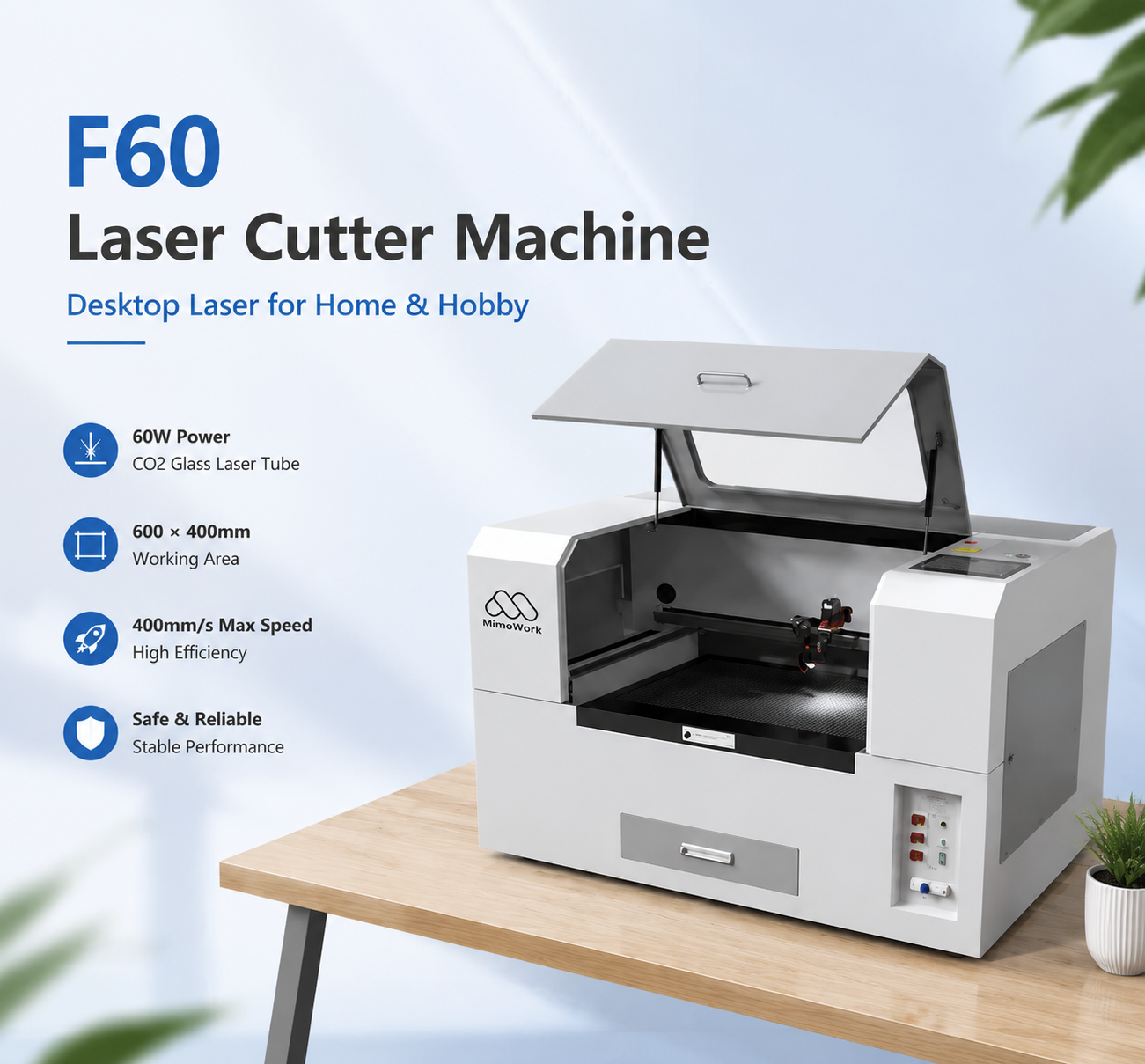
| Flatbed Laser Cutter 60 | ~600 × 400 mm | Gift engraving, small crafts, startups, tight workspaces | Not for full-size sheets |
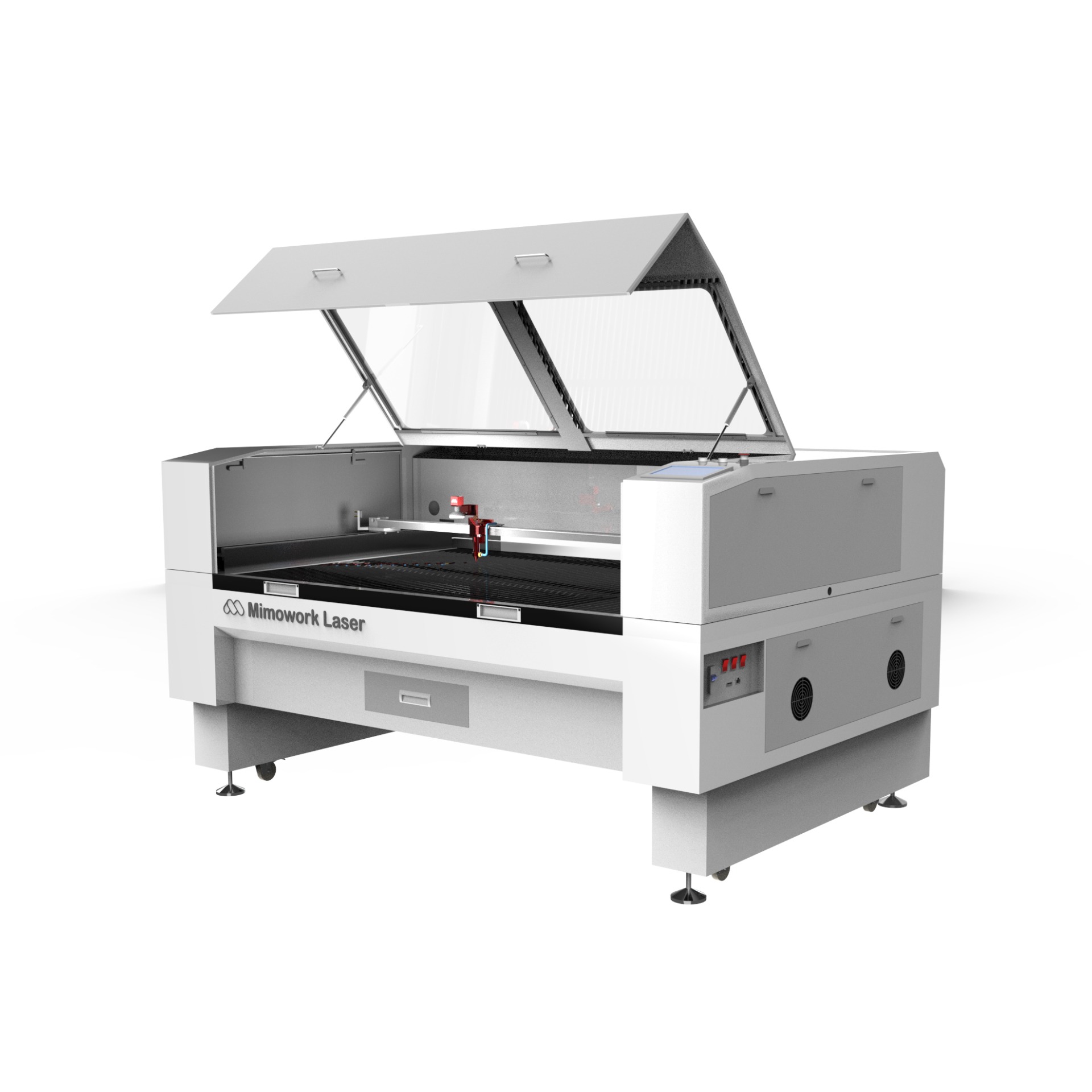
| Flatbed Laser Cutter 100 | ~1000 × 600 mm | Small-batch signs, leather, wood and acrylic work, all-round workshop | Check floor space and exhaust plan |
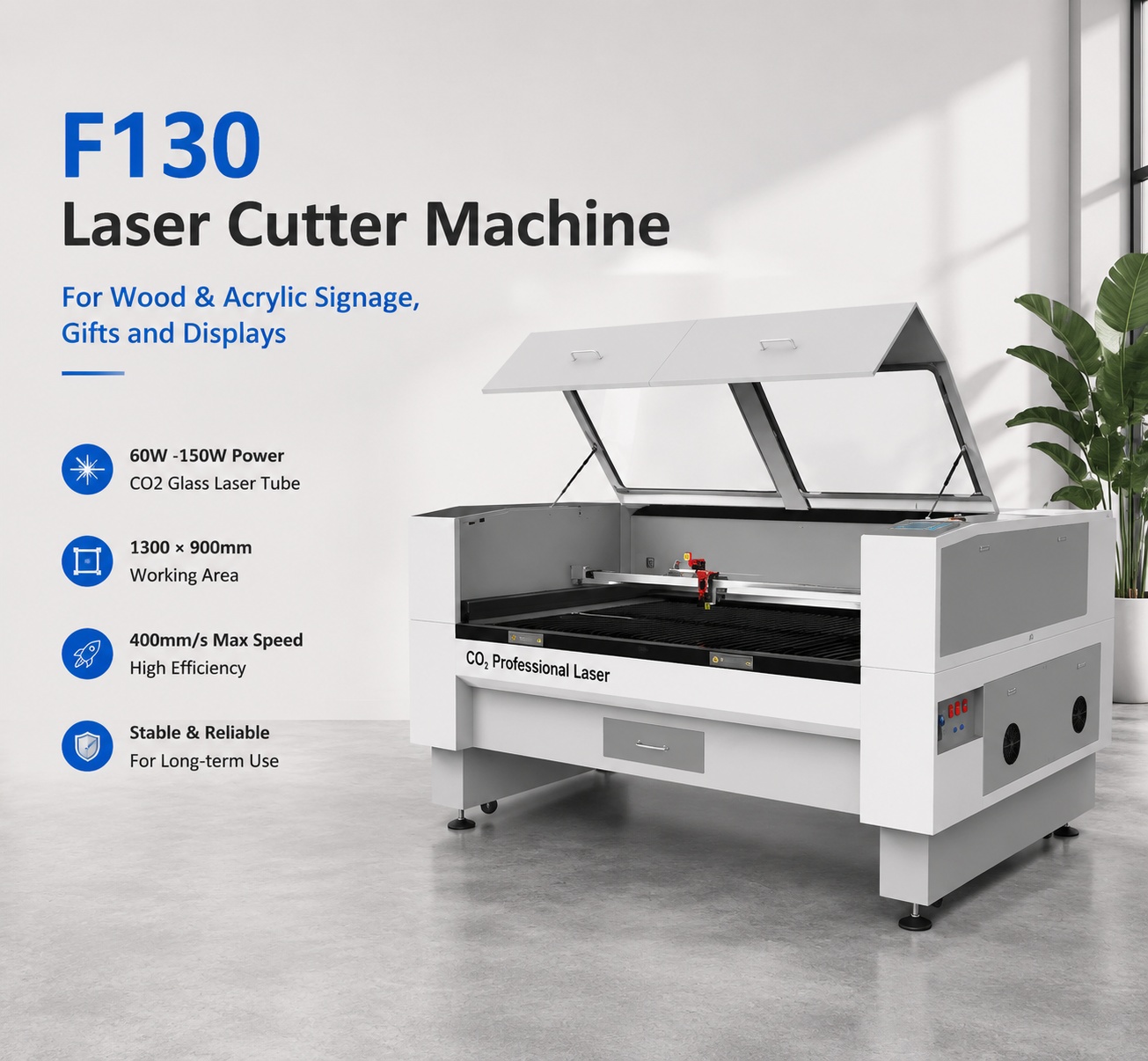
| Flatbed Laser Cutter 130 | ~1300 × 900 mm | Signage, displays, packaging, wider sheet work | Larger footprint and higher running cost |
| Flatbed Laser Cutter 160 | ~1600 × 1000 mm | Fabric, large panels, higher-volume production | Overkill for small-piece shops |
| Flatbed Laser Cutter 130L | ~1300 × 2500 mm | Long-format material and oversized signage | Specialist machine, needs real space and a clear use case |
MimoWork works best for owners who want to choose by application and material rather than by a generic spec tier, and who value having someone ask about their materials and volumes before recommending a machine. The range covers flatbed cutters and engravers, fabric and contour systems, and galvo options, so you can grow into related processes without switching to an unfamiliar supplier. Setup guidance and post-purchase support matter most in your first months, when you’re still learning your materials.
It may not be the best fit if you need a very small desktop machine for a hobby, if you’re only marking metals (that’s a job for fiber lasers), or if you want to touch and test a machine in a local showroom before buying. Being clear on that up front saves you time.
Glass tubes are the common choice for flatbed machines. They’re cheaper upfront and fine for most cutting and engraving, but they’re a consumable that eventually needs replacing. RF metal tubes cost more, last longer, and can give finer detail for high-precision engraving, which is why they show up more on galvo-type systems. For most small shops, a glass tube flatbed is the practical starting point.
Budget for replacement lenses and mirrors, a replacement tube down the road, a water chiller or cooling system, exhaust and filtration, electricity, and air assist. These add up and are often left out of first-time budgets.
Ask any supplier how long repairs and replacement parts take, and whether remote troubleshooting is available. A cheaper machine with a three-week parts wait can cost you more than a pricier one with fast support.
The best CO2 laser for small business use is rarely the biggest, most powerful, or most feature-packed one. It’s the one that matches the orders you already have, with a little room to grow. Pick the bed size for your regular pieces, the power for your regular materials, and add cameras or conveyors only when your work genuinely needs them.
Whether you’re comparing the best CO2 laser engraver for small business personalization work or the best CO2 laser cutter for small business signage, run your own orders through the checklist above first. If you’d like a second opinion, MimoWork can suggest a model based on your materials, product sizes, and weekly volume.
News | Oct-16-2026
News | Oct-3-2026